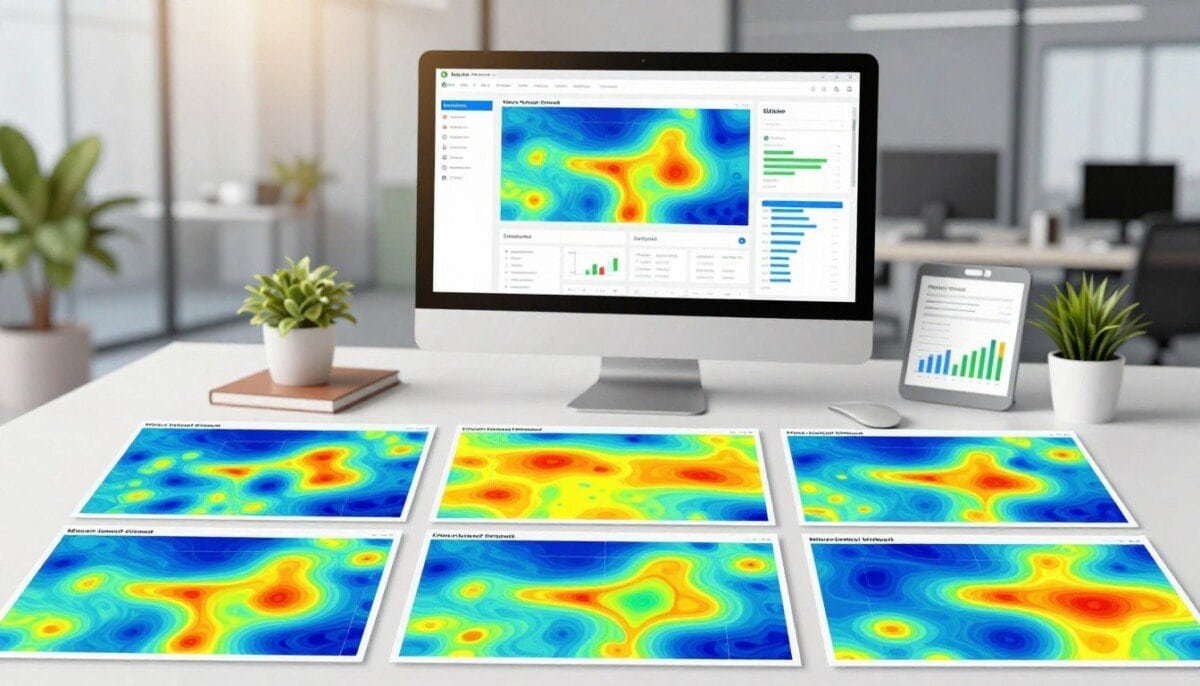
Curious how behavioral analytics in 2026 can outsmart static visual tools? We ask that because the modern stack now favors predictive, automated, and agent-aware models that go well beyond traditional visual reports.
We explore how session recordings, event tracking, and automated funnel analysis help us see real user behavior and catch problems like rage clicks and hidden friction points.
Privacy rules like GDPR shape what data we can collect, so we explain how to balance compliance with useful recordings. We compare tools — from established options like Crazy Egg to newer platforms — and show how integrations and features affect your product experience.
By the end, we want you to feel confident choosing a solution that turns passive signals into actionable insights, improves conversions, and maps the full customer journey across your website and apps.
Key Takeaways
- Modern analytics use predictive and automated models, not just visual reports.
- Session recordings and event tracking reveal interaction issues like rage clicks.
- GDPR and privacy impact how we collect user data and recordings.
- Choosing the right tool depends on integrations, features, and workflow fit.
- Actionable insights help optimize design, engagement, and conversion.
Why Traditional Heatmaps Struggle in the Modern Web Era
Single-page apps and dynamic layouts have exposed limits in traditional visual overlays for tracking user interactions. When components re-render without a full page load, static overlays often show misleading click points and stale engagement data.
We see dashboards turn into ghost maps when overlays don’t follow the DOM updates. Teams that still rely on Crazy Egg or similar tools report confusing reports that can skew conversion decisions.
In our analysis, session recordings and event-level tracking deliver deeper insights into why users stumble. Recordings reveal sequence, hesitation, and broken flows that static visual maps miss.
- Problem: Static overlays lose accuracy on modern websites.
- Why it matters: Bad data drives poor design and conversion choices.
- Our view: Move to real-time, interaction-first analytics for reliable insights.
| Metric | Static Overlays | Session Recordings |
|---|---|---|
| SPA Support | Poor | Good |
| Action Context | Low | High |
| Real-time Data | No | Yes |
| Conversion Insights | Limited | Actionable |
The Impact of AI Agents on Behavioral Data
AI-driven bots and agents now visit our products in ways that produce machine-speed signals, not human pauses.
These non-human visitors flood session records with rapid events that do not reflect real user behavior. Our analysis shows this noise skews heatmaps and session recordings. That makes extracting reliable insights about users and engagement harder.
The Rise of Non-Human Traffic
We find agents hitting APIs and MCP servers generate patterns with no human hesitation. Clicks, points, and event timestamps compress into machine bursts. This distorts time-on-page metrics and conversion estimates.
Separating Agent Streams
We recommend modern analytics software and tracking that filter non-human events. Tools like Crazy Egg are useful, but teams must segment agent streams to keep recordings human-centric.
- Filter traffic by user-agent, rate, and API footprints.
- Mark and exclude high-frequency events from product analysis.
- Use robust event tracking to preserve design and conversion decisions.
When we isolate human visitors, our insights improve. The result is clearer analysis, better design choices, and fewer false friction signals.
Navigating Privacy Regulations and Data Masking
Regulatory pressure has forced us to rethink what behavioral signals we record on sensitive pages.
GDPR and CCPA enforcement now restrict mouse-movement capture, especially in workflows for finance and healthcare. Many enterprise customers exclude behavioral tracking tools from vendor contracts to avoid legal risk.
We find tools like Crazy Egg can be problematic if they lack strong data masking features. Strict masking often reduces the fidelity of our session recordings and makes deep analysis harder.
That loss is real: the most valuable power users and sessions may become unrecordable. This limits our ability to improve conversion, design, and overall user experience.
We recommend choosing privacy-first analytics software that supports flexible masking, selective tracking, and clear visitor filters. These features let us keep core insights while protecting customer information.
- Apply data masking on sensitive fields and payment pages.
- Segment visitors to separate automated traffic from real users.
- Audit vendor contracts for masking and retention features.
Balancing privacy and insight keeps trust intact and lets us make measured decisions about engagement, clicks, and time on page without sacrificing compliance.
Exploring Effective Heatmap Alternatives for Deeper Insights
Our testing shows that depth of context — sequence, hesitation, and form errors — separates good behavioral products from basic visual ones.
We evaluated platforms like Mouseflow and FullStory and found they deliver richer session recordings and event-level data than static overlays. These tools let us see why visitors pause, where clicks misfire, and which page flows break conversions.
Beyond color overlays, the right software captures time, interactions, and form errors. That actionable insight helps us make design changes that raise conversion and engagement.
- Replay context: follow a user’s journey, not isolated points.
- Event tracking: measure specific clicks and errors to guide fixes.
- Segmentation: separate real visitors from bots and noise.
For teams replacing Crazy Egg, prioritize platforms that link recordings to events and product data. For a practical comparison, see our write-up on heatmap and user behavior analysis tools to pick tools that fit your website and analytics needs.
Leveraging Predictive UX and Attention Simulation
Predictive UX tools let us spot visual problems before any visitor reaches the site. These platforms analyze design inputs and produce gaze prediction maps so we can test ideas without live traffic.
Validating Layouts Before Launch
We use EyeQuant and Attention Insight to simulate how users scan pages. The AI-trained gaze models generate fixation maps and saccade paths from static mockups.
That means we can test five layout variants in a day with no traffic cost. We catch visual competition issues and place key elements where they get attention first.
- Proactive fixes: reduce post-launch diagnosis and support faster releases.
- Data-driven decisions: arrange CTAs and content to boost engagement and conversion.
- Workflow fit: integrate predictions into design reviews for better outcomes.
| Platform | Pre-launch Prediction | Requires Live Traffic |
|---|---|---|
| EyeQuant | Yes — AI gaze models | No |
| Attention Insight | Yes — fixation & heatmaps | No |
| Crazy Egg | Limited — retrospective | Yes |
Bottom line: predictive software gives us early insights that complement session recordings and analytics. We recommend designers adopt these tools to improve product experience on the first day the website goes live.
Implementing Automated Funnel and Path Analysis

When we let event sequences define funnels, we stop guessing and start measuring true user flow.
We implemented Userpilot’s funnel analysis to generate behavioral flows from real event sequences. This shows the paths users actually take on our website.
That automated view outperforms traditional funnel analysis that assumes navigation paths. We found drop-off points that our old heatmap reports never revealed.
Event tracking is central to this approach. By linking events and session recordings, we trace the exact series of clicks and interactions that lead to conversion.
We recommend teams use automated path tools alongside visual overlays. While Crazy Egg gives visual context, automated funnels deliver the quantitative insights needed for smart decisions.
- Identify hidden drops: spot steps users skip or repeat.
- Prioritize fixes: focus design changes where engagement stalls.
- Measure impact: validate improvements with real user data.
For a practical toolkit to support this work, see our guide to the best data analysis tools. Leveraging automated funnels helps us optimize the user journey with confidence.
Utilizing AI Synthesized Session Replays
By auto-tagging friction signals, modern replays focus our team on the issues that matter most. AI-synthesized session replays condense long session recordings into short clips that highlight dead clicks and rage clicks.
Scaling Qualitative Review
We use platforms like LogRocket’s Galileo AI, FullStory, and Quantum Metric to auto-surface common failures. This reduces the hours we once spent watching raw footage.
AI flags patterns so we can prioritize fixes by frequency and impact. That lets us scale qualitative review without hiring more reviewers.
Connecting Replays to Product Data
Linking session recordings to NPS, feature usage, and event tracking gives a full picture of the user journey. When a clip shows repeated dead clicks, we check product metrics to see the conversion impact.
| Capability | Platforms | Benefit |
|---|---|---|
| Auto-detect friction | Galileo AI, FullStory, Quantum Metric | Faster triage of issues |
| Cross-data queries | Analytics + surveys | Contextual insights for decisions |
| Action prioritization | Integrated dashboards | Focus on fixes that improve conversion |
While Crazy Egg helps with basic visualization, we recommend adopting AI replay software to turn behavior data into actionable insights and faster product decisions.
Capturing Micro Interactions and Friction Triggers

We capture tiny interaction signals to tell where a page actually fails users. Micro-interactions like rapid taps and repeated clicks reveal true friction that broader metrics can miss.
These short events help us separate genuine engagement from false positives in heatmaps and other visual reports. Rage clicks, dead clicks, and brief hovers show when a component is confusing or broken.
Our approach groups these anomalous interactions by feature and user segment. Modern analytics and session recordings let us auto-label patterns without manual tagging.
- Detect rage clicks and repeated taps that point to UI bugs.
- Link micro-interaction data to conversion metrics to prioritize fixes.
- Segment visitors to compare behavior across cohorts and features.
- Use software that ties recordings to product data for clearer insights.
While Crazy Egg gives a surface view, focused micro-interaction capture gives the high-resolution data we need. These insights guide design fixes that reduce friction and improve the user journey and conversion on our website.
Integrating Event Driven Contextual Feedback
We embed micro-surveys into specific flows so feedback arrives the moment users hit friction. This gives us quick, qualitative data tied to a single event instead of delayed email responses.
Targeting High Friction Segments
We use Userpilot’s in-app tools to trigger prompts when a user abandons a step or encounters an error. Those micro-surveys capture the voice of the customer at the exact moment they struggle.
This method links feedback to event tracking and session recordings so our product and analytics teams see both the action and the reason. It beats generic surveys because responses match the observed behavior.
- Segment by behavior: target visitors who repeat an action or drop off.
- Improve signal quality: contextual questions reduce noise and boost useful insights.
- Close the loop: connect results to broader analytics and conversion data.
We recommend capturing feedback in-context and routing results into your product workflow. For a deeper troubleshooting workflow that pairs recordings with feedback, see our real-time session recording guide.
Comparing Top Software Solutions for User Analysis
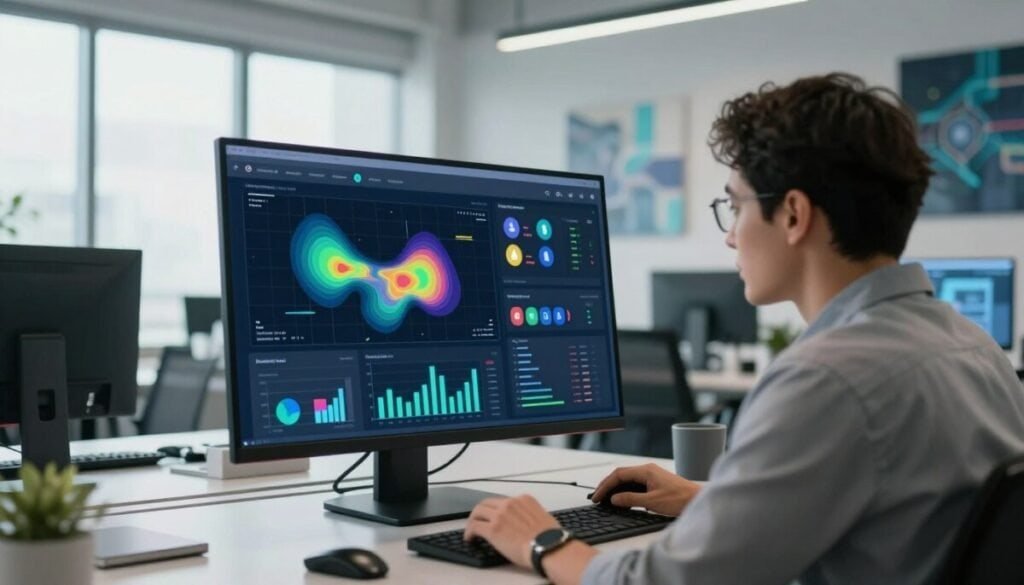
We rank popular platforms by recording fidelity, event tracking, and integration to help teams pick the best heatmap tools as alternatives for their website.
Microsoft Clarity is free and great for teams that need basic session recordings and visitor trends without cost.
Mouseflow starts at $39/month and offers stronger event tracking and funnels for small teams that want more actionable data.
FullStory is an enterprise-level DXP that captures every interaction with pixel-perfect precision, ideal for large organizations that need deep session recordings and advanced integrations.
- Why compare: session recordings, funnel analysis, event tracking, and integration determine how useful a platform is for product work.
- Try first: take advantage of a free trial to validate features and see which tool produces the clearest insights for your visitors.
- Note: Crazy Egg remains familiar, but many alternatives deliver richer data for conversion and UX analysis.
| Platform | Cost | Strength |
|---|---|---|
| Microsoft Clarity | Free | Basic recordings, easy setup |
| Mouseflow | From $39/mo | Event tracking, funnels |
| FullStory | Enterprise | Pixel-perfect replays, deep integrations |
For a broader plugin and integration review, see our analytics plugins guide to match tools with your stack and goals.
Selecting the Right Tool for Your Specific Needs
Picking the right analytics stack means matching tool capabilities to real team workflows, not chasing every shiny feature. We begin by listing goals, required signals, and where you need fast impact.
Budget Considerations
Set a realistic budget and include ongoing costs. Many teams start with a free trial to verify session recordings, data retention, and core analysis before committing.
Feature Set Requirements
Document the features you need: event tracking, funnel reporting, session recordings, masking, and alerting. Prioritize what drives conversion and product decisions.
Technical Integration
Integration determines how fast we act on insights. Confirm the software hooks into your stack, exports events to analytics, and links recordings to product data.
- Test real workflows in a trial environment.
- Document requirements before signing long-term contracts.
- Choose tools that scale with your website and user base.
| Platform | Cost Fit | Core Strength | Integration Ease |
|---|---|---|---|
| Microsoft Clarity | Free | Basic recordings | Easy |
| Mouseflow | Mid | Event funnels | Good |
| FullStory | High | Deep session analysis | Advanced |
| Crazy Egg | Mid | Visual overlays | Good |
Bottom line: define goals, validate with a trial, and pick software that turns behavioral data into prioritized fixes. The right choice improves conversion, reduces friction, and fits your product workflow.
Moving Beyond Diagnostic Charts to Engineering Instruments
We treat modern behavioral stacks as live feedback loops. They send real-time data into product systems so we can act fast when visitors hit friction.
That shift moves us past tools like Crazy Egg, which often only give retrospective charts. With event-driven analytics, we trigger automated interventions at the exact moment a session shows trouble.
We recommend testing each tool during a free trial to confirm it supports deep integration and live routing of signals into engineering workflows.
- Proactive fixes: route events to product code to nudge users or apply hotfixes.
- Better context: link session recordings to event data for clear insights.
- System fit: choose platforms with robust APIs and native integration.
| Capability | Diagnostic Charts | Engineering Instruments |
|---|---|---|
| Real-time routing | No | Yes |
| Automated response | Limited | Built-in |
| Event linking | Partial | Deep |
| Impact on website | Advisory | Operational |
For teams ready to treat analytics as core infrastructure, explore our picks for data analytics tools that support this active model.
Future Proofing Your Behavioral Analytics Strategy
To stay competitive, we must adopt predictive and agent-aware analytics that turn raw signals into clear product actions.
We commit to automated tooling that separates human users from machine noise. That keeps our session data focused and trustworthy.
Consistent analysis of user behavior and data helps us catch friction early. The right tools deliver insights that guide product and design choices.
We believe converting complex data into simple, actionable improvements is the core of future work. By staying agile and refining our approach, we keep the website optimized for visitors and users alike.



