What if you could build a loyal audience and generate real impact with your voice, but you’re held back by the perceived complexity of the process?
The truth is, creating a successful audio series is more accessible than ever. You don’t need a background in sound engineering or a massive budget. Modern platforms have democratized broadcasting.
Consider the data: The Jasmine Star Show achieved over 100,000 downloads in less than one month. This wasn’t a fluke. It was the result of a clear strategy and leveraging the right tech products.
This guide cuts through the noise. We provide the essential steps and equipment you need to transform a simple idea into a professional-sounding show that resonates. Our focus is on actionable knowledge and analytical thinking to set you up for success from day one.
Key Takeaways
- Rapid audience growth is achievable, as proven by real-world success stories.
- Selecting the correct platform and software is critical for effective content distribution.
- Technical expertise is not a prerequisite; user-friendly products handle the complex work.
- A structured guide provides the actionable strategies necessary to go from concept to professional broadcast.
- Leveraging modern technology helps you overcome initial confusion and share your unique perspective confidently.
- Quality audio content can build authority and connect deeply with a target audience.
- The journey begins with a solid plan and the right resources.
Preparing for Your Profitable Podcast Journey
Your journey to a sustainable and engaging series starts with two critical planning phases. Rushing into recording is a common mistake. Strategic groundwork separates a lasting project from a short-lived one.
Understanding the Podcasting Landscape
The current digital audio landscape is welcoming. You do not need a background in sound engineering. Modern tech and platforms handle the complex work.
Successful creators focus on the listener experience. Every episode must provide clear value. A consistent, professional tone builds trust and authority.
Defining Your Show’s Goals and Audience
Clarify your vision before you begin. What is your core idea, and who are your people? Answering these questions prevents burnout.
Resources like The Podcast Host Planner (available for $9.99) help map your goals for a full year. This small investment organizes your entire broadcasting strategy. It turns a vague concept into an actionable plan.
| Common Pitfall | Impact | Strategic Solution |
|---|---|---|
| Unclear Core Message | Confuses listeners, weakens retention | Define a one-sentence show premise before episode one |
| Obsessing Over Expensive Gear | Delays launch, drains budget | Start with a reliable USB microphone and free editing software |
| Inconsistent Publishing Schedule | Loses audience momentum and trust | Use a content calendar (like the Planner) to batch record episodes |
This foundational work ensures your project remains viable. It also prepares you to effectively use the best editing and distribution tools when you reach the production phase.
Essential Podcast Launch Tools for a Professional Sound
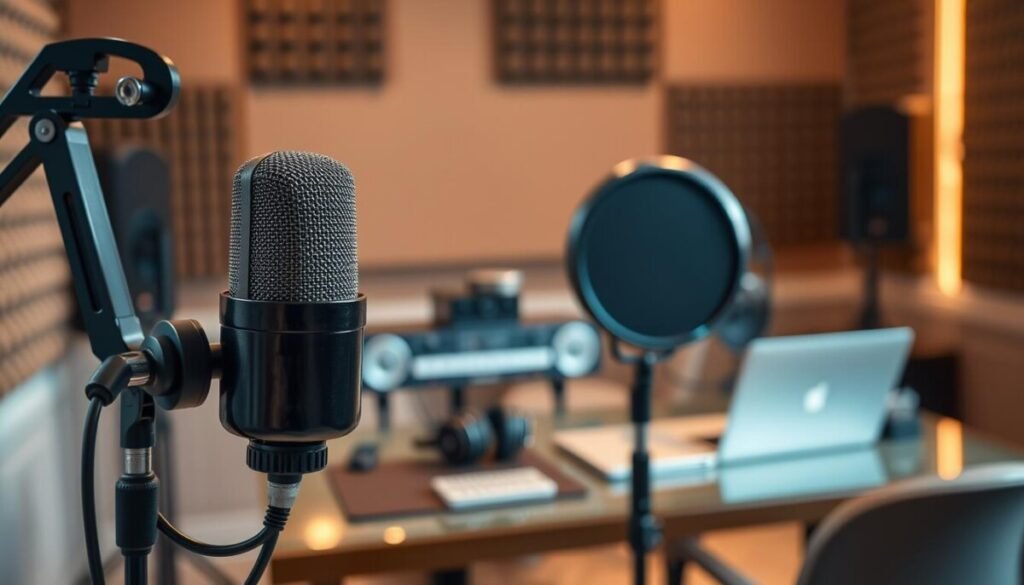
Achieving a crisp, professional audio signature doesn’t require a studio budget. It demands smart selection of core gear. Your audio quality is the primary factor in listener retention. A clear, engaging soundscape builds authority and keeps your audience coming back. This phase is where you apply the best editing and distribution tools to your well-planned content.
Identifying Critical Equipment and Software
Your microphone is your most critical purchase. The quality of your voice capture directly impacts your show’s success. Listeners expect clear, distraction-free audio from the first episode.
A simple, $12 pop filter is a powerful investment. It eliminates plosive sounds caused by puffs of air. This small accessory dramatically improves vocal clarity during recording.
Budget-Friendly vs. Premium Options
You must balance your financial resources. The choice is between affordable entry-level gear and premium products with advanced features.
Many successful creators start with basic, reliable hardware. This approach lets you focus on content creation first. You can upgrade to more complex recording software later as your show grows.
Proper equipment selection ensures your audio remains clear and engaging. This is vital for retaining an audience that expects a high production standard. Strategic investment at the start protects your long-term viability in podcasting.
Selecting the Right Podcast Host and Recording Equipment
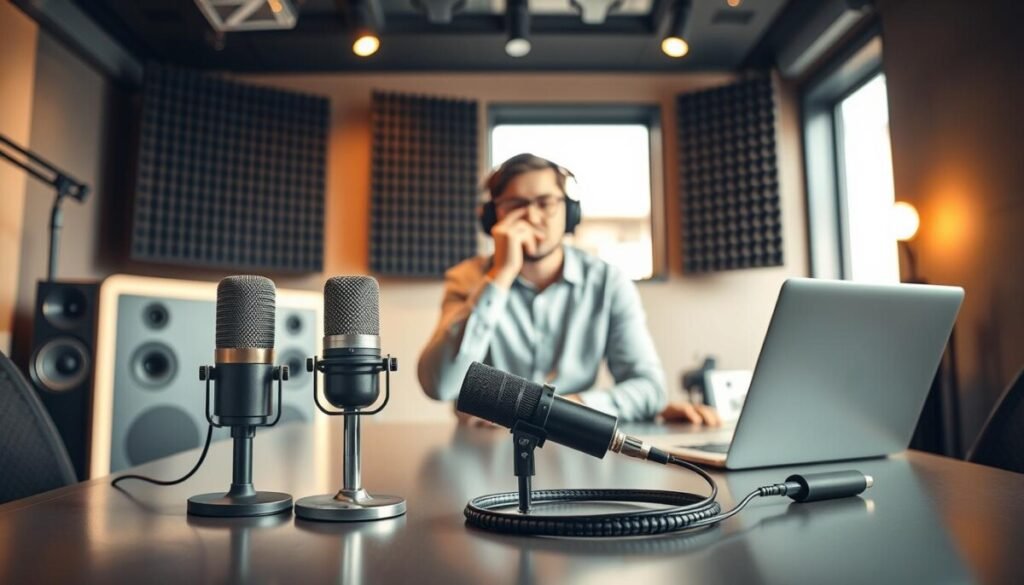
Your show’s technical foundation hinges on two pivotal choices: where to host it and what to capture it with. A reliable host ensures your episodes reach listeners everywhere. The right microphone guarantees your voice is heard with clarity and impact.
Comparing Hosting Platforms and Their Features
Selecting the right podcast host is essential for syndication. Platforms like Buzzsprout offer an easy-to-use interface for creators of all experience levels. They manage distribution to major directories, so you can focus solely on content creation.
Best Microphones and Audio Interfaces
Your microphone choice defines your audio signature. For versatile, durable recording, the $70 Samson Q2U is a standout. It functions as both a USB and XLR mic, giving you setup flexibility.
The $99 Blue Yeti Nano provides a reliable USB interface for your computer. It’s perfect for high-quality solo recording sessions with minimal setup.
Need to record podcast interviews with multiple guests? The $160 Zoom PodTrak P4 acts as an all-in-one podcast recorder. It allows you to plug in four microphones simultaneously for professional multi-track capture.
Always ensure your audio interface is compatible with your microphone. This preserves the best possible sound quality throughout your production process.
Streamlining Production with Innovative Apps and Interfaces
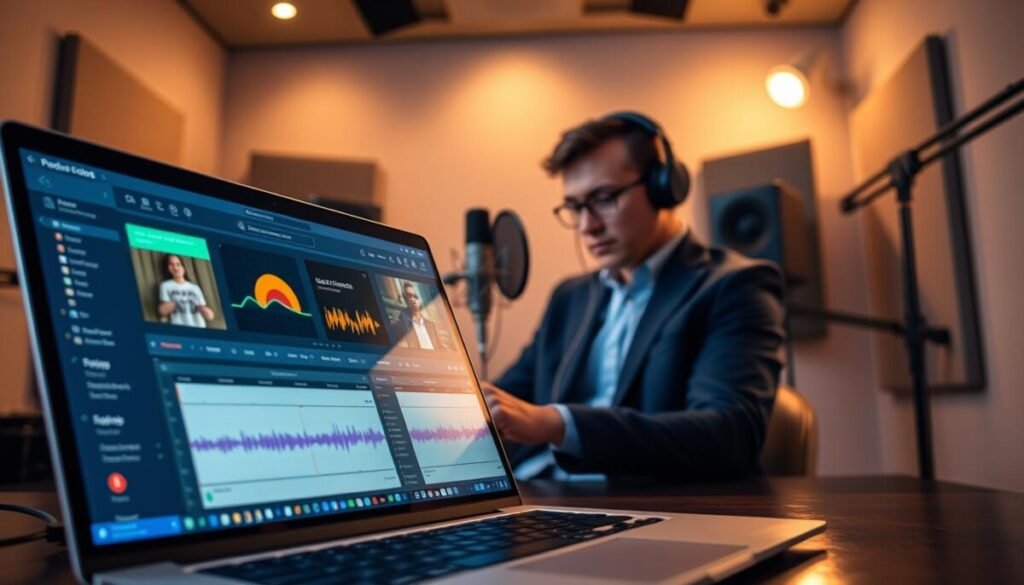
Your recording and editing process should feel like a single, fluid operation. Modern applications merge these stages into one cohesive environment. This integration is key to maintaining creative momentum.
Using GarageBand and Alitu for Seamless Recording
Alitu is a comprehensive podcast maker tool. It costs $38 per month and includes automated editing and publishing features. You can record and edit episodes within a single, streamlined interface.
The software handles technical tasks like noise reduction. This saves you significant time during the post-production phase of your show.
GarageBand is a free application for Apple users. It provides a robust environment to record and edit your audio tracks with ease. Many creators begin their journey with this reliable program.
Choosing the right hosting platform is simplified with integrated tools. They allow you to publish directly to major networks from one application. These innovative interfaces help you maintain a professional workflow.
Mastering Editing and Audio Enhancement Techniques
Editing is where raw recordings transform into engaging, listener-ready episodes. This phase ensures your message is delivered with clarity and impact.
Tools to Eliminate Noise and Balance Audio
Clean audio is non-negotiable. You must remove background noise and balance levels for a pleasant experience. Audacity is a free, open-source editor perfect for this task.
Specialized tools like the EditPoint iOS app ($1.99/month) help manage your workflow remotely. They let you add markers and timecodes on the go.
Editing Software: From Audacity to Pro Tools
Your choice of software defines your efficiency. Options range from accessible free programs to industry-standard suites.
- Audacity: A powerful free editor for noise removal and track splicing.
- EditPoint: A mobile tool for organizing audio edits remotely.
- Pro Tools: Professional software often used by dedicated editors for ultimate sound quality.
Precise editing removes mistakes and dead air. This results in a polished final product that reflects your commitment to quality.
Leveraging Online Platforms for Efficient Podcast Publishing
Publishing your show should be a simple, automated process, not a manual technical chore that eats into your creative time. A dedicated platform manages the complex task of getting your audio files to listeners everywhere.
Automated Publishing Methods
Automation is the key to efficiency. You upload your final episode once. The platform then syndicates it to all major directories like Apple Podcasts and Spotify.
This eliminates the need for repetitive manual submissions. It ensures your content reaches its audience simultaneously. Integrating online tools for episode scheduling completes this streamlined workflow.
Benefits of Integrated Distribution Networks
An integrated network guarantees reliable delivery. It also provides valuable analytics on listener behavior. This data helps you refine your content strategy.
Community support is a major advantage. For example, Buzzsprout maintains a 10,000 member-strong podcasting community on Facebook. This network helps people navigate growth strategies with confidence.
| Task | Manual Method | Platform-Assisted Method |
|---|---|---|
| Episode Syndication | Submit individually to each directory | One-click distribution to all networks |
| RSS Feed Management | Manual code updates and validation | Automated, always-compliant feed |
| Listener Analytics | Limited or fragmented data | Unified dashboard with detailed insights |
| Technical Support | Relies on general forums | Direct access to a dedicated creator community |
Choosing a service with robust features is a strategic decision. It empowers you to grow your audience while saving dozens of hours. This efficiency is crucial for maintaining a consistent publishing schedule.
Utilizing Remote Interview and Scheduling Solutions
Scheduling and recording interviews with remote guests no longer needs to be a source of technical anxiety or administrative headaches. Specialized platforms handle the complex logistics, letting you focus on the conversation.
Choosing the Right Communication Tools
Your remote interview quality must match your studio recordings. Professional communication software is essential. Platforms like Riverside.fm are trusted by major organizations like Verizon, Spotify, and Disney for high-fidelity remote interviews.
Using a dedicated computer with reliable software prevents dropouts and sync issues. This ensures every guest’s audio is captured locally in high quality. For the best software for recording video interviews, explore resources from Riverside’s expert blog.
Integrating Scheduling Apps like Calendly
Eliminate the email chain for booking guests. Scheduling apps like Calendly allow people to choose times based on your real-time availability. The system automatically adjusts for different time zones.
This automation saves hours of coordination. It is a prime example of efficient online planning tools. Your guests enjoy a seamless booking experience, which encourages them to promote their appearance.
| Task | Manual Process | Tool-Assisted Workflow |
|---|---|---|
| Scheduling the Interview | Multiple back-and-forth emails to find a time. | Guest books instantly via a personalized link; time zones auto-adjusted. |
| Technical Setup | Guessing guest’s setup; risk of poor audio. | Platform provides clear guest links and records separate, high-quality tracks. |
| Recording & Backup | Relying on a single unstable internet connection. | Software records locally on each participant’s computer for a pro backup. |
By choosing the right tools, you create a professional environment. This builds trust with your guests and elevates the entire podcasting experience.
Optimizing Your Podcast Workflow and Time Management
A streamlined workflow transforms chaotic post-production into a predictable, manageable system. This efficiency is what allows you to release episodes consistently, month after month, without burnout.
Streamlining Post-Production Tasks
Seasoned creators often recommend hiring a professional podcast editor. This single decision saves significant time and guarantees superior audio quality. It frees you to focus on content creation and audience growth.
You also need to use efficient software features. Learn the shortcuts in your editing program. This is the best way to cut hours from your monthly routine.
Maximizing Productivity with the Right Tools
Organize everything you need for your show in one place. A dedicated platform with simplified workflow processes is invaluable. It turns a scattered process into a repeatable assembly line.
Batch your tasks. Record multiple episodes in one session. Edit them in another. This method protects your creative energy and boosts output.
Real-Life Tips from Seasoned Podcasters
Experienced podcasters share simple tricks. Use your recording software’s noise gate feature to clean up audio automatically. Mark mistakes with hotkeys during the session to speed up editing later.
The goal is a sustainable system. By mastering these tools and habits, you ensure your sound remains professional. This lets you build deeper connections with your people.
Wrapping Up: Elevate Your Podcasting Success
With the foundational knowledge and actionable steps you’ve acquired, transforming your concept into a professional series is within immediate reach. You now possess a clear way to produce high-quality audio that resonates.
Your success hinges on consistent execution. Use reliable editing software to maintain your sound quality every month. This discipline builds audience trust and grows your show.
Remember, this is a collaborative journey. Engage with other creators on social platforms to share progress and solve challenges. Their insights can refine your recording techniques and interface with your workflow.
You have everything needed to start. Move forward with confidence and share your unique voice with the world.