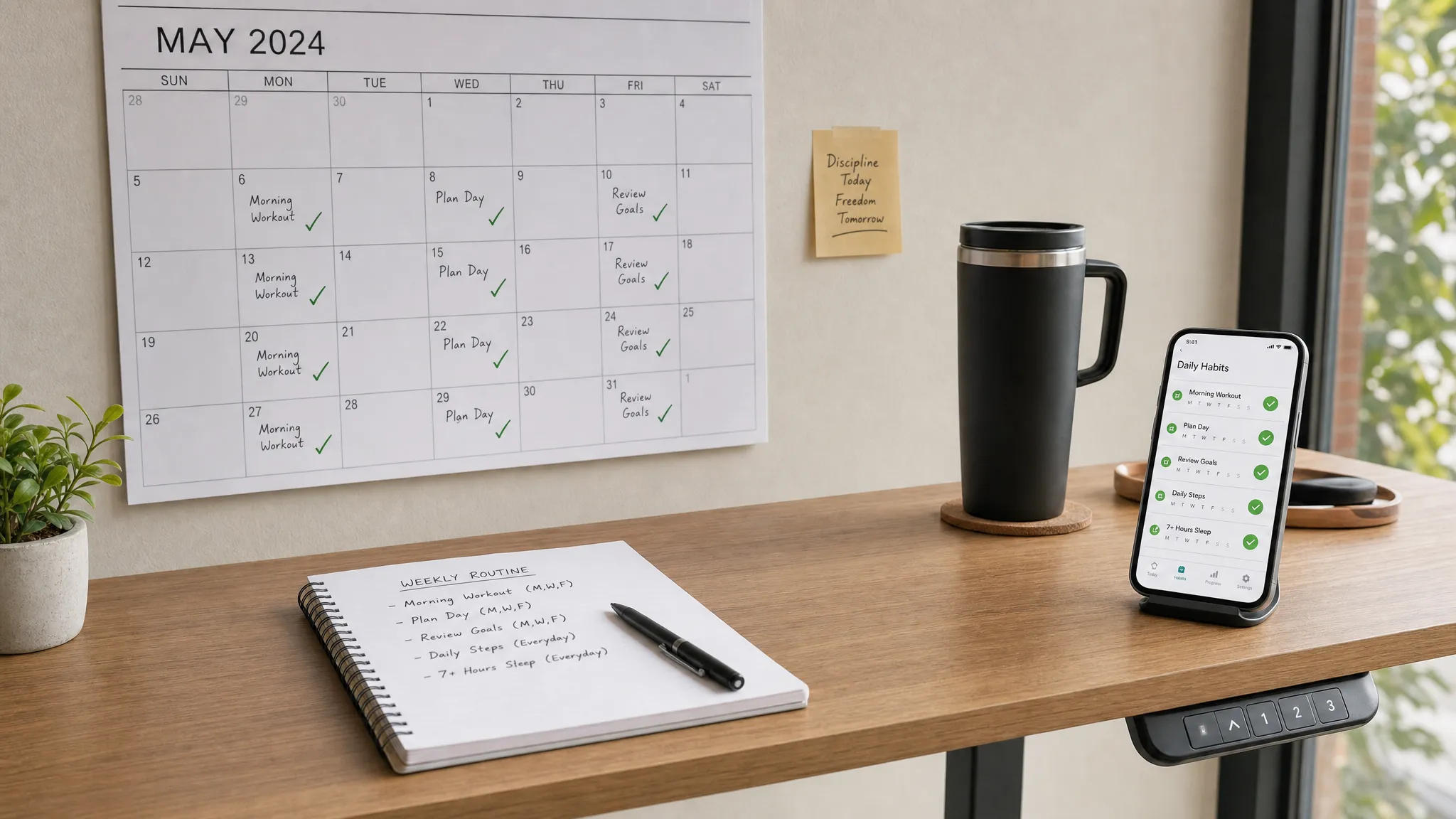
Busy professionals rarely fail at habits because they lack motivation. More often, the habit is buried under meetings, messages, travel, context switching, and a task list that changes by the hour. The right habit tracking system provides you with a lightweight way to repeat the behaviors that matter without turning self-improvement into another full-time job.
That is why the best habit tracking apps for busy professionals are not always the most feature-heavy. They are the apps that make it easy to choose a small behavior, connect it to your calendar or workflow, get a timely reminder, and review progress without friction.
Habit formation also takes longer than the popular “21 days” myth suggests. Research summarized by University College London found that a new habit took 66 days on average to become automatic, with wide variation depending on the behavior. In other words, your app needs to support consistency over weeks and months, not just a burst of enthusiasm on Monday morning.
Below is a practical comparison of habit tracking apps that work well for executives, freelancers, managers, consultants, creators, and remote workers who need a simple way to protect high-value routines.
Quick picks: the best habit tracking apps by professional use case
| App | Best for | Why it works for busy professionals | Main watch-out |
|---|---|---|---|
| Habitify | All-around habit tracking | Clean interface, reminders, categories, and progress charts | May be more than you need for one or two habits |
| Streaks | Apple users | Fast daily check-ins, Apple Watch support, and Health app connections for some habits | Best if you live in the Apple ecosystem |
| TickTick | Task management plus habits | Combines to-dos, calendar views, Pomodoro focus, and habits | Can become cluttered if you track too much |
| Todoist | Work routines and recurring tasks | Excellent recurring task language and cross-platform reliability | Not a dedicated habit analytics app |
| Strides | Goals with numbers and targets | Flexible tracking for streaks, milestones, averages, and projects | Strongest fit for iPhone users |
| Loop Habit Tracker | Android privacy and simplicity | Open-source, clean, and focused on habit strength over time | Android-focused and less polished than premium apps |
| Habitica | Gamified accountability | Turns habits into quests, rewards, and social accountability | Gamification is motivating for some, distracting for others |
| Notion | Custom dashboards | Flexible databases for habits, goals, reviews, and project context | Requires setup and discipline to maintain |
| Google Calendar or Apple Reminders | No extra app | Great for time-based routines and simple recurring reminders | Limited habit analytics |
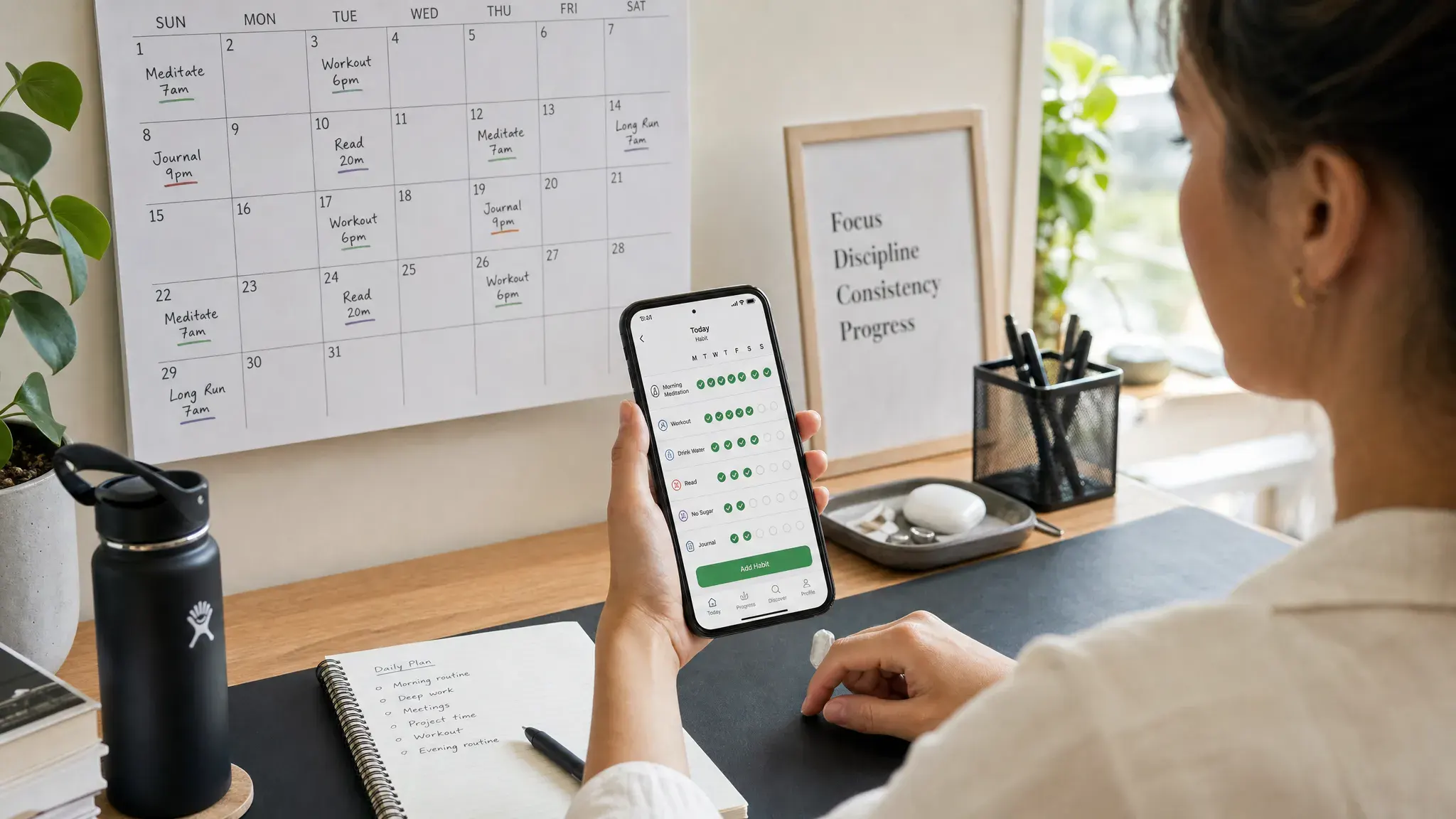
How we evaluated habit tracking apps
A good habit tracker for a student, athlete, or hobbyist may not be the best choice for a professional calendar packed with client calls and shifting priorities. For this guide, the focus is practical workflow fit.
The strongest apps share a few traits:
- Fast capture so you can add a habit in seconds, not design an entire life dashboard.
- Reliable reminders that trigger at the right time or context.
- Low-friction check-ins from mobile, desktop, widget, watch, or notification.
- Useful progress views that show streaks, completion rates, trends, or missed days.
- Integration potential with calendars, task managers, health apps, or automation tools.
- Privacy controls because habits can reveal sensitive information about health, work patterns, mood, and lifestyle.
The goal is not to track everything. The goal is to choose the smallest system that keeps your highest-impact routines visible.
1. Habitify: best all-around habit tracker for professionals
Habitify is one of the most balanced options for professionals who want a dedicated habit app without a steep learning curve. It supports multiple habit categories, reminders, streaks, notes, and progress reports, which makes it useful for tracking both work and personal routines.
A consultant might create categories for “Client delivery,” “Business development,” and “Health.” A manager might track one-on-one preparation, weekly planning, inbox cleanup, and exercise. Because Habitify is designed around habits rather than generic tasks, it gives you a cleaner view of repeat behaviors than a standard to-do list.
Its biggest advantage is structure. You can separate habits by area of life and review completion patterns over time. That matters if you want to know whether late meetings are consistently destroying your workout routine or whether your writing habit disappears on travel days.
Habitify is a strong fit if you want one dedicated app for professional and personal habits, especially if you value charts and reminders. It may feel like too much if you only need a simple “did I do this today?” checkbox.
2. Streaks: best habit tracker for Apple users
Streaks is popular because it keeps habit tracking simple and visually motivating. The app is especially appealing if you use an iPhone, Apple Watch, iPad, or Mac throughout the day. For some health-related habits, it can connect with Apple Health, which reduces manual logging.
For busy professionals, the Apple Watch experience can be the difference between tracking and forgetting. Checking off a habit from your wrist after a walk, water break, or focus block is much easier than opening a dashboard between meetings.
Streaks is ideal for a small set of high-priority habits. Think “read for 20 minutes,” “no email before planning,” “walk after lunch,” or “shutdown routine at 6 p.m.” It works best when you resist the temptation to add too many behaviors.
Choose Streaks if you want a polished, Apple-native habit tracker that encourages consistency without heavy setup. Skip it if you need robust team features, complex goal analytics, or a strong Android workflow.
3. TickTick: best for combining habits, tasks, calendar, and focus time
TickTick is not just a habit tracker. It is a task manager with built-in habit tracking, calendar views, reminders, and a Pomodoro timer. That makes it especially useful for professionals who want habits to live close to daily execution.
If you already plan your day around tasks, TickTick can prevent your habits from becoming a separate system you forget to check. You can manage recurring work tasks, track habits, and run focus sessions all within the same task management tool.
This is helpful for developing effective work habits tied to actual work output, such as writing a daily sales note, reviewing metrics, clearing a priority queue, or spending 45 minutes on deep work before meetings begin. It also pairs naturally with time management methods like time blocking and Pomodoro.
The main risk is complexity. TickTick can handle a lot, but a busy professional should avoid turning it into a second operating system. If you use it, keep your habit list short and reserve the task manager for work you genuinely intend to do.
4. Todoist: best for recurring work routines
Todoist is best known as a task management app, but it is excellent for recurring professional routines. Its natural-language scheduling is one of its biggest strengths. You can create tasks like “review pipeline every Friday,” “plan tomorrow every weekday at 4:30 p.m.,” or “send weekly update every Monday morning.”
Todoist is a great choice if your habits are really recurring work commitments. Examples include weekly reporting, CRM hygiene, meeting preparation, budget reviews, lead follow-ups, or daily writing sprints.
It does not offer the same habit-specific analytics as dedicated apps, but it does help you execute. For many professionals, that matters more than a streak chart. If a habit belongs inside your work system, Todoist may be better than a separate tracker.
Todoist is also a good fit for teams or individuals already building a broader stack of productivity tools. If you are comparing task management tools or trying to simplify your workflows, Online Tool Guides has related resources on project management software and task automation.
5. Strides: best for measurable goals and personal KPIs
Strides is a strong option for professionals who like dashboards, targets, and measurable goals. It supports different tracking styles, including streaks, targets, averages, milestones, and project-based progress.
This makes Strides useful when a habit is not simply yes or no. You might track revenue outreach, pages read, workouts per week, meditation minutes, savings contributions, or hours spent on a certification.
For high-performing professionals, Strides can feel like a personal KPI dashboard. It is especially valuable if you already think in metrics and want to review progress weekly rather than simply check off boxes daily.
The tradeoff is that more flexible tracking can require more thoughtful setup. Strides is best if you know what outcome you want to measure and you enjoy reviewing trends.
6. Loop Habit Tracker: best free Android habit tracker for simplicity and privacy
Loop Habit Tracker is a clean, open-source Android habit tracker. It is especially appealing if you want a simple habit system without ads, heavy gamification, or unnecessary social features.
Loop focuses on repetition and habit strength. Instead of treating one missed day as total failure, it helps you see the longer-term consistency of a habit. That is useful for professionals whose schedules are sometimes disrupted by travel, emergencies, or unpredictable workloads.
If you use Android and want a lightweight tracker that does not try to become your entire productivity system, Loop is one of the best options. It is also a sensible choice for privacy-conscious users who prefer open-source tools.
The downside is that it lacks some of the polished cross-platform features and integrations of premium habit apps. But for basic personal tracking, that simplicity is part of the appeal.
7. Habitica: best for gamified motivation and accountability
Habitica turns habits, dailies, and tasks into a role-playing game. You earn rewards for completing behaviors and lose health when you miss commitments. It also includes social elements, parties, and challenges.
For busy professionals, Habitica works best when motivation is the bottleneck. If you enjoy games, friendly competition, or external accountability, the app can make repetitive behaviors feel more engaging.
It can be surprisingly effective for routines you keep avoiding, such as admin cleanup, stretching, expense tracking, inbox processing, or learning sessions. Gamification creates a small reward loop that makes boring tasks easier to start.
However, Habitica is not for everyone. If game mechanics distract you or feel childish, choose a calmer app. It is best for users who want habit tracking to feel playful rather than corporate.
8. Notion: best for custom habit dashboards and weekly reviews
Notion is not a dedicated habit tracker, but it can be an excellent habit tracking system if you already use it for notes, goals, projects, or planning. With databases, templates, and calendar views, you can build a custom dashboard that connects habits to weekly reviews and bigger goals.
A typical professional setup might include a daily check-in database, a weekly review page, a goals database, and a project dashboard. This is especially useful if your habits are connected to strategic outcomes, such as publishing content, improving client delivery, studying for a certification, or building a side business.
Notion shines when context matters. Instead of only tracking “worked out,” you can add notes about energy, sleep, travel, or workload. Over time, this gives you better insight into why habits succeed or fail.
The downside is manual effort. If you enjoy building systems, Notion is powerful. If you want instant reminders and one-tap check-ins, a dedicated habit app is faster. If you want to connect planning with your schedule, you may also like our guide on how to integrate Notion with Google Calendar.
9. Google Calendar and Apple Reminders: best no-extra-app habit system
Sometimes the best habit tracker is the tool you already check every day. Google Calendar, Apple Calendar, Apple Reminders, and Google Tasks can all support simple recurring habits.
This is the best option for time-specific habits, such as planning the day at 8:30 a.m., taking a walk after lunch, shutting down work at 5:45 p.m., or reviewing tomorrow’s priorities before leaving the office.
Time management techniques, like calendar-based tracking, work particularly well when paired with focus blocks. For example, you can schedule a recurring deep-work session and treat attendance as the habit. If you use Google Workspace, our tutorial on creating Focus Time blocks in Google Calendar can help you protect that time from meeting creep.
The limitation is reporting. Calendars are great at reminding you, but weak at showing streaks and long-term behavior patterns. If analytics matter, pair your calendar with a dedicated tracker or a weekly review template.
Which habits should busy professionals track?
The biggest mistake is tracking too many habits at once. If your tracker looks like a lifestyle transformation plan, you will probably abandon it. Start with two or three behaviors that protect your energy, attention, and career progress.
Good professional habits often fall into five categories:
- Planning habits, such as daily prioritization or a Friday weekly review.
- Focus habits, such as one deep-work block before opening email.
- Communication habits, such as checking messages at set windows.
- Health habits, such as movement, hydration, sleep preparation, or meal planning.
- Growth habits, such as reading, studying, writing, or networking.
For wellness-related habits, be careful about where you get advice. A tracker can remind you to exercise, sleep, or plan meals, but it is not a medical authority. If your goals include nutrition, fitness, prevention, or general well-being, it is worth pairing your tracking system with credible health, beauty, nutrition, and wellness resources such as yo.gr, especially if you prefer Greek-language lifestyle content.
Best app by professional profile
| Professional profile | Best app choice | Why |
|---|---|---|
| Executive or manager | Streaks, Habitify, or Calendar | Quick check-ins and low setup are more important than complexity |
| Freelancer or consultant | Todoist, TickTick, or Habitify | Recurring delivery, sales, and admin routines can live near client work |
| Creator or writer | TickTick, Notion, or Strides | Supports output goals, focus sessions, and weekly progress reviews |
| Sales professional | Todoist or TickTick | Recurring follow-ups and pipeline hygiene fit naturally into task systems |
| Remote worker | Habitify, Streaks, or Google Calendar | Helps create structure when work and home routines blur together |
| Android minimalist | Loop Habit Tracker | Simple, private, and focused on consistency |
| Motivation-driven user | Habitica | Gamification can make boring habits feel rewarding |
How to choose the right habit tracker
Before installing three different apps, decide what kind of tracking problem you actually have. Most people do not need more features. They need the right level of friction.
If you forget habits entirely, choose an app with strong reminders and widgets. Habitify, Streaks, TickTick, and calendar tools are good options.
If you complete habits but want better insight, choose an app with analytics. Strides, Habitify, and Loop are stronger choices.
If habits are tied to work tasks, use Todoist or TickTick. Keeping routines close to your task list reduces context switching.
If you already run your life in Notion, build a lightweight habit dashboard there. Just avoid spending more time designing the system than doing the habits.
If your biggest problem is motivation, try Habitica or a streak-based app. The reward loop can help you start, but make sure the game does not become the main event.
A simple 4-week habit tracking setup
A busy professional does not need a complicated personal operating system. Use this four-week rollout to make habit tracking sustainable.
- Week 1: Track only two habits. Pick one work habit and one energy habit. Examples include “plan top three priorities” and “walk for 10 minutes.”
- Week 2: Add timing cues. Attach each habit to a calendar block, meeting transition, lunch break, or shutdown routine.
- Week 3: Review missed days. Do not just look at streaks. Look for patterns, such as travel days, late meetings, or notification overload.
- Week 4: Adjust the habit size. If you miss often, shrink the habit. “Read one page” beats “read 30 minutes” if the smaller version keeps the routine alive.
This approach works because it treats habit tracking as feedback, not judgment. A missed day is data. If you miss the same habit repeatedly, the app is telling you the routine is too vague, too large, or scheduled at the wrong time.
Common habit tracking mistakes to avoid
The first mistake is confusing tracking with improvement. Checking a box feels good, but the real outcome is the behavior itself. If you spend 20 minutes maintaining a dashboard for a two-minute habit, the system is too heavy.
The second mistake is tracking aspirational habits instead of actual commitments. “Become more productive” is not a habit. “Start the first focus block before Slack” is a habit. “Get healthier” is not a habit. “Walk after lunch on weekdays” is a habit.
The third mistake is letting streaks become fragile. Long streaks can motivate you, but they can also make one missed day feel like failure. Choose apps and settings that encourage recovery. A professional schedule will never be perfectly predictable.
The fourth mistake is ignoring privacy. Habit data can reveal health routines, mental health practices, religious observance, location patterns, sleep schedules, and work habits. Review each app’s privacy policy, export options, cloud sync settings, and account security before adding sensitive information.
FAQ
What is the best habit tracking app for busy professionals overall? Habitify is the best all-around choice for many professionals because it balances reminders, categories, progress charts, and ease of use. However, TickTick is better if you want habits inside a task manager, and Streaks is excellent for Apple users.
Should I use a habit tracker or a task manager? Use a habit tracker for repeated behaviors you want to build over time, such as exercise, planning, reading, or meditation. Use a task manager for commitments with deadlines, owners, and project context. If your habit is work-related, Todoist or TickTick may be enough.
How many habits should I track at once? Start with two or three. Busy professionals often fail because they track a perfect version of their life instead of a realistic one. Add more only after the first habits feel stable.
Are free habit tracking apps good enough? Yes, especially if you need simple check-ins and reminders. Loop Habit Tracker is a strong free option for Android. Calendar and reminder apps can also work well. Paid apps are more useful when you want cross-device sync, analytics, widgets, or polished design.
What is the best habit tracker for teams? Most habit tracking apps are designed for individuals. For team routines, you may be better served by project management tools, shared checklists, recurring tasks, or automation workflows. Use habit apps for personal consistency, and use work tools for shared accountability.
Final recommendation
If you want the shortest path, choose based on your existing workflow. Apple-first professionals should try Streaks. Android minimalists should try Loop. Professionals who want one dedicated habit system should start with Habitify. If your habits are tied to tasks and deadlines, use TickTick or Todoist. If you love custom dashboards, build your system in Notion.
The best app is the one you can still use during a stressful week. Keep the list short, connect habits to real moments in your day, review patterns weekly, and let the tracker support the work rather than becoming the work.



