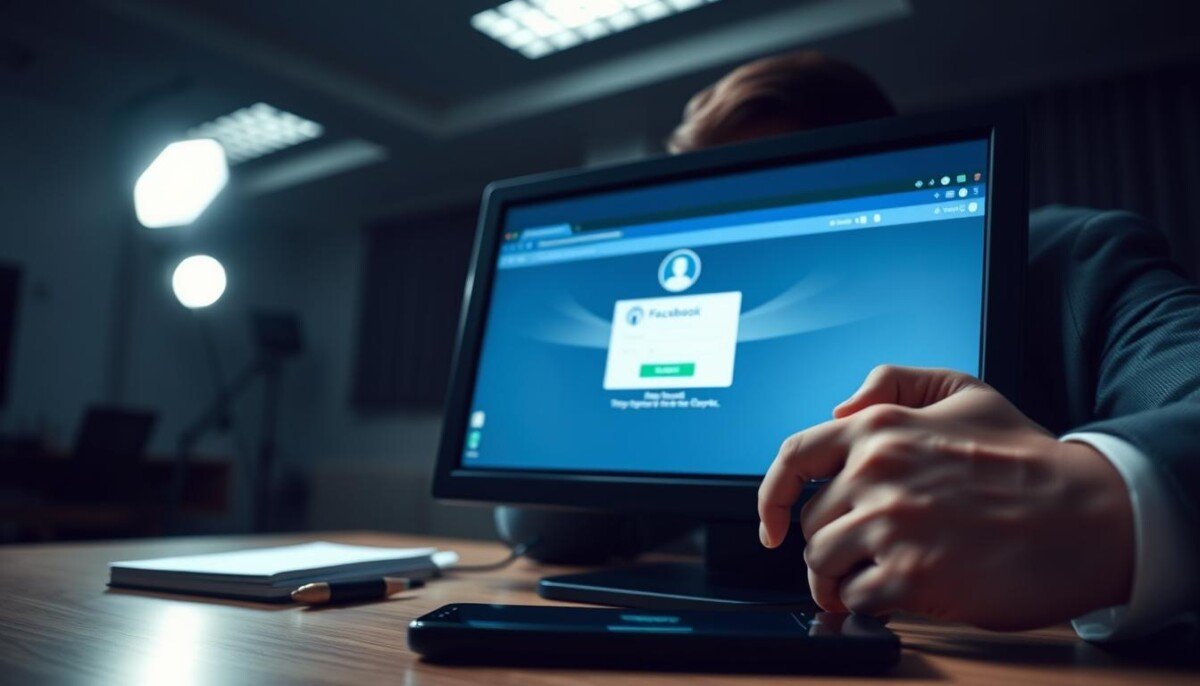
Could a simple data leak steal your digital life in minutes? Millions of people log in each month, and a recent breach exposed billions of credentials. That makes immediate action critical when your facebook account may be at risk.
If you still access your profile, act now. Change your password in settings, review recent login history, and secure the email and phone number tied to the account.
This guide focuses on using a web browser rather than the mobile app. It walks you through verifying identity, resetting passwords, and enabling two-factor authentication for stronger security.
Follow clear steps to regain control and protect personal information, posts, messages, and pages you manage. If you can’t access recovery options, use trusted contacts, ID verification, or guided help via the Forgot Password? recovery flow.
Key Takeaways
- Act quickly: change password and check login history.
- Secure your email and phone number linked to the profile.
- Use two-factor authentication for added security.
- Recover via browser steps or trusted contacts if locked out.
- Regularly review settings and reset passwords every few months.
Identifying Signs of a Compromised Profile
Quick detection of unusual activity lets you act before attackers deepen access.
Unusual Account Activity
You may be logged out across every device you normally use. That sudden loss of access is one of the clearest signs facebook users report.
Attackers often swap your profile name or picture. They can also alter the email address or phone number in your settings. Look for posts or messages you did not write; those are direct red flags.
Unauthorized Login Alerts
Open the “Where you’re logged in” menu in settings and scan locations and devices. Unrecognized logins in distant cities mean someone else may have entry.
Meta usually sends an email if your password or contact information changes without your permission. Check your registered email and phone number for those alerts immediately.
| Symptom | What it means | Immediate step |
|---|---|---|
| Forced logout | Possible credential theft | Attempt sign-in and review devices |
| Changed profile details | Attacker altered settings | Check email address and phone number |
| Unknown posts/messages | Unauthorized posting or messaging | Remove content and alert contacts |
Facebook Account Hacked What to Do Immediately
The fastest way to regain control is to visit facebook account hacked what to do and follow each recovery prompt. This begins the official recovery flow and secures login credentials.
Act fast — every minute counts. If you still access your profile, open Settings and check “Where you’re logged in.” Remove any unknown device sessions right away.
Enable two-factor authentication immediately. This adds a second verification step that blocks attackers even if they have your password.
Next, review Apps and Websites in settings. Revoke any third-party integrations you do not recognize. Then scan your Activity Log for unauthorized posts or messages and remove them.
- Change any reused passwords and secure your linked email.
- Log out sessions on unfamiliar devices.
- Confirm pages and admin roles you manage are intact.
If recovery via the guided flow fails, use trusted contacts or ID verification in the recovery center. Keep a record of the time and details of unauthorized activity for follow-up.
Recovering Access When You Are Logged Out

When login fails entirely, the recovery process begins with identity verification on Meta’s portal.
Start at facebook.com/login/identify and follow each prompt. You will be asked to upload an official ID and confirm details that match the profile’s records.
Verifying Your Identity with Meta
If you lost access to your phone or email address, provide any prior phone number or email linked to the account. This helps Meta match records and speed up the process.
Processing time is not instant. While some users regain access quickly, plan for a 7–10 day review period as Meta validates documents and activity.
Trusted contacts are no longer available. Use the official facebook help center if the guided flow stalls. For persistent issues, follow the recovery prompts and keep a record of times, devices, and changes you notice. You may also want to explore facebook live troubleshooting solutions while you’re trying to resolve technical difficulties. These resources can provide detailed steps for common issues users encounter during broadcasts, ensuring a smoother streaming experience. Remember to check for updates on the platform, as these can often fix glitches and enhance performance. If you’re also experiencing facebook messenger connection issues, it’s advisable to restart the app and check your internet connection. Sometimes, simply logging out and back in can resolve these types of interruptions. If the problem persists, consider checking online forums for insights from other users facing similar challenges.
| Step | What you must provide | Expected time |
|---|---|---|
| Open recovery page | Username, email, or phone | Immediate navigation |
| Identity upload | Government ID or official document | 7–10 days review |
| Verify old contacts | Previous email address or phone number | Shorter verification |
After you regain control, update settings immediately. Remove any unknown email or phone number added by the intruder, change your password, and review page roles and devices for lingering access.
For step-by-step help with login issues, visit login issues for detailed guidance.
Handling Worst Case Scenarios for Stolen Accounts

When a profile is fully controlled by an intruder, your options narrow quickly.
If your email, phone, and password were changed, go straight to facebook account hacked help and select “I think someone else is using my account” to start the recovery process.
If you manage a business page or ad accounts, follow the specialized recovery flow at business.facebook.com/help. That path handles page roles, ad access, and asset restoration for brands.
Linked Instagram profiles can provide an alternate route to regain access. Use any connected app or device that still has signed-in sessions to speed verification.
Report seriously compromised profiles via the “Find Support or Report Profile” tool if impersonation or data sale is occurring. Note that reporting may lead to deletion of the profile if the platform determines it is unsafe.
| Scenario | Immediate step | Where to go |
|---|---|---|
| Email, phone, and password changed | Start emergency recovery | facebook.com/hacked |
| Business page or ad access lost | Use specialized support | business.facebook.com/help |
| Impersonation or sale risk | Report profile and collect evidence | Find Support or Report Profile tool |
If recovery stalls, document times, devices, and recent information changes. This record helps support teams verify ownership and regain control faster.
For step-by-step login assistance and troubleshooting, see this guide on recover account access issues.
Enhancing Your Digital Security with ESET
ESET layers real-time protections that stop scammers before they reach your login page. These tools help you recover access and keep pages, messages, and email safer while you change your password and review settings.
Anti-Phishing and Link Scanning
Stop spoofed pages before they trick you. ESET flags fake sign-in forms and scans links on desktop and mobile. This reduces the risk of entering credentials on cloned sites.
Secure Browsing Modes
The secure browsing mode creates a hardened session for sensitive actions. Use it when you attempt recovery, update a password, or check linked email and device lists.
Identity Protection Tools
ESET searches the dark web for leaked personal data tied to your email and other identifiers. Alerts let you change passwords and regain control faster.
| Feature | Primary benefit | When to use |
|---|---|---|
| Anti-Phishing & Link Scanner | Blocks spoofed login pages | Before clicking password reset links |
| Secure Browsing Mode | Isolates sensitive sessions | During recovery and password changes |
| Identity & Dark Web Monitoring | Detects leaked credentials | After any suspicious access or message |
| Email Threat Detection | Flags malicious messages | When you receive recovery emails or alerts |
| Malware & Remote Access Protection | Blocks persistent intruder tools | If you suspect device compromise |
Quick tip: Run a full scan on any device that showed unknown logins. Combine ESET protections with strong, unique passwords and two-factor checks in your settings for layered security.
Best Practices for Long Term Account Protection
Sustained control of your profile comes from layered defenses and routine checks.
Use a complex, unique password and store it in a browser-based password manager. Let the manager generate long, random passwords so you avoid reused credentials.
Enable two-factor authentication with an authentication app on your phone. This step blocks most unauthorized login attempts even if a password leaks.
Avoid clicking links in messages or web pages. Instead, type the site address directly into your browser bar. This simple habit prevents many phishing traps.
If you must use public Wi‑Fi, use a paid VPN service. It encrypts traffic and reduces the chance that attackers on the network can intercept your data.
Review your privacy settings regularly. Limit who can see posts and which people can find pages you manage. Remove unused devices and third‑party apps from your list of connected services.
| Action | Frequency | Benefit |
|---|---|---|
| Change passwords / use manager | Every 6–12 months | Reduces reuse risk |
| Review settings & devices | Monthly | Removes lingering access |
| Run VPN on public Wi‑Fi | Each session | Protects session data |
Securing Your Digital Presence for the Future
Small, consistent security steps make future intrusions far less likely. Keep profiles private, use a strong password, and run periodic privacy checks. These actions reduce risk and protect your contacts.
Threats have grown. Security Awareness Specialist Ondrej Kubovič warns that attackers now leverage hijacked influencer profiles for large scams. Even with fewer users, the platform still draws criminals because of massive connectivity.
If you need extra guidance, visit the recover account page for practical help. Regular reviews and good cyber hygiene mean you will rarely need the facebook help center.