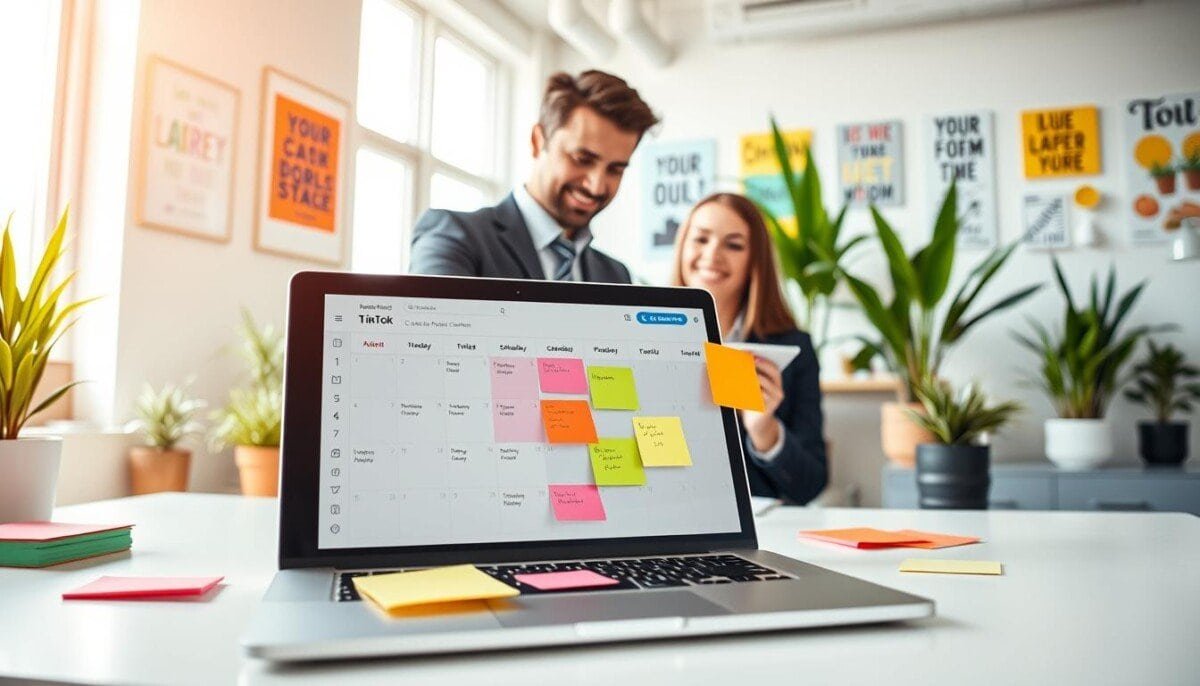
Can you reach 82.2 million daily users without being chained to your phone?
This guide gives you a clear social media strategy that frees your time and lifts engagement. Learn practical steps for planning content, picking the best times, and using a reliable scheduler.
With the right tools, you can manage your account from a desktop, set a date and time, and let posts roll out while you focus on creative work. We cover cover images, hashtags, and posting tactics that help your content stand out on the platform.
Brands and creators gain predictable reach when they use a professional tool and a content calendar. For an inside look at planning posts and aligning them with peak activity, check this short guide on bulk posting and analytics: post planning for businesses.
Key Takeaways
- Planning posts ahead lets you hit peak times and boost engagement.
- Use a scheduler and desktop tools to manage content and save time.
- Craft strong covers and hashtags so your posts stand out.
- Maintain a content calendar for consistent posting and brand voice.
- Balance automation with real-time responses to keep followers engaged.
Why You Should Schedule TikTok Videos in Advance
Creating a posting rhythm frees you from last-minute scrambles and keeps your channel visible. When you adopt a clear strategy, your social media presence becomes predictable and reliable.
Maintaining Consistent Posting Schedules
Maintaining Consistent Posting Schedules
Maintaining a consistent presence on social media boosts growth. The algorithm favors accounts that post video at reliable times. That consistency helps your content reach a larger audience and improves engagement.
Reclaiming Your Time and Creative Energy
Reclaiming Your Time and Creative Energy
Batch creation and smart scheduling let you protect your creative flow. You can block chunks of time for production, then let the scheduler publish posts while you refine ideas.
- Switch from reactive publishing to a planned workflow.
- Reduce daily friction and protect creative energy.
- Publish when your audience is most active to lift engagement.
| Benefit | What it Solves | Expected Result |
|---|---|---|
| Consistent posting | Irregular reach | Higher visibility and steady growth |
| Batch creation | Creative burnout | Better quality content and fewer rushed posts |
| Automated publishing | Manual errors and missed times | More on-time posts and improved engagement metrics |
Understanding the Native Desktop Scheduler
The native desktop scheduler gives creators a fast, no-cost way to plan posts within a tight window.
Use this tool when you need simple, reliable publishing from a computer.
Log in to your business or creator account on a desktop browser. The scheduler lets you set a date and time up to ten days ahead. It supports captions, hashtags, and a custom cover image before you publish.
- Ensure uploads meet the 1080×1920 pixel requirement for best playback.
- Review scheduled items in your drafts so the post content and cover are correct.
- The native scheduler is free and works without third-party tools—ideal for short campaigns.
| Feature | Limit | Best use |
|---|---|---|
| Planning window | 10 days | Short-term campaigns |
| Video size | 1080×1920 px | Optimal uploads |
| Account type | Business or Creator | Access scheduling |
Tip: Use the desktop scheduler for consistent posting while you build a longer calendar with other tools.
Leveraging Third-Party Tools for Greater Flexibility
Using official partners like Buffer and Sprout Social expands your planning horizon. These platforms let you build a long-term content calendar and break free from the native 10-day limit.
Plan weeks or months, not just days. A unified dashboard handles multiple accounts and platforms, so your social media strategy stays consistent across channels. Mobile apps let you schedule tiktok posts while on the move.
Teams gain control through role-based access, approval workflows, and shared calendars. Advanced analytics show when your audience is most active and refine posting times for better reach.
- Manage content across platforms from one place.
- Coordinate video releases and maintain quality standards.
- Scale operations with collaboration and reporting tools.
| Feature | Native Scheduler | Third-Party Platforms |
|---|---|---|
| Planning window | 10 days | Weeks to months |
| Mobile scheduling | Limited | Full app support |
| Team workflows | Minimal | Robust collaboration |
How to Schedule TikTok Videos in Advance Using Professional Software
Professional platforms centralize planning, approval, and delivery so your social media calendar runs predictably. Use a desktop workflow for batch uploads and calendar management. Build posts with captions, hashtags, and a cover image, then select the exact date and time for publication.
Desktop Workflow Setup
Set rules, not reminders. On desktop, organize media in a central library and tag assets by campaign. Use the scheduler to assign dates, times, and responsible team members. Export CSVs for bulk imports when planning weeks or days ahead.
Mobile Integration for On-the-Go Management
Assign a mobile publisher who gets push alerts when a post needs final publishing in the app. Mobile sync keeps drafts, captions, and hashtag lists current across devices. This preserves speed without sacrificing control.
Implementing Approval Processes for Teams
- Define roles and multi-step approvals to enforce brand governance.
- Require sign-offs before a post moves from draft to scheduled state.
- Log approvals and changes for auditing and performance reviews.
| Capability | Benefit | Best use |
|---|---|---|
| Centralized scheduler | Single source of truth for media and dates | Cross-account campaigns |
| Mobile publisher alerts | Native app posting when needed | Last-mile publishing |
| Approval workflows | Brand consistency and error prevention | Teams with multiple reviewers |
Tip: For an expanded toolkit and recommended apps, see a curated list of tiktok marketing tools that streamline this workflow.
Identifying Your Audience Peak Activity Times
Pinpointing when your followers are online gives your content a measurable advantage. Start by checking the analytics tab in your account. That data reveals when your audience active spikes and which days drive views.
Look for recurring patterns. Many creators see a consistent sweet spot between 6 PM and 8 PM. Thursday at 7 PM often performs especially well for engagement.
Use past performance to refine your calendar. Track which posts earned the most reach and note the exact time post and day. Then align similar content with those winning slots.
- Export analytics for clear trend lines across days and weeks.
- Test adjacent times around peak windows to fine-tune reach.
- Leverage professional tools for automated scheduling so posts go live during high-engagement windows without manual steps.
| Peak Window | Common Best Day | Action |
|---|---|---|
| 6 PM – 8 PM | Thursday | Plan high-energy content and set a prime date and time post. |
| Evening repeats | Weekdays | Batch-create clips and use desktop or app tools for precise scheduling. |
| Off-peak tests | Weekends | Try niche-specific content and compare engagement against peak slots. |
Building a Consistent Content Calendar
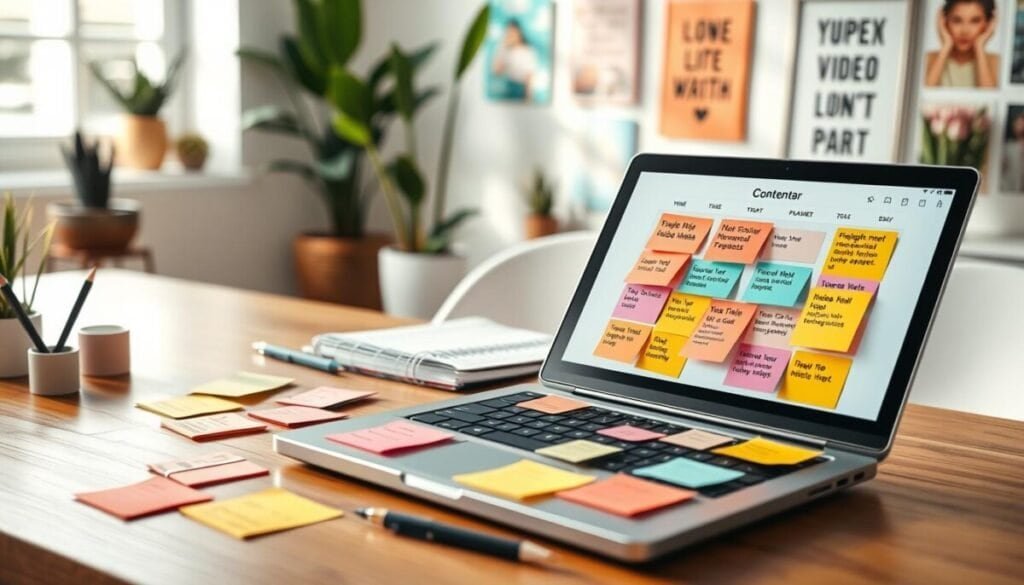
A reliable calendar turns scattered ideas into a steady stream of posts that build audience trust. That steady rhythm makes your social media effort measurable and repeatable.
Start with realistic volume. TikTok recommends 1–4 posts daily, but most brands begin with 3–5 posts per week. This pace reduces burnout and keeps quality high.
Tracking Key Performance Indicators
Pick a short list of KPIs and track them every week. Focus on reach, watch time, and engagement rate. These metrics show if your content reaches the right audience and if your posting times work.
- Reach: audience growth and total views.
- Watch time: average video length watched.
- Engagement: likes, comments, and shares per post.
Use a centralized scheduler and a shared calendar to map posts across platforms. That view helps you hit the best time windows when your audience active. For recurring planning tactics, see this scheduling recurring tweets.
| Element | Why it matters | Target |
|---|---|---|
| Posting cadence | Consistency beats randomness | 3–5 posts/week |
| Peak times | Maximizes early engagement | Align with analytics |
| Scheduler | Saves manual effort | Desk and app sync |
Mastering the Art of Batch Creation
Batch production saves hours each week by turning seven short concepts into a week’s worth of posts.
Film 5–7 ideas in one session so you free up daily time for audience engagement and strategy. This method cuts setup and lighting repeats, so every minute on set delivers more value.
After filming, use a professional scheduler to load files into your content calendar. Add captions and hashtags during scheduling so tiktok posts are optimized before they go live.
Batching improves quality. You can focus on sound, framing, and edits for each video rather than rushing one-off shoots. A desktop tool gives you a clear week-at-a-glance view and makes quick adjustments simple.
- Film multiple short clips per session (5–7 ideas).
- Use a scheduler and calendar for consistent publishing.
- Add captions and hashtags while queuing posts for better discovery.
Result: reliable posting, higher production value, and more time for strategy that grows your account.
Implementing an Evergreen Content Workflow
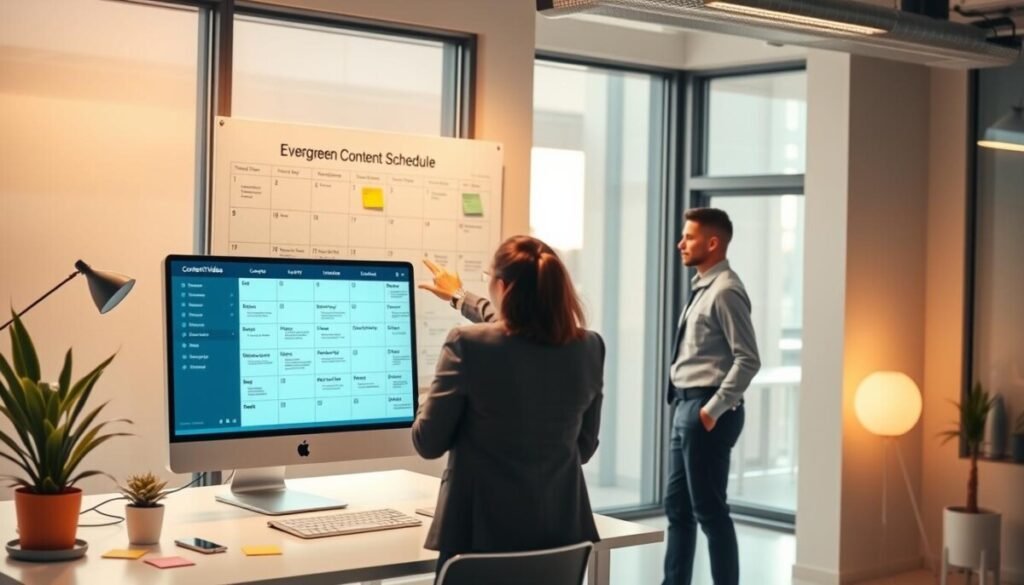
Build a rotation of evergreen media so your account stays active without daily production.
Evergreen content means timeless clips — brand stories, foundational tips, and how-to guides — that remain relevant long after posting. Recycle your best-performing media to extend reach and save creation time.
Use a professional scheduler to automate this rotation. Queue top posts at measured intervals and keep a mix of fresh and archived clips in your calendar. That approach maintains visibility and introduces your best work to new followers. To grow your audience, schedule your youtube uploads effectively and ensure that your content reaches viewers during peak engagement times. Experiment with different days and times to find what resonates best with your target demographic. Additionally, use analytics to refine your strategy and continue delivering compelling videos your fans will love.
- Maximize asset value: repeat high-performing posts to drive ongoing engagement.
- Save time: fewer production sessions, more strategic output.
- Maintain presence: keep your account consistent while creating new video ideas.
For a practical checklist on mobile publishing and queue management, see this mobile posting guide. An evergreen system is a core part of a long-term social strategy that keeps your content working 24/7.
Best Practices for Maintaining Brand Authenticity
Authenticity wins attention; brands that mirror platform culture earn trust quickly. Keep your content aligned with native trends and familiar formats so posts feel natural.
Match tone, not polish. Use trending sounds and simple edits. Let your brand voice guide captions and replies so each post reflects who you are.
When you schedule tiktok, leave windows for spontaneous clips. A reliable scheduler keeps cadence steady, but real-time reactions build trust.
- Plan evergreen and trend-led content that fits your brand voice.
- Engage in comments; audience conversations amplify reach.
- Use data to pick the right time, then adapt fast when culture shifts.
Tip: Train your team on guidelines that preserve personality across every account. For practical steps on planning and delivery, see schedule posts for TikTok.
Streamlining Your Social Media Presence for Long-Term Growth
A unified content calendar turns scattered tasks into predictable growth signals for your account.
Use one central tool to manage media, map posting times, and track performance. A clear calendar helps you spot when your audience active and pick the best time for each post.
Keep testing. Try different posting patterns, mix evergreen with trend-led clips, and measure engagement. That practice sharpens your social media strategy and improves long-term reach.
When you’re ready for deeper workflows, see this short guide on event-ready practices: best practices for scheduling tweets for. Use the insight, refine your tools, and let steady systems carry your platform forward.