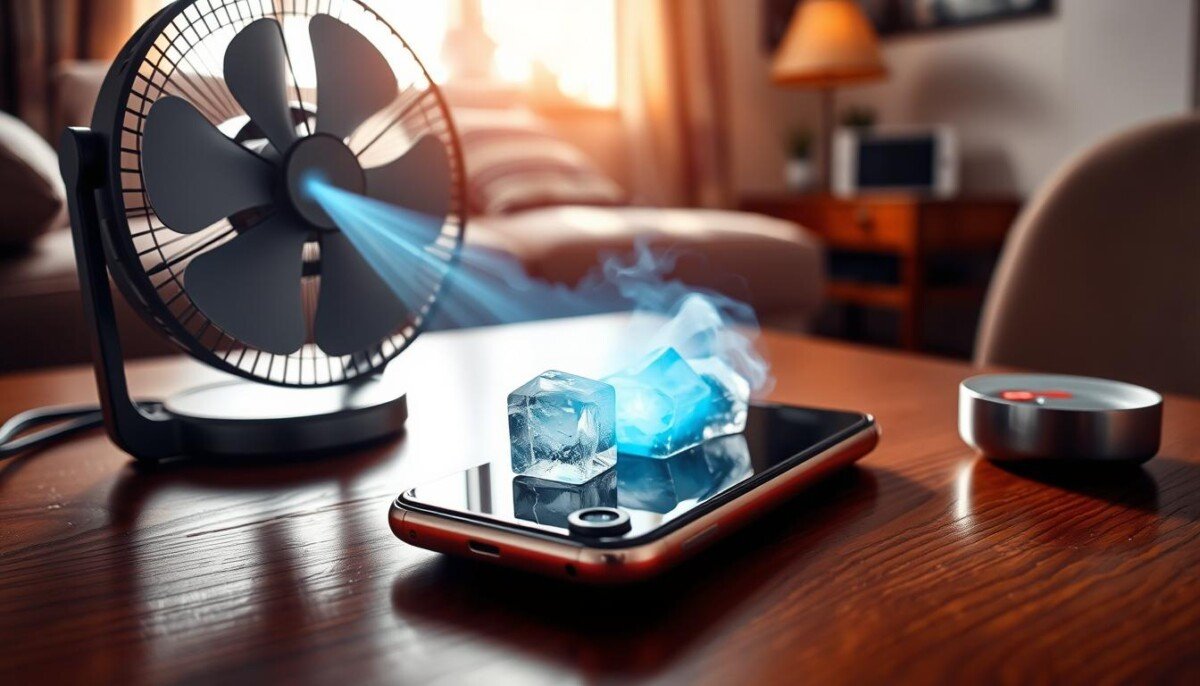
Does your device feel like a warm brick in your hand—and could that warmth be hurting more than just comfort?
When a phone heats up, it threatens the battery, processor, and your data. Small rises in temperature can slow performance and expose privacy risks during long hours of use.
Understanding why your iphone getting hot is the first step to avoiding permanent damage to background software and hardware. We’ll show clear, fast steps you can take today.
If the problem keeps happening, local pros like iPhone Repair 4 Less in Lafayette offer free diagnostics and most repairs in about 30 minutes while you wait. For more causes and practical solutions, see this short guide on common causes and quick remedies: smartphone overheating causes and fixes.
Key Takeaways
- Heat can harm performance and risk privacy and data.
- Know why your phone gets hot to prevent permanent damage.
- Simple software and habit changes often cool a device fast.
- Local repair shops can diagnose free and repair quickly.
- Use this guide to protect your phone and extend its life.
Why Your Device Gets Hot
https://www.youtube.com/watch?v=pez958Y3GSk
Most cases of a hot device come down to where you use it and what runs on it.
Environmental Factors
Your phone runs best in mild temperatures. iPhones operate between 32°F and 95°F; higher ambient temperature can make your device warm fast.
Direct sun and hot cars raise internal temperatures and stress internal components. That raises the risk of damage and reduced performance.
Software and Usage
Low battery health (below 80%) forces the battery to work harder and generate heat. Heavy apps, high screen brightness, and background processes use more power for hours.
Software bugs or many background apps can drain power and threaten security and privacy by keeping the processor busy.
Quick causes at a glance:
- Hot ambient temperature or direct sun
- Worn battery and intensive apps
- High screen brightness and active background tasks
| Cause | How it generates heat | Impact |
|---|---|---|
| High ambient temperature | Raises internal temperatures | Reduced performance, possible damage |
| Low battery health | Battery works harder to supply power | More heat, shorter runtime |
| Heavy apps / background processes | Constant CPU and GPU load | Slower performance, security risk |
Immediate iPhone Overheating Fix Techniques

Heat builds quickly; simple actions can lower internal temperature and restore performance.
Removing External Barriers
Take the case off right away. A loose cover can trap heat and raise battery stress.
Managing Background Processes
Close open apps and stop heavy software that runs in the background. That reduces CPU load and saves power.
- If your phone is overheating: remove the case and move to a cooler spot.
- Close open apps and switch on Airplane Mode to cut background data and lower temperature.
- Pause long tasks like backups or large downloads until the device cools.
Power Management
Stop charging immediately if the device gets hot. Charging adds heat and stresses the battery.
Power down for a few minutes when possible. A full restart lets the processor cooldown and can restore normal performance.
| Action | Immediate Effect | Why it helps |
|---|---|---|
| Remove case | Better airflow | Reduces trapped heat and protects battery |
| Close apps / Airplane Mode | Lower power use | Stops background data and improves security |
| Stop charging / restart | Cool processor | Prevents added heat and possible damage |
Adjusting Settings to Reduce Thermal Load

Tweak a few core settings and you can cut the phone’s heat in minutes.
Dim the screen and enable Low Power Mode to drop display brightness and system animations. This reduces power draw and eases the processor so the device runs cooler.
Apple addressed the iPhone 15 processor bug with a software update that reduced abnormal power consumption. Keep your software and all apps current to avoid old bugs that generate heat.
Turn off background app refresh and limit location services for apps you don’t need. That saves power, improves privacy, and lowers the chance the device will heat during long hours.
- Switch network mode from 5G to LTE when signal is weak to stop overheating caused by radio strain.
- Pause heavy tasks and avoid charging during high temperatures to prevent added thermal load.
- Check settings for battery or performance modes that cut power consumption.
| Setting | Effect | Why it helps |
|---|---|---|
| Low Power Mode | Lower screen and CPU use | Reduces processor cycles and heat |
| Background app refresh off | Less constant activity | Conserves power and improves security |
| 5G → LTE | Reduced radio work | Stops radios from generating excess heat |
Identifying Potential Hardware Failures

If your phone gets hot within minutes of light use, suspect a failing component.
Look for quick signs of battery degradation. A battery health reading under 80% is a clear signal you need a professional replacement.
Signs of Battery Wear
Watch for a screen that lifts from the case or odd swells inside the body. These point to a swollen battery internal to the device.
Hardware issues can also show as heat while idle, fast drops in power, or unusual processor activity during simple tasks. The iPhone 12 Mini had reports of temperature rises within 2–3 minutes that matched these symptoms.
- If battery health is below 80%, get a professional assessment.
- Damaged charging ports or bent pins can cause heat even when no apps run.
- A shop like iPhone Repair 4 Less can diagnose screen lifting and offer a 1-year warranty on replacement parts.
| Symptom | Possible Cause | Recommended Action |
|---|---|---|
| Rapid warming at idle | Faulty internal components | Stop charging; seek diagnostics |
| Screen lift or swelling | Swollen battery internal | Power down and get battery replacement |
| Heat during light use | Processor or charging port issue | Professional inspection |
For step-by-step guidance and local service options, see these overheating solutions.
Protecting Your Data and Device Longevity
When a phone shows persistent heat or odd behavior, prioritize backups and a safety check.
Back up your data immediately if you see signs of permanent damage. A quick backup preserves photos, contacts, and business files while you arrange repairs.
Use security tools like Avast One Mobile for iOS to stop malware that runs in the background and drains battery and power. Good security reduces risky apps and improves privacy during long hours of use.
- Visit iPhone Repair 4 Less at 431 E Pont Des Mouton Suite E in Lafayette to prevent battery internal swelling and further damage.
- Protect the screen and case from drops and extreme temperatures to extend device life.
- Set up regular backups and a security app to catch resource-hungry apps fast.
| Action | Benefit | Why it matters |
|---|---|---|
| Immediate backup | Protects data | Prevents loss if internal components fail |
| Security software | Stops hidden apps | Reduces power draw and heat |
| Professional repair | One-year warranty | Fixes battery or screen issues safely |
Act now to safeguard data, security, and the battery. Small steps today prevent costly damage tomorrow.
Best Practices for Long-Term Prevention
Small, regular steps stop many common device temperature problems before they start.
Software Maintenance
Close open apps when you finish using them. That reduces background CPU work and cuts power consumption.
Enable Airplane Mode during long meetings or travel to stop background data and lower heat. Turn on Low Power Mode for heavy days to preserve battery and performance.
Keep apps and system updates current. Updates fix bugs that raise processor load and can prevent an overheating iphone.
Physical Care
Store the phone between 32°F and 95°F to avoid permanent battery damage. Avoid direct sun, hot cars, or leaving the device next to a heater.
Clean the case and charging port regularly so dust does not trap heat or impede connections. If the screen lifts or the case bulges, power down and seek service.
- Close apps and use Airplane Mode to stop overheating during long work hours.
- Keep a cool ambient temperature to protect battery and internal components.
- Regularly check settings and clear resource-heavy background apps for better security and performance.
- iPhone Repair 4 Less offers a 1-year warranty on parts for persistent issues and repairs.
| Practice | What it does | Benefit |
|---|---|---|
| Close open apps / Airplane Mode | Reduces background processor use | Lower heat, better battery life |
| Keep software updated | Fixes power-hungry bugs | Improved performance, fewer security risks |
| Control ambient temperature | Prevents external heat stress | Protects battery and internal parts |
| Clean case & ports | Improves airflow and connections | Reduces damage and charging issues |
Conclusion
A warm device is a warning—respond fast to protect performance and battery life.
,Quick steps like removing the case and closing background apps often bring immediate relief from heat. Use Low Power Mode and pause heavy tasks to cut power draw and lower risk to internal components.
If simple software and settings changes do not help, seek professional diagnostics at iPhone Repair 4 Less. Their team can spot failing parts, protect your data, and restore normal performance.
Don’t ignore warning signs. Regular updates, battery checks, and sensible charging habits extend life and keep your phone reliable.



