Curious whether a simple swap can extend your device life and save you money? You rely on your device for work, so a fast, clear plan matters.
Knowing the phone battery replacement cost helps you decide between an authorized service, a local shop, or a DIY fix.
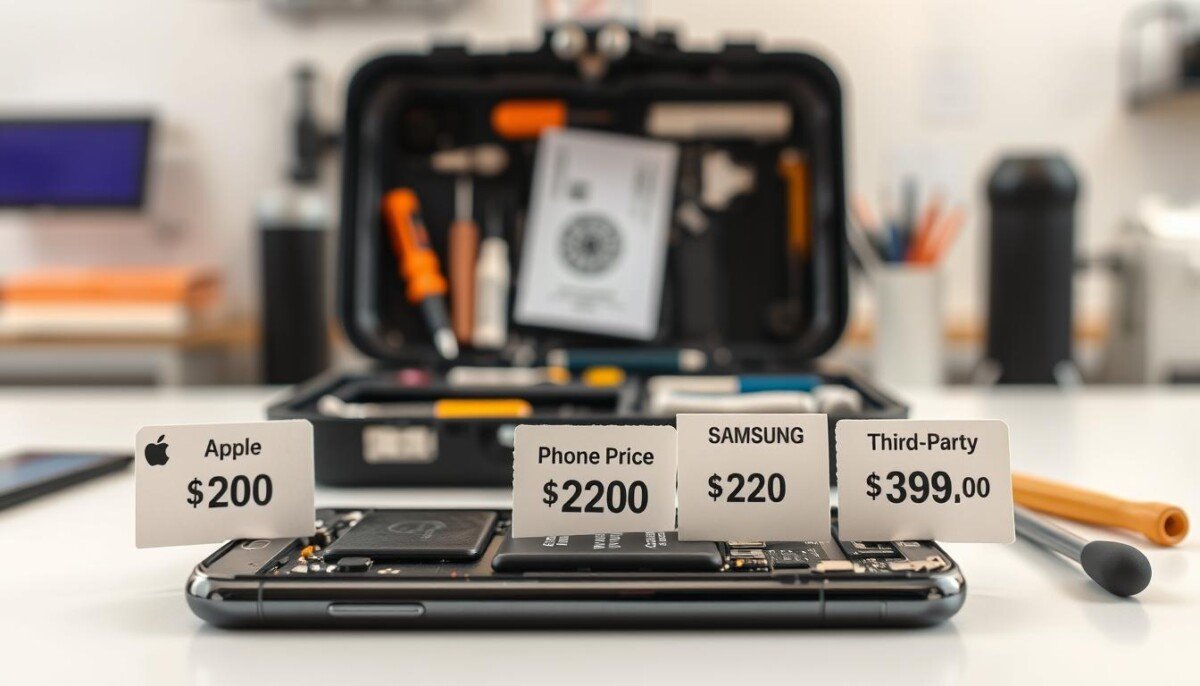
Apple’s out-of-warranty service runs about $89 to $99 for many models. Local repair shops may charge different rates and often include a parts warranty.
If you prefer hands-on fixes, iFixit offers full DIY kits with parts and tools to replace iphone battery components safely. Learn more about those DIY kits here.
Key Takeaways
- Authorized service gives predictable pricing and a warranty.
- Local repair shops can offer lower prices and quick turnaround.
- DIY kits from vendors like iFixit include tools and parts for self-service.
- Replacing a worn battery often extends device life and saves money.
- Compare prices for your model and check shop warranties before you decide.
Identifying Signs of Battery Degradation
Over time, lithium-ion cells lose capacity and that shows in everyday use. Watch for clear changes in how your device holds a charge. Early detection saves time and helps you choose the right service.
Common Symptoms of Wear
- Rapid drain: Your phone loses charge far faster than before.
- Random shutdowns: The device turns off even with reported charge remaining.
- Overheating while charging: Warm or hot behavior during charging is a warning.
- Slow charging: Charging takes longer than usual and may stall.
- Frequent top-ups: You need a charger multiple times a day to get through work.
When to Seek Professional Help
Check battery health in settings; values under 80% usually mean the cell can no longer hold reliable charge.
If you see repeated shutdowns, overheating, or charging that is consistently slow, seek a qualified repair service. A pro can tell if the issue is software or true hardware wear.
- Check warranty before third-party visits.
- A certified service can restore usable life and confirm safe power performance.
Understanding Phone Battery Replacement Cost Factors

Understanding what drives repair fees helps you budget and choose wisely.
Five main factors shape final prices: the model, battery quality, service provider, location, and warranty status.
Newer models often use tight designs and strong adhesives. That increases the time a technician spends and raises labor charges.
Parts quality matters. High-quality cells keep better health and steady charging. Cheap parts may lower upfront prices but cause poor performance later.
Who performs the job affects charges. Authorized service centers usually use original parts and offer a warranty, so their prices tend to be higher than third-party shops.
- Model complexity: tougher designs need more time.
- Provider: authorized vs. local shops affects parts and service terms.
- Warranty: a valid warranty can cut what you pay if the manufacturer finds a fault.
| Factor | Impact | Why it matters |
|---|---|---|
| Model | High | Design dictates labor time and access to parts. |
| Parts quality | Medium | Better parts improve device health and charging reliability. |
| Service provider | Medium | Location and brand affect prices and warranty coverage. |
Ask for an itemized quote and check warranty terms before you commit. Comparing shops helps you find fair prices and a reliable repair.
Comparing Professional Repair Services and DIY Kits

Your choice between pro service and a DIY kit comes down to warranty needs and skill. Weigh fast, guaranteed work against savings and control. This section compares the main options so you can choose with confidence.
Authorized Service Centers
Choose this for peace of mind. Authorized centers use genuine parts and keep your manufacturer warranty intact. They also perform post-repair testing on health and charging to verify results.
Third-Party Repair Shops
Good for speed and convenience. Local shops often return devices faster and may charge less. Ask about parts quality and a written warranty before you agree.
The Reality of DIY Fixes
DIY kits suit experienced users who want to save money. Kits like those from iFixit include tools and parts, but you must handle screens and adhesive carefully.
- Confirm the correct kit for your model before you start.
- Practice patience and follow guides step by step.
- Compare risks versus the reliability of a professional shop.
For a detailed walkthrough, see the iPhone battery replacement guide.
Conclusion: Maximizing Your Device Lifespan
A prompt service visit can restore steady power and extend your device’s usable life.
Act early when you see slower charge, rapid drain, or unexpected shutdowns. A timely battery replacement is the most effective way to avoid buying a new device and keep work moving.
Monitor battery health in settings and pick a reputable repair shop or an authorized service for parts and a warranty. If you go DIY, choose quality kits and follow guides closely to protect your screen and circuits.
After service, protect longevity by avoiding extreme heat, using a proper charger, and following simple tips on battery life tips. Regular maintenance preserves power and performance for years.
We hope this guide gave the clarity you need to make a confident choice about your next service.



