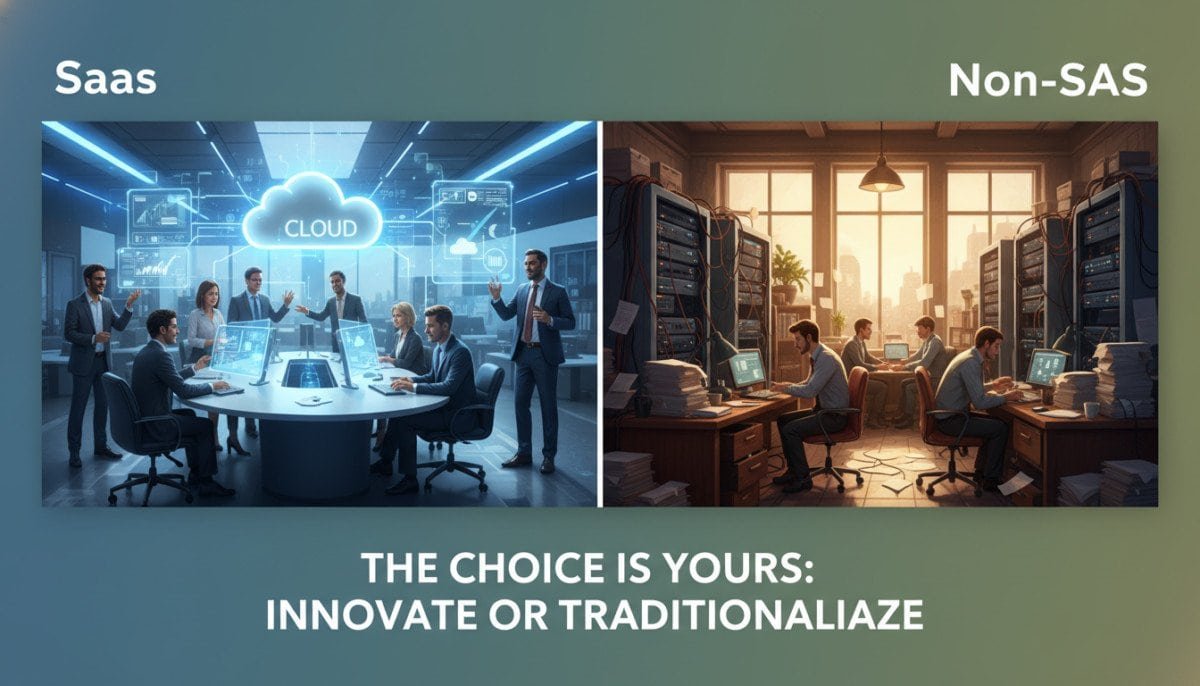
Have you ever wondered how the choice between different software models can shape your business’s future? In today’s fast-paced digital landscape, understanding the fundamental differences between these models is crucial for making informed decisions.
The global market for software solutions is evolving rapidly, with the SaaS sector alone valued at an impressive $273.55 billion in 2023. This significant growth underscores the importance of knowing which approach suits your organization’s needs best.
Our guide aims to clarify how these distinct models can impact your daily operations and long-term strategies. We will explore how selecting the right software can enhance your ability to innovate and adapt to changing market demands.
By weighing the pros and cons, we strive to simplify the complex decision-making process for businesses of all sizes. Join us as we delve into the nuances of these software approaches and help you optimize your operations.
Key Takeaways
- Understanding the differences between software models is essential for informed decision-making.
- Choosing the right software can significantly impact business operations and growth.
- The SaaS market is rapidly expanding, indicating a shift in software preferences.
- Evaluating pros and cons simplifies the decision-making process for organizations.
- Innovation and adaptability are key factors influenced by software choice.
Understanding SaaS and Non-SaaS Models
The choice of software model can have profound implications for your organization’s efficiency. In today’s digital age, understanding Software as a Service (SaaS) is essential. This cloud-based model allows users to access applications hosted by third-party providers via the internet.
One of the main advantages of SaaS is its immediate accessibility. Popular examples include Google Workspace and Salesforce, which offer functionality without the need for local installation. In contrast, traditional software development, often called on-premise, requires installation on your own hardware, giving you full control but demanding more maintenance.
According to industry insights, the SaaS market is projected to reach $1,228.87 billion by 2032, reflecting its growing adoption. Meanwhile, the traditional software market is also expanding, with a significant CAGR of 22.5% through 2030 for custom solutions.
These key differences in software models dictate how companies manage resources, updates, and long-term development strategies.
Key Differences in Deployment and Access
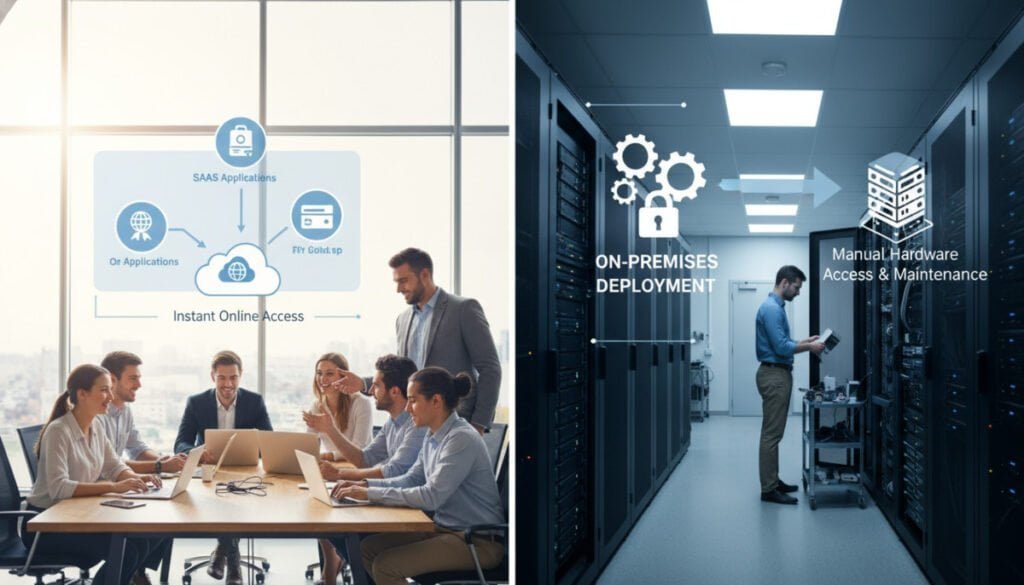
Understanding how different software deployment methods can affect your operations is essential for any business. The choice between cloud delivery and on-premise installations can greatly influence your team’s efficiency and flexibility.
Cloud Delivery vs. On-Premise Installations
SaaS deployment eliminates the need for IT staff to manually install software on every computer, as it runs directly through a web browser. This ease of access allows for seamless updates and reduces the burden on your IT resources.
On the other hand, on-premise solutions require installation on local servers. This approach can provide consistent performance, especially in environments where internet access may be unreliable.
Web Browser Accessibility Compared to Local Software
Cloud delivery models allow users to access applications from any location, which is a significant advantage for remote and distributed teams. In contrast, traditional software deployment is often restricted to specific devices, keeping your data within the physical boundaries of your company.
By using a web browser, SaaS providers manage all technical updates, ensuring that your team always has access to the latest features. This shift toward cloud-based deployment has transformed how businesses manage their IT resources, moving away from physical server maintenance.
Impact on Data Security and Compliance
In today’s digital world, ensuring the safety of your data is more crucial than ever. The choice between cloud-based solutions and traditional software can significantly impact how we manage data security and compliance.
Many SaaS providers implement robust security protocols, including encryption and regular audits. These measures protect sensitive data stored in secure cloud centers. However, trusting a third-party provider with our data necessitates careful evaluation of their security compliance standards, such as GDPR and HIPAA.
On-premise software offers the advantage of maintaining full control over data security. This is especially vital for industries with strict regulatory requirements. However, managing security internally can require significant investment in firewalls and encryption.
When selecting a SaaS solution, we must assess the provider’s security certifications. This ensures they meet our organization’s specific data security needs. Balancing the convenience of the cloud with the need for strict compliance is a primary challenge for modern IT departments.
| Aspect | Cloud-Based Solutions | On-Premise Software |
|---|---|---|
| Data Control | Limited control; relies on provider | Full control over data security |
| Security Protocols | Regular audits and encryption | Requires internal investment |
| Compliance Standards | Must meet external standards | Directly managed by the organization |
| Cost | Subscription-based | One-time investment |
For more information on transitioning to cloud solutions, check out our guide on migrating data to a new cloud storage.
Cost, Scalability, and Resource Considerations
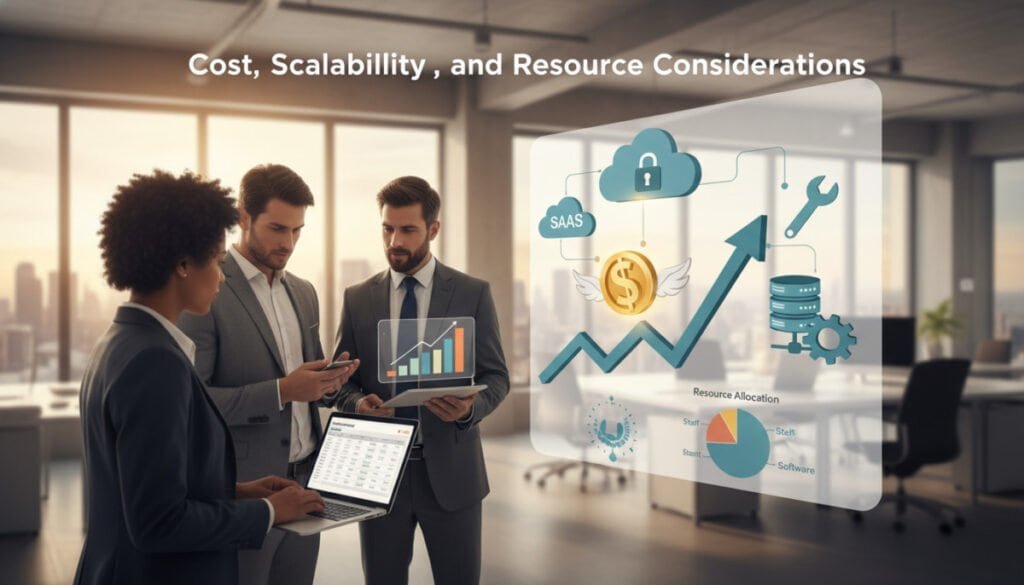
When evaluating software options, understanding costs and scalability is crucial for making the right choice. The financial aspects of software models can greatly influence our operational efficiency and growth potential.
Subscription Models vs. One-Time Investments
SaaS models typically use subscription-based pricing. This approach lowers initial costs but can lead to higher cumulative expenses over time. In contrast, traditional software requires a significant one-time investment for licenses. This avoids the recurring costs associated with monthly subscriptions.
Scalability and Resource Allocation for Growing Businesses
Scalability is a core benefit of SaaS, allowing businesses to add users or features instantly as their operational requirements evolve. Scaling on-premise infrastructure, however, is often complex. It may involve purchasing additional hardware and dedicating more IT resources to maintenance.
Companies experiencing rapid growth often prefer the flexibility of SaaS. This model eliminates the need for complex hardware migration projects. However, we must also consider the potential for vendor lock-in, as moving data to another provider can be technically challenging and costly.
For further insights on software options, check out our project management software reviews.
Integration, Customization, and Vendor Lock-In Concerns

In the evolving landscape of software solutions, companies face critical decisions regarding integration and customization. The choice between cloud-based services and traditional software can significantly impact our operational efficiency.
SaaS applications often provide standardized features that cater to a broad user base. While this ensures quick deployment, it limits the deep customization that some teams may require. On the other hand, traditional software allows for extensive customization, enabling businesses to tailor systems to their unique workflows.
Integrating SaaS with existing systems typically relies on APIs. This contrasts with on-premise software, which can be modified directly through custom development. Organizations must find a balance between the flexibility of SaaS and the benefits of standardized services to ensure long-term operational success.
Vendor lock-in is a significant concern, as data tied to a specific provider’s proprietary systems can create challenges during migration. By maintaining full control over our software environment, we can ensure compatibility with legacy infrastructure.
| Aspect | SaaS Solutions | Traditional Software |
|---|---|---|
| Customization Level | Limited customization | Extensive customization |
| Integration Method | Relies on APIs | Direct modification possible |
| Vendor Lock-In Risk | High risk | Lower risk |
| Control Over Environment | Limited control | Full control |
For more insights on vendor lock-in, check out our article on vendor lock-in concerns.
Real-World Applications and Use Cases
The real-world applications of software models are transforming industries and shaping operational strategies. Understanding how these solutions are adopted across various sectors helps us grasp their impact on businesses.
Industry Adoption Trends in the United States
Healthcare is projected to be the fastest-growing sector for cloud adoption. Professionals are increasingly moving data to the cloud to support remote work and telemedicine technologies.
In the IT and telecom segment, which holds a significant 22% market share in custom software development, companies often favor on-premise control for enhanced security.
Examples of SaaS Solutions and Their Traditional Counterparts
- Collaboration tools like Trello and Dropbox exemplify how SaaS solutions have transformed team management.
- Adobe Creative Cloud offers a hybrid model, requiring local installation while providing cloud-based updates.
- Government agencies are embracing digital transformation, often using custom software to meet compliance requirements.
- Manufacturing sectors successfully combine on-premise systems with SaaS integration to modernize legacy infrastructure.
| Sector | SaaS Example | Traditional Counterpart |
|---|---|---|
| Healthcare | Telemedicine Platforms | On-Premise EHR Systems |
| IT & Telecom | Cloud Collaboration Tools | Custom In-House Solutions |
| Creative | Adobe Creative Cloud | Standalone Software |
| Government | Digital Compliance Tools | Legacy Systems |
saas vs non-saas: Evaluating Options for Your Business
Identifying the best software solution is key to enhancing our company’s productivity and growth. Choosing between the flexibility of cloud-based services and the control of on-premise solutions requires careful consideration.
First, we should assess our business model to determine which option aligns best with our operational needs. Listing software requirements, such as scalability and integration capabilities, helps prioritize what matters most to our success.
Evaluating the total cost of ownership, including upfront investments and ongoing subscription fees, is essential for long-term financial planning. Additionally, we must consider the sensitivity of our data and whether our industry mandates full control over infrastructure for compliance.
Finally, our long-term strategy should account for future growth. Ensuring that our chosen software approach can scale alongside our company’s ambitions will empower our team and streamline core operations.
For more insights on financial management software, visit our guide on financial management software.
Final Thoughts on Choosing the Optimal Software Solution
Choosing between different software models is a strategic decision that impacts our company’s ability to innovate and maintain security. While cloud solutions offer unmatched flexibility and ease of access, traditional software remains essential for industries that require full control over their data.
Your final choice should align with your long-term business goals, ensuring that your software infrastructure supports growth and operational needs. The best software solution balances current requirements with the ability to adapt to future technological changes.
By carefully evaluating our data needs and maintenance capabilities, we can select a model that provides the most value to our users. For more information on transitioning to cloud solutions, check out our guide on migrating data to a new cloud storage.



