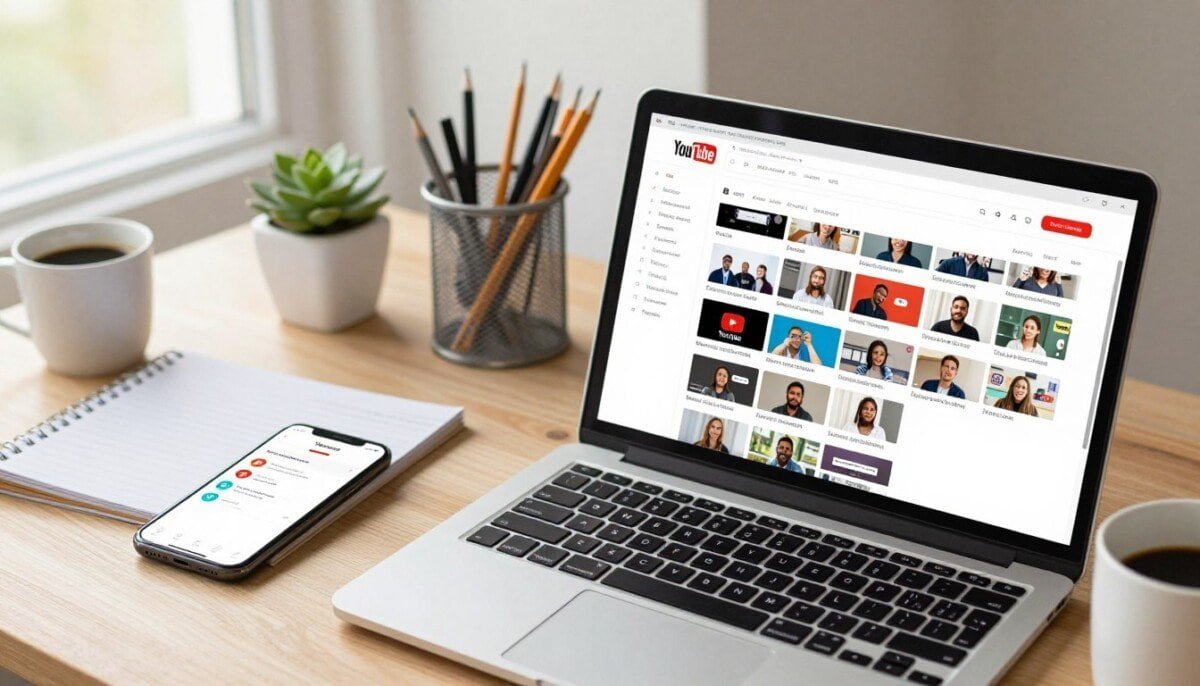
What if a smarter posting plan could double your reach without extra filming? We asked that same question when we reviewed platforms that help creators keep a steady presence while saving time.
Short-form videos now drive billions of daily views and act as a discovery engine for longer content. With that shift, the right scheduler changed how teams and solo creators plan, post, and measure success.
We highlight practical ways to schedule youtube content, automate uploads, and protect creative time. Choppity, trusted by 100K+ podcasters and creators with a 4.8 rating from 2,380 reviews, shows how one platform can simplify calendar management and team collaboration.
In this guide we compare platforms, explain analytics and posting strategy, and show how to turn workflow gains into more views and better engagement.
Key Takeaways
- Scheduling reduces manual posting and frees time for quality content.
- Choppity is a proven option for teams and solo creators seeking growth.
- Use calendar and analytics features to pick optimal posting times.
- Automated uploads and collaboration speed up your production workflow.
- Match titles, descriptions, and timing to audience habits for better reach.
Why YouTube Shorts Scheduling Tools Matter for Growth
A steady posting rhythm makes discovery easier and turns casual viewers into subscribers.
Consistency is the single biggest factor the platform rewards. We found that a reliable calendar and a clear post cadence lift visibility more than occasional viral luck.
Algorithmic Benefits
Regular uploads help the algorithm learn when and whom to show your videos. That steady signal increases impressions and can improve watch-time metrics.
Callum B. from AutoTrader reported a massive increase in views and subscribers after six months using Choppity to manage his podcast clips. That sort of growth comes from signal consistency, not guesswork.
Operational Efficiency
Using a dedicated scheduler lets creators batch produce, add metadata in bulk, and set optimal post times. We spend less time on repetitive uploads and more on content quality.
- Batching speeds production and improves creative focus.
- Centralized calendars make multi-channel management easier.
- Automated posting ensures reach at peak viewer times.
For teams exploring options, our notes on social media management tools offer a useful comparison to pick the right platform for your workflow: social media management tools.
The Hidden Costs of Manual Uploading
Manual uploads quietly eat into the hours creators could spend making better content. A single manual upload to YouTube Studio can take 20 to 30 minutes when you add descriptions, tags, and thumbnails.
Multiply that by a few videos each week and those minutes turn into lost hours. We saw teams lose time that should be spent scripting, filming, or improving edits.
Manual processes also raise error risk. Missed publish times, inconsistent descriptions, and skipped tags cost reach and engagement. Those missed moments mean fewer views and less audience growth.
- Save hours: Templates and metadata automation compress work into minutes.
- Reduce mistakes: An automated platform ensures each post is optimized before it goes live.
- Keep steady output: A clear content calendar helps our channel stay fresh for followers.
For mobile-first teams looking to move faster and keep a reliable plan, check our guide to mobile apps for schedule youtube to see how a compact workflow can change your production times.
Essential Features to Look for in Scheduling Platforms
The right platform protects your files and makes bulk updates simple. When we evaluate options, we focus on three core areas that keep your workflow steady and scalable.
Upload Reliability
Uploads must be rock-solid. Choose platforms that resume interrupted transfers, verify file integrity, and handle large video uploads without corruption.
That reduces re-uploads and ensures your publish times hold. Reliable systems save us time and prevent last-minute scrambles in YouTube Studio or other publishing interfaces.
Metadata Management
Good metadata features let us save templates for title, description, and tags. This keeps a channel consistent and speeds batch work.
- Bulk editing for many videos at once.
- Preview screens so titles and descriptions look right before a post goes live.
- Templates that match audience expectations and improve searchability.
Team Collaboration
For teams, role-based permissions and approval workflows prevent version conflicts and accidental publishes.
We also look for integration with our social media analytics and a unified dashboard that ties content, post times, and performance together.
Choose a platform with these features and you reduce repetitive work, protect quality, and free time to make better content. For a deeper comparison of competing scheduling options, see our guide on comparing scheduling options.
Best YouTube Shorts Scheduling Tools for Solo Creators
A lean posting system helps independent creators stay visible without burning out.
We often recommend starting with YouTube Studio. It is free, reliable, and requires no third-party integration. For many solo creators, that native scheduler covers basic uploads and lets a channel stay consistent while you learn the ropes.
When you outgrow the basics, consider a dedicated platform like Post Planner for advanced calendar views and better time controls. These options add analytics and a visual content calendar so you can plan weeks ahead.
Pick a scheduler that balances ease of use with the analytics you need. Multi-channel platforms help you repurpose short-form content for TikTok and Instagram, saving editing time and expanding your audience.
- Start simple: native scheduler for reliable, no-cost uploads.
- Scale when needed: move to a calendar-focused platform for advanced features.
- Plan ahead: batching and scheduling free you to focus on creative work.
Whether you choose a simple tool or a richer platform, the goal is the same: keep your posting rhythm steady and your audience growing.
Top Platforms for Marketing Teams and Agencies
Agencies need platforms that scale from a single campaign to dozens of client channels without missing a beat.
We look for white-label reporting, bulk scheduling, and strict approval flows. Sprout Social and Sendible both offer these features and work well for multi-client agencies.
Centralized dashboards let us track analytics for many clients at once. That saves hours on manual reports and keeps teams aligned on content and post times.
Effective team controls reduce version conflicts. Role-based permissions and approval queues ensure each upload is reviewed before it goes live in YouTube Studio or other channels.
| Platform | Best for | Key features |
|---|---|---|
| Sprout Social | Agencies with many clients | White-label reports, bulk scheduling, advanced analytics |
| Sendible | Teams needing granular approvals | Client dashboards, content calendar, collaborative workflow |
| Choppity | Creators scaling to agency work | Central scheduler, fast uploads, integrated analytics |
For teams that manage many channels, choose a platform that fits your workflow and gives clear analytics. That way we keep content quality high and save time across every channel.
How to Use AI to Accelerate Your Content Workflow

Machine learning can pinpoint the moments that matter, turning long recordings into eye-catching clips fast.
AI-powered platforms like OpusClip detect high-impact moments in long-form video and generate short edits in minutes. This cuts manual editing time and increases our output without growing the team.
Automated captioning and formatting ensures clips are vertical, readable, and ready for upload across platforms. Captions and animated text improve watch time and make content accessible to a broader audience.
- Auto-detect scenes and pull highlights for rapid repurposing.
- Generate captions, hashtags, and formatted cuts that match platform features.
- Let us focus on strategy while software handles technical edits.
Integrating AI into our scheduling flow helps us maintain a steady upload cadence and reuse legacy media efficiently. We’ve seen captions and smart metadata boost discoverability on social media and drive better analytics for our channel.
Optimizing Your Posting Schedule for Maximum Reach
Posting at the right hour can turn a quiet upload into a viral surge within its first sixty minutes.
We rely on analytics to pick those hours. By checking audience activity in YouTube Studio, we spot peak times and can increase first-hour views by up to 40 percent.
Map a simple calendar so posts are spread evenly across the week. A professional scheduler helps us lock those winning slots and frees hours for better content creation.
Test different posting times for a few weeks. Track engagement, views, and watch time, then automate the best slots with your chosen platform.
- Be consistent: steady posts train the algorithm to favor our channel.
- Balance content: mix formats and optimize every title and description for searchability.
- Use data: let analytics guide timing instead of guessing.
If a third-party scheduler ever misfires, check common issues like publish permissions. For related troubleshooting, see Instagram scheduler not auto-publishing. Small refinements to timing and metadata drive measurable growth in reach and engagement.
Leveraging Content Buckets for Consistent Variety

Organizing content into clear buckets makes planning faster and keeps your feed interesting.
Content buckets let us group videos by theme — tutorials, testimonials, behind-the-scenes, or interviews. That structure prevents one topic from dominating our channel and gives viewers a predictable mix they enjoy.
We assign buckets to days in our calendar and lock those slots in our chosen platform. This simple rule means each week delivers variety without extra decision-making at post time.
Using a scheduler that supports bucket-based posting automates many uploads while leaving final control with us. Teams that adopt this method kept a steadier stream of high-quality posts across channels.
- Rotate themes to keep the audience engaged.
- Use templates for each bucket to save time on metadata.
- Review performance by bucket to refine future posts.
| Bucket Type | Purpose | Typical Frequency |
|---|---|---|
| Tutorials | Teach viewers a skill or tip | 2 per week |
| Behind-the-Scenes | Show process and personality | 1 per week |
| Testimonials | Build trust with social proof | 1 per week |
| Highlights | Repurpose long-form wins into bite-sized clips | 2 per week |
We also track which buckets drive subscriptions and tweak the mix. For teams wanting a deeper comparison of platform features, see our guide to social media management tools.
Strategies for Repurposing Long-Form Videos into Shorts
A single bold line or quick tip can be edited into a clip that hooks new viewers in seconds.
Repurposing long-form content into short clips extends reach and funnels viewers back to our full videos. We look for moments with clear value: a surprising fact, a concise tip, or an emotional reaction that reads without context.
Identifying High-Impact Moments
Scan transcripts and analytics to spot the most-watched minutes and spikes in attention. Those moments often translate into 15–45 second edits that deliver immediate value.
Clip candidates include quick tips, bold claims, and memorable one-liners. Tag timestamps and draft several titles to test which hooks best with our audience.
Maintaining Visual Quality
Keep framing tight and use clean captions to aid comprehension on mute. We crop for vertical format, stabilize shaky shots, and preserve clear audio for maximum retention.
Always add a strong call to action in the title or description to drive traffic to the long-form source. That simple funnel increases overall channel growth while maximizing time spent per recording.
- Automate highlights where possible to save hours of manual editing.
- Batch-create many clips from one interview or podcast for steady uploads.
- Use analytics to refine which topics and formats produce the best engagement and reach.
| Step | Action | Outcome |
|---|---|---|
| Identify | Use view heatmaps and transcripts | Find 15–45s high-impact moments |
| Edit | Crop, stabilize, add captions | Maintain visual quality and clarity |
| Publish | Add CTA and optimized title | Drive viewers to full video and boost channel growth |
For a deeper read on monetization risks tied to repurposed clips, see our piece on shorts revenue sharing problems. Consistent repurposing keeps our channel active in the algorithm and helps us get more value from every hour we record.
Managing Multiple Channels with Unified Dashboards
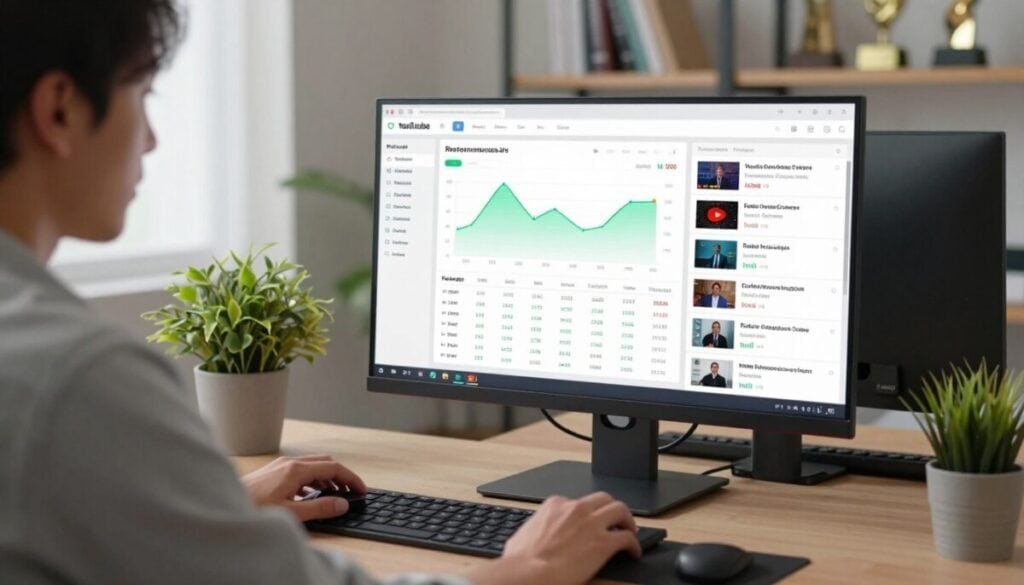
A single interface for all accounts turns a scattered posting routine into a predictable workflow.
Unified dashboards let us control many channels and social media accounts from one place. We can plan and schedule content, preview posts, and avoid conflicts between uploads on different youtube channel properties.
Central calendar views keep posting times clear. That view prevents double posts and helps us balance content across brands.
Using one scheduler saves time. Our team logs into fewer platforms, which cuts repetitive steps and speeds approvals.
- Keep brand voice consistent across videos and posts.
- See scheduled items and analytics in a single glance.
- Set role-based approvals so uploads go live only after review.
| Feature | Benefit | Best for |
|---|---|---|
| Central Calendar | Prevents date conflicts and visualizes cadence | Multi-channel managers |
| Role Approvals | Reduces publish errors and keeps quality high | Teams and agencies |
| Cross-Platform Preview | Ensures titles, thumbnails, and metadata match each audience | Creators optimizing uploads |
With a well-integrated dashboard we focus on scaling our content strategy and reaching a wider audience, not on logging in and out of accounts.
Improving Engagement Through Data-Driven Analytics
Good analytics turn vague instincts into repeatable wins for channel growth.
We dig into metrics to see which titles and thumbnail styles truly work. Scheduling platforms with built-in analytics let us compare scheduled posts against manual uploads. That side-by-side view highlights what earns more views and longer watch time.
By tracking watch time and audience retention, we refine our content and decide which short clips to push. These numbers tell us when to change a title or swap a thumbnail to improve click-through rates.
We also use these reports to adjust posting times so videos reach our audience when they are most active. Analytics reveal algorithm trends and show which topics deserve more focus.
- Compare performance: scheduled vs. manual uploads to find wins.
- Track retention: prioritize edits that keep viewers longer.
- Share clear reports: make decisions fast and align teams.
Consistent review of analytics makes our strategy smarter. Over hours and weeks, data-driven choices raise engagement and grow our channel more reliably than guesswork.
Avoiding Common Pitfalls When Automating Uploads
A calm upload pipeline still needs human checks to keep content timely and accurate.
Always preview scheduled posts and confirm time zones. A wrong zone can publish at off-hours and tank early engagement. We double-check clocks before a batch goes live.
Don’t schedule too far ahead. Trends shift quickly, and pre-set posts can become irrelevant. Keep a short runway so we can swap in breaking topics or fresh angles.
Make sure your scheduler is connected to YouTube Studio correctly. Failed metadata sync or broken visibility settings have cost us views in the past.
- Balance automation with manual oversight — reply to comments and monitor audience reaction.
- Check titles and descriptions per platform to avoid limiting reach.
- Watch analytics after each batch and be ready to adjust posting times or creatives.
Use automation to support your workflow, not replace the human touch. For a deeper look at the best options we tested, see our guide to the best scheduling tools.
Integrating Scheduling into Your Existing Creative Process
A smooth handoff from editing to publishing saves minutes every time and keeps our channel moving forward.
We make the scheduler part of our edit pipeline so Premiere Pro and Google Drive sit next to our calendar. That connection cuts manual steps and keeps content ready to publish.
The best approach adapts to our workflow. We move from cut to caption to publish without re-uploading files. This saves time and improves quality control.
Set a simple process for idea sharing and approvals. Let the system notify the team when a video needs review. That reduces email and keeps everyone aligned.
- Connect editing software to cloud storage.
- Automate final exports to the publishing queue.
- Keep slots flexible for last-minute strategy shifts.
| Integration | Benefit | Typical minutes saved |
|---|---|---|
| Premiere Pro export | Direct upload to queue, fewer file moves | 15–30 |
| Google Drive sync | Centralized assets for team access | 10–20 |
| Approval notifications | Faster sign-off, fewer follow-ups | 5–10 |
When we make the scheduler core to our workflow, uploads stay consistent and audience growth follows. The right platform supports the team and protects creative time.
Final Thoughts on Scaling Your Channel Through Automation
Automating routine posts frees creative hours so we can focus on better videos and bigger ideas.
By picking the right tool we keep a steady publishing cadence and protect the time that matters most: planning, editing, and audience work.
That clearer workflow lets us test formats, polish a single video, and grow our channel without burning out our team.
We’ve seen creators handle higher demand and keep quality when automation supports—not replaces—creative choices.
Start small, measure results, and use the saved time to experiment. Those steps compound into real growth over months.



