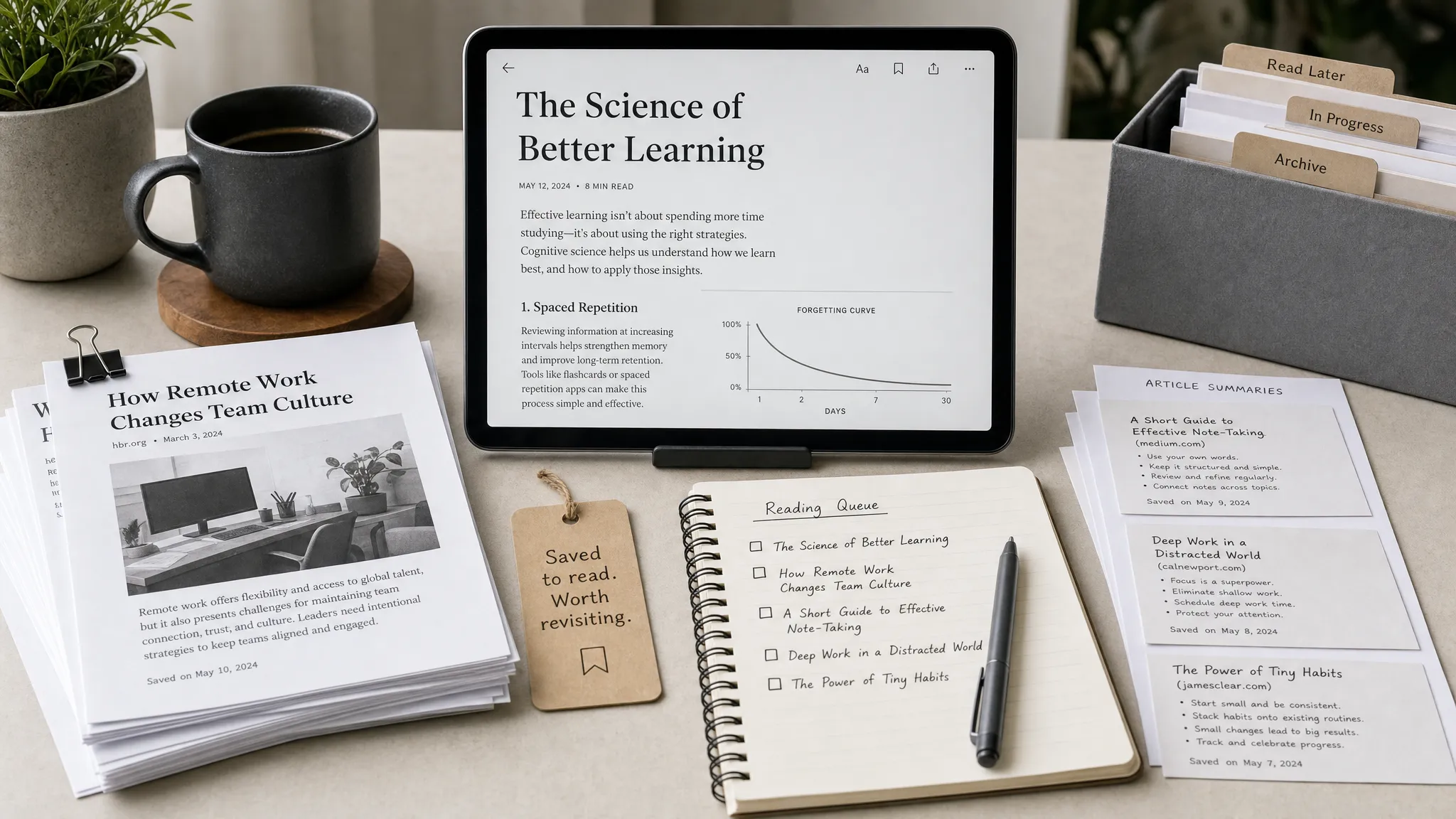
Your browser tabs are not a reading system. If you save articles, research sources, newsletters, tutorials, product pages, or inspiration links by leaving them open, you are eventually going to lose context, slow down your browser, or forget why you saved the page in the first place.
That is where reading later apps help. The best reading later apps do three things well: they make saving effortless, turn messy web pages into a clean reading experience, and give you enough organization to find useful content again.
There is also an important 2026 update: Pocket is no longer the default answer. Mozilla announced that Pocket would shut down on July 8, 2025, so this guide focuses on current alternatives that are better suited for modern reading, research, and digital workflow optimization.
Quick recommendations
If you want the short version, start here.
| Best for | App | Why it stands out | Main tradeoff |
|---|---|---|---|
| Simple distraction-free reading | Instapaper | Clean reading view, highlights, notes, and a calm interface | Less powerful for large research libraries |
| Saving and organizing all kinds of web content | Raindrop.io | Collections, tags, search, link previews, and bookmark management | More of a bookmark manager than a pure reading app |
| Serious research and highlights | Readwise Reader | Handles articles, PDFs, newsletters, RSS, and highlight workflows | Paid tool, best for power users |
| Privacy and self-hosting | wallabag | Open-source, portable, and control-friendly | Setup can be more technical |
| Apple-only reading workflow | GoodLinks | Fast, polished, private-feeling Apple app with tags and Shortcuts support | Not for Android or Windows users |
| Free built-in option | Safari Reading List, Chrome Reading List, Edge Collections | No extra app required | Limited tagging, search, and export options |
What makes a great reading later app?
A good reading later app is not just a nicer bookmark folder. It should reduce friction at the exact moment you find something useful. If saving requires too many steps, you will stop using it. If finding saved items later is painful, your library becomes another cluttered inbox.
Look for these practical features before you commit to a tool.
| Feature | Why it matters | What to check |
|---|---|---|
| Fast saving | You need to capture links from browsers, email, RSS, and mobile apps | Browser extensions, share sheet support, keyboard shortcuts |
| Clean reading mode | Long pages are easier to finish without ads, popups, and clutter | Article parsing quality, typography, dark mode |
| Offline access | You can read during flights, commutes, or spotty Wi-Fi | Mobile offline mode, saved article copies |
| Organization | Saved content becomes useful only if you can retrieve it | Tags, folders, collections, filters, search |
| Highlighting and notes | Important ideas should move into your knowledge system | Highlights, annotations, exports, integrations |
| Portability | You should not be trapped if the app changes or shuts down | Export options, open formats, API access |
| Privacy controls | Saved articles can reveal work projects, interests, and purchases | Data policies, self-hosting, account security |
For casual readers, the biggest priority is a clean reading view. For researchers, marketers, students, and creators, search, tags, exports, and highlights matter more.
1. Instapaper: best for focused long-form reading
Instapaper remains one of the cleanest options for people who mostly save articles and essays. Its main strength is restraint. The interface gets out of the way, strips pages into readable text, and makes it easy to sit down with a queue of saved content.
This is ideal if you save thought pieces, industry analysis, tutorials, and newsletters that you actually intend to read. The typography is comfortable, the reading environment is calm, and the app does not try to become a full project management system.
Instapaper is especially good for:
- Writers who collect examples and quotes
- Students who save articles for later review
- Professionals who want a quiet reading queue
- Anyone who misses the simplicity of classic read-it-later apps
The limitation is that Instapaper is not the strongest choice for managing huge mixed libraries of videos, tools, product pages, and research links. It can organize saved items, but if your goal is to find searchable archive solutions, Raindrop.io or Readwise Reader may fit better.
Choose Instapaper if you want your reading later app to feel like a digital reading chair, not a database.
2. Raindrop.io: best all-around web saving app
Raindrop.io is the best choice for people who save more than articles. It works well for web pages, tools, videos, product references, design inspiration, documentation, and shopping research. Instead of treating every saved item as something you must read, Raindrop.io treats the web as a library you can organize.
Collections and tags are the core of the experience. You might create collections for marketing ideas, competitor research, client projects, recipes, tutorials, or software tools. This makes it particularly useful for creators, freelancers, researchers, and teams that constantly gather references from across the web.
Raindrop.io is also helpful for high-consideration research where you compare many sources over time. For example, if you are planning a home project, you might save contractor portfolios, design ideas, material references, and regional service pages such as home renovation Dubai contractors into one organized collection for later comparison.
The tradeoff is that Raindrop.io can feel more like a powerful bookmarking tool than a minimalist reading app. That is not a bad thing. It simply means it is better for saving and organizing web content than for sitting down with a distraction-free reading queue.
Choose Raindrop.io if your saved content includes articles, videos, references, tools, and research links, not just long-form reading.
3. Readwise Reader: best for serious research, highlights, and knowledge work
Readwise Reader is built for people who do not just save content, but process it. It can act as a central reading inbox for articles, newsletters, RSS feeds, PDFs, EPUBs, and other research materials. If you highlight heavily and want important ideas to flow into a knowledge base, it is one of the strongest options available.
The biggest advantage is its connection to the wider Readwise ecosystem. Highlights can be reviewed, resurfaced, and synced into tools such as Notion, Obsidian, Roam Research, and other note-taking workflows. This makes Reader especially useful for analysts, founders, academics, content marketers, and anyone building a personal knowledge management system.
Readwise Reader is best when your workflow looks like this: save, read, highlight, summarize, and reuse. A content strategist might save competitor articles, highlight positioning angles, and later turn those notes into campaign ideas. A student might collect papers and essays, mark key arguments, and export notes for review.
The main downside is cost and complexity. If you only save two articles a week, Readwise Reader may be more than you need. But if your reading feeds your work, writing, research, or decision-making, it can replace several separate tools.
Choose Readwise Reader if saved content is part of your learning or production workflow.
4. wallabag: best open-source reading later app
wallabag is the best option for users who care about ownership, privacy, and portability. It is open-source and can be self-hosted, which gives technical users more control over where their saved content lives. There are also hosted options for people who want the benefits without maintaining their own server.
The core experience is similar to classic read-it-later tools: save an article, strip away clutter, tag it, and read it later across devices. The difference is philosophy. wallabag appeals to people who do not want their reading library tied entirely to a commercial platform.
This matters more than many users realize. Reading later apps can contain sensitive signals: client research, medical articles, job searches, competitive analysis, travel plans, or financial topics. If you are already thinking carefully about what it means when data is stored online, wallabag deserves a look.
The tradeoff is polish. A self-hosted setup may require more technical confidence, and the interface may feel less refined than paid consumer apps. Still, for privacy-conscious users, developers, and open-source fans, wallabag is one of the most trustworthy long-term choices.
Choose wallabag if control and portability matter more than the most polished interface.
5. GoodLinks: best read-it-later app for Apple users
GoodLinks is a strong choice if you live entirely inside the Apple ecosystem. It is available for iPhone, iPad, and Mac, and it feels like the kind of app Apple users expect: fast, clean, focused, and well integrated with system features.
It supports saving links, reading in a clean interface, organizing with tags, and using automation through Apple Shortcuts. That last point is useful if you want to build small workflows, such as saving all links from a certain source, tagging articles from a share sheet, or routing specific content into a review routine.
GoodLinks works best for individuals who want a personal reading library without turning it into a heavy research database. It is less ideal for cross-platform teams or Android users, but for Apple-only users, the simplicity is a major advantage.
Choose GoodLinks if you want a polished Apple-native alternative to larger web-first platforms.
6. Browser reading lists and collections: best free no-setup option
Sometimes the best reading later app is the one already in your browser. Safari Reading List, Chrome Reading List, and Microsoft Edge Collections can all work if your needs are simple.
Safari Reading List is especially convenient for Apple users who want to save pages quickly and read them later across devices. Chrome Reading List is useful if you already use Chrome everywhere. Edge Collections is better for grouping research items, especially if you are collecting links for a project rather than building a pure reading queue.
The benefit is obvious: no new account, no new subscription, and no extra tool to learn. The downside is that browser-native options usually fall short on advanced features like advanced tagging, full-library search, exports, highlights, and cross-app integrations.
Use browser bookmarks if you mostly save short-term items. Upgrade to a dedicated app when you start saying, I know I saved that somewhere, but I cannot find it.
7. Notion, OneNote, and Evernote web clippers: best for project-based research
Not every saved page needs to go into a reading app. Sometimes you are not saving something to read later, you are saving it because it belongs to a project.
That is where tools like Notion Web Clipper, OneNote Web Clipper, and Evernote Web Clipper make sense. They are not always the best reading experience, but they are excellent for storing content alongside notes, tasks, project plans, and reference material.
For example, if you are building a course, planning a launch, researching competitors, or collecting sources for a client brief, a workspace-style tool may be more useful than a pure read-it-later queue. Notion is especially strong if you already organize projects using databases, and you can build structured research libraries with properties, statuses, tags, and views. If that sounds useful, our guide to Notion databases for project management shows how to structure information more intentionally.
The risk is over-saving. Clipping full pages into a workspace can create a messy archive if you never review or summarize them. Use workspace clippers for project evidence, not for every interesting article you see.
Best Pocket alternatives in 2026
Pocket was popular because it was simple, cross-platform, and familiar. Since Mozilla shut it down in 2025, most former Pocket users should choose based on what they miss most.
| If you used Pocket for… | Best replacement | Why |
|---|---|---|
| A simple article queue | Instapaper | Similar focus on clean reading |
| Saving articles plus random links | Raindrop.io | Better organization and bookmarking |
| Highlights and research notes | Readwise Reader | Stronger knowledge workflow |
| Open-source control | wallabag | More ownership and portability |
| Apple-only reading | GoodLinks | Smooth iPhone, iPad, and Mac experience |
| Occasional saves | Browser reading list | Free and already available |
If you exported old Pocket data before the cutoff, import it into your new tool only after cleaning it up. Most people have years of stale links, duplicate saves, and articles they no longer care about. Starting with a smaller library is usually better than recreating old clutter.
A simple workflow for actually reading what you save
The biggest problem with reading later apps is not choosing the wrong tool. It is treating the app like a guilt-free dumping ground.
A better workflow is simple:
- Save quickly when you find something useful.
- Review your inbox once or twice a week.
- Delete anything that no longer feels relevant.
- Tag only the items you are likely to reuse.
- Move important highlights into your notes or project system.
Avoid creating too many tags at the beginning. Three to seven broad tags are usually enough: research, writing, work, personal, reference, ideas, and archive. If a tool has folders or collections, use them for projects. Use tags for themes.
For creators and marketers, a reading later app can also become part of a content curation workflow. Instead of scrambling for ideas, you can build a repeatable pipeline: save sources, review weekly, highlight useful angles, and turn those insights into newsletters, social posts, scripts, or internal documentation. If that is your use case, compare broader curation options in our guide to the best tools for content curation.
Privacy and security considerations
Reading later apps feel harmless, but they can reveal a lot about you. Your saved links may show what tools you use, which competitors you monitor, what health topics you research, where you plan to travel, or what purchases you are considering.
Before using any app for sensitive work, check whether it offers two-factor authentication, export options, clear privacy documentation, and reliable account recovery. If you save client or company information, confirm whether your organization allows that data to be stored in third-party tools.
For personal use, the main rule is simple: do not save anything into a third-party reading app that you would be uncomfortable storing in a cloud account. For more sensitive research, consider wallabag or another self-hosted option.
Final verdict: which reading later app should you choose?
There is no single best app for everyone. The best choice depends on what saving web content means in your day-to-day workflow.
Choose Instapaper if you want calm, focused reading. Choose Raindrop.io if your saved web content includes many formats and you care about organization. Choose Readwise Reader if highlights and knowledge management are central to your work. Choose wallabag if privacy, control, and open-source software matter. Choose GoodLinks if you are an Apple user who wants a fast, elegant personal reading app.
If you are unsure, start with the simplest option that solves your current problem. Do not build a complex research system if all you need is a cleaner article queue. But if saved content feeds your work, learning, or creative output, it is worth choosing a tool that can grow with you.
Frequently Asked Questions
What is a reading later app? A reading later app lets you save web content so you can read or review it later. Most tools also provide a cleaner reading view, offline access, tagging, search, and sometimes highlights or notes.
Is Pocket still a good reading later app in 2026? No. Pocket was shut down in 2025, so it should not be used as the foundation for a new reading workflow. Former Pocket users should consider Instapaper, Raindrop.io, Readwise Reader, wallabag, or GoodLinks.
What is the best free reading later app? Browser-native options like Safari Reading List, Chrome Reading List, and Edge Collections are the best free starting points. For more organization and long-term use, compare the free tiers of dedicated apps such as Raindrop.io or Instapaper.
What is the difference between bookmarks and reading later apps? Bookmarks store links. Reading later apps usually improve the reading experience, save article text, support offline access, and help you process content with tags, highlights, notes, or search.
Can reading later apps save paywalled articles? They can save content you are authorized to access, but they should not be used to bypass paywalls or copyright restrictions. Article parsing also varies by publisher, login status, and app.
Which reading later app is best for researchers? Readwise Reader is the strongest option for highlight-heavy research workflows. Raindrop.io is better if you need to organize many types of sources, while wallabag is better if privacy and ownership are your top priorities.
Build a cleaner web research workflow
The right reading later app turns scattered tabs into a useful library. Start small, save only what matters, and review your queue regularly. For more practical software comparisons, tutorials, and productivity tips, keep exploring Online Tool Guides and build a tool stack that supports the way you actually work.



