
For freelancers, time tracking is not just about proving you were busy. It is how you protect billable hours, price projects more accurately, spot scope creep early, and understand which clients are actually profitable.
The challenge is that your ideal app depends on how you work. A solo designer who bills by the hour needs a different setup than a developer juggling retainers, a consultant billing in 15-minute increments, or a freelance writer trying to understand where deep work disappears.
Below is a practical guide to the best time tracking apps for freelancers, with clear use cases, strengths, limitations, and a simple selection framework.
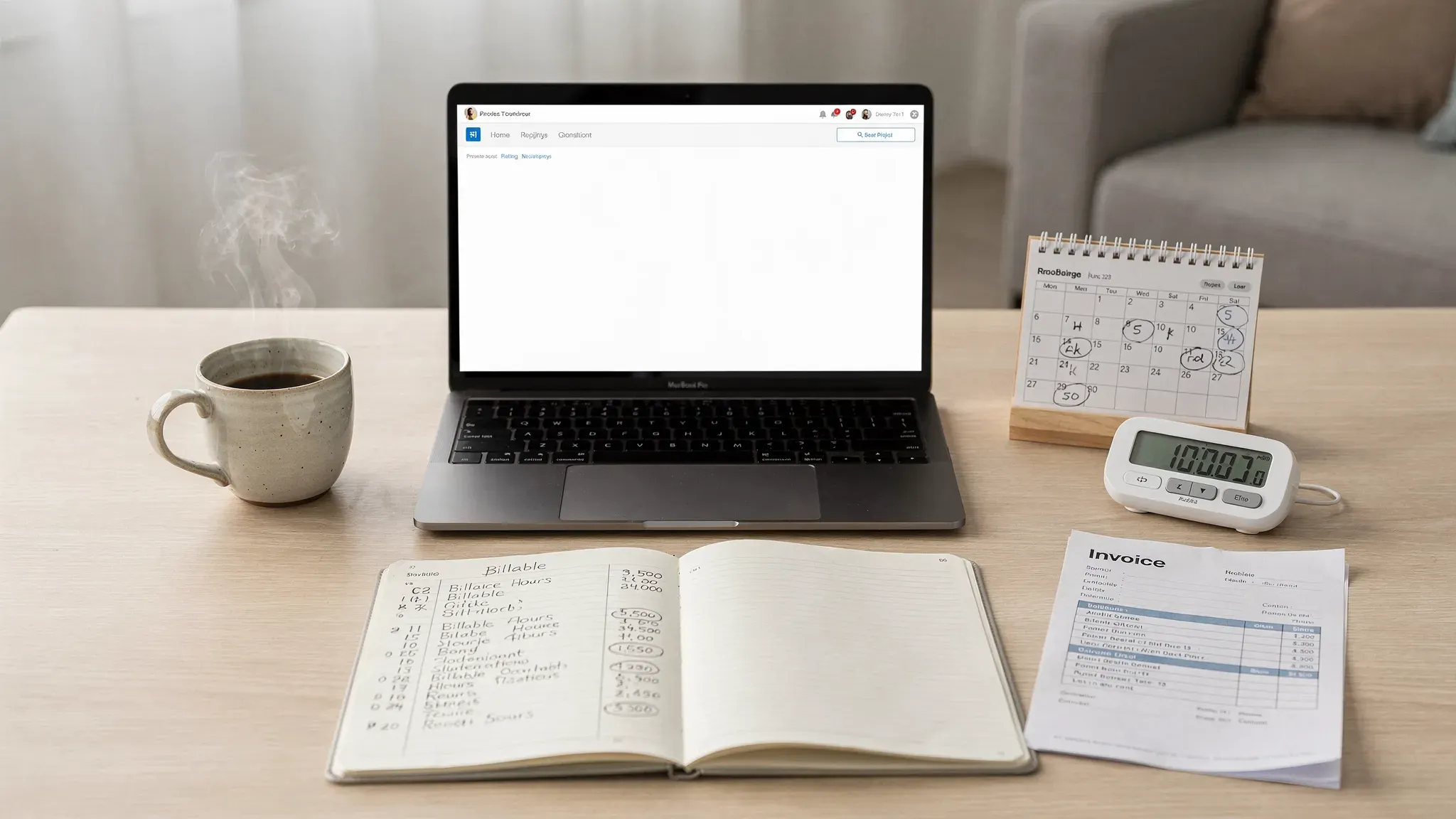
What freelancers should look for in a time tracking app
Before comparing tools, define what you need the app to do. A beautiful timer is not enough if it creates extra admin work at the end of the month.
A strong freelancer time tracking app should help you answer five questions:
- Which client or project did this time belong to?
- Was the time billable, non-billable, administrative, or sales-related?
- Can I turn the tracked time into an invoice or export it cleanly?
- Can I review my week without manually rebuilding what happened?
- Will I actually keep using this tool every day?
For U.S.-based freelancers, reliable records also matter for taxes and business documentation. The IRS advises businesses to keep records that support income, deductions, and credits, which makes organized time and invoice data a useful part of your broader business system. You can review the official IRS business recordkeeping guidance for details.
If you want a broader overview of time management software beyond freelancer-specific needs, see our guide to time tracking applications.
Quick comparison: best time tracking apps for freelancers
Pricing and plan limits change often, so treat this table as a feature-based starting point and verify current pricing on each vendor’s website before subscribing.
| App | Best for | Free option | Billing and invoicing support | Main strength | Watch out for |
|---|---|---|---|---|---|
| Toggl Track | Simple, fast manual tracking | Yes | Reports and billable rates, invoicing via integrations | Easiest daily tracking experience | Not a full freelance business suite |
| Clockify | Freelancers who want a generous free tracker | Yes | Reports, billable rates, invoicing features on some plans | Strong free plan and reporting | Can feel busy if you only need a tiny timer |
| Harvest | Time tracking plus client invoicing | Yes, limited | Built-in invoicing, expenses, payments | Smooth billing workflow | Free plan is limited for growing client lists |
| Everhour | Freelancers working inside project management tools | Trial or limited options vary | Budgets, estimates, billing reports | Deep task-level integrations | Best value when you already use supported PM tools |
| TimeCamp | Automatic tracking and productivity breakdowns | Yes | Reports, billable time, invoicing options | Good for reconstructing your day | Requires thoughtful project rules |
| Timely | Automatic memory-based tracking | Paid or trial-based | Reports and billable project tracking | Reduces forgotten timers | More expensive than basic trackers |
| RescueTime | Productivity analysis and focus habits | Free or trial options vary | Limited for client invoicing | Shows where attention goes | Not ideal as your only billing tool |
| Paymo | Projects, tasks, time, and invoices in one app | Yes, limited | Built-in invoicing and estimates | Good all-in-one client work hub | More structure than some solo freelancers need |
| Bonsai | Freelance admin, contracts, invoices, and time | Trial or paid | Strong freelance billing and client admin | Combines business paperwork with time tracking | Less focused on deep productivity analytics |
| Memtime | Privacy-conscious automatic desktop tracking | Trial or paid | Exports and integrations | Automatic local activity timeline | Desktop-centered workflow may not fit everyone |
1. Toggl Track, best overall for simple freelancer time tracking
Toggl Track is one of the easiest time tracking apps to recommend to freelancers because it keeps the core workflow simple: choose a project, start a timer, stop the timer, review reports.
It works well for writers, designers, marketers, developers, virtual assistants, and consultants who want reliable tracking without turning time management into a second job. You can organize work by client, project, task, tag, and billable status, then use reports to review totals by week, month, client, or project.
Toggl Track is especially useful if you often forget to log short tasks. Its browser extensions and reminders make it easier to capture work as it happens. The reporting interface is also friendly enough for freelancers who want quick visibility without building custom dashboards.
Choose Toggl Track if you want the lowest-friction timer and clean reports for invoices, retainers, and weekly reviews.
Skip it if you need built-in contracts, proposals, accounting, or a complete client portal.
For a repeatable review process, we also have a guide on how to run a weekly time audit using Toggl Track.
2. Clockify, best free time tracking app for freelancers
Clockify is a strong choice for freelancers who want robust time tracking without committing to a paid plan immediately. It is often popular with freelancers, small agencies, and remote teams because its free tier is generous compared with many competitors.
You can track time with a timer or manual entries, organize clients and projects, mark time as billable, create timesheets, and generate reports. For freelancers who work with subcontractors or collaborate with a small team, Clockify also scales better than many simple solo timers.
Clockify is also useful when you need evidence for detailed client billing. For example, you can break a web design project into discovery, wireframes, development, revisions, and launch support, then show exactly where the hours went.
Choose Clockify if you want a capable free tracker with reporting, timesheets, and room to grow.
Skip it if you prefer the simplest possible interface and do not need team or timesheet features.
If you already use Clockify and want better reporting habits, read our tutorial on how to generate Clockify reports for productivity analysis.
3. Harvest, best for freelancers who invoice clients by the hour
Harvest is built around a practical freelancer workflow: track time, assign it to clients and projects, review what is billable, then create invoices.
That makes it a strong option for consultants, developers, marketers, creative professionals, and service providers who need invoices to reflect tracked work accurately. Harvest also supports expenses, estimates, and payment workflows, which can reduce the number of tools you use to get paid.
Harvest is particularly helpful when clients ask for transparency. Instead of sending a vague invoice for “consulting services,” you can provide a summary that separates strategy, implementation, communication, and revisions.
Choose Harvest if you want time tracking and invoicing in one clean workflow.
Skip it if your invoicing is already handled elsewhere and you mainly want productivity analytics.
4. Everhour, best for freelancers embedded in project management tools
Everhour is ideal when your billable work already lives inside project management apps. It integrates with tools such as Asana, Trello, Jira, GitHub, ClickUp, and Basecamp, helping you track time directly against tasks instead of switching contexts constantly.
This is valuable for freelancers who work with client teams. If a client assigns work in Asana or ClickUp, tracking time inside those tasks creates cleaner project records and reduces the chance of forgotten entries.
Everhour also supports budgets, estimates, time approvals, and reporting, making it useful when you need to monitor whether a fixed-fee project is staying profitable.
Choose Everhour if your clients already manage work in project tools and you want task-level time tracking.
Skip it if you work mostly from email, calls, and documents rather than structured tasks.
If ClickUp is part of your workflow, compare Everhour with our guide to ClickUp time tracking for busy hour analysis.
5. TimeCamp, best for automatic tracking and time reconstruction
TimeCamp is helpful for freelancers who often reach the end of the day and wonder where the time went. It can track activity automatically, categorize time, and help reconstruct your workday based on apps, websites, and project keywords.
This is useful if you switch between many clients, research tasks, calls, documents, and admin work. Instead of relying only on memory, TimeCamp gives you a timeline that can be assigned to projects and billing categories.
The biggest benefit is visibility. If you discover that client communication consumes 30 percent of a fixed-price project, you can adjust your next quote or create stricter revision terms.
Choose TimeCamp if you want automatic tracking and better visibility into hidden time costs.
Skip it if you dislike automatic activity tracking or prefer to log only confirmed billable time manually.
6. Timely, best for freelancers who forget to start timers
Timely focuses on automatic memory-based time tracking. Instead of depending on you to start and stop a timer perfectly, it builds a private timeline of your work activity so you can review and assign time later.
This is a good fit for freelancers who do creative, strategic, or technical work where interruptions are common. If you jump from Figma to Slack to Google Docs to a client call, Timely can help you rebuild that context more accurately than memory alone.
Timely is often more premium than basic time trackers, so it makes the most sense if forgotten time costs you real money. For example, if you regularly miss two or three billable hours per week, a better automatic tracker may pay for itself quickly.
Choose Timely if you want automatic tracking with a polished review workflow.
Skip it if you are price-sensitive and comfortable using a simple manual timer.
7. RescueTime, best for improving focus and reducing distractions
RescueTime is not primarily a billing tool. It is a productivity analytics app that shows how you spend time across websites, apps, and focus sessions.
For freelancers, that can be just as important as invoicing. If you struggle with distractions, context switching, or underestimating admin work, RescueTime helps you see patterns that normal timers miss. You might discover that “quick email checks” consume seven hours per week or that your best creative work happens before noon.
RescueTime is best paired with a billing-focused tracker like Toggl Track, Clockify, or Harvest. Use RescueTime to improve focus and use your billing tracker to document client work.
Choose RescueTime if your main problem is attention, not invoices.
Skip it if you need client-ready time reports as your primary output.
8. Paymo, best all-in-one option for project-based freelancers
Paymo combines task management, time tracking, project planning, estimates, and invoicing. That makes it useful for freelancers who want one central workspace for client work rather than separate tools for tasks, timers, and billing.
It is especially relevant for project-based freelancers such as designers, developers, marketing consultants, and small creative studios. You can plan tasks, track time against them, monitor budgets, and invoice from the same system.
The tradeoff is structure. If you only need a timer for two clients, Paymo may feel heavier than necessary. But if you manage multiple deliverables, deadlines, and client approvals, the structure can be an advantage.
Choose Paymo if you want project management and time billing in one place.
Skip it if you already have a project management system you like.
9. Bonsai, best for freelancers who want contracts, proposals, and invoices together
Bonsai is more than a time tracker. It is a freelance business management platform that includes proposals, contracts, invoicing, payments, client management, and time tracking.
That makes it attractive if your bottleneck is not just tracking hours, but running the administrative side of a freelance business. You can use it to move from proposal to contract to tracked work to invoice without stitching together several separate apps.
Bonsai is particularly useful for freelancers who sell professional services and want a more formal client workflow. If you are still sending contracts manually, tracking time in a spreadsheet, and building invoices from scratch, Bonsai may simplify your stack.
Choose Bonsai if you want a client admin system with time tracking included.
Skip it if you only need time analytics and already have contracts and invoicing covered.
10. Memtime, best privacy-conscious automatic tracker
Memtime is an automatic desktop time tracking app designed to help users remember what they worked on without relying on manual timers. It is often positioned around privacy and personal control, which can appeal to freelancers who want automatic tracking without feeling like they are being monitored by a client or employer.
Memtime records your activity timeline locally and lets you assign work to projects afterward. This is helpful for consultants, developers, writers, and designers who spend the day across many apps and documents.
It is less ideal if your work happens mainly on mobile, in field settings, or inside a browser-only workflow. But for desktop-heavy freelancers, it can reduce forgotten time and improve end-of-week accuracy.
Choose Memtime if you want automatic desktop tracking with a privacy-conscious workflow.
Skip it if you need mobile-first tracking or built-in invoicing as your main feature.
Which time tracking app is best for your freelance work?
The fastest way to choose is to match the app to your business model, not to the longest feature list.
| Freelancer type | Best fit | Why it works |
|---|---|---|
| Hourly consultant | Harvest or Toggl Track | Clean billable tracking and client-ready reports |
| Beginner freelancer on a budget | Clockify | Strong free tracking and reporting features |
| Designer or developer using client PM tools | Everhour | Tracks time inside existing tasks and projects |
| Freelancer who forgets timers | Timely, TimeCamp, or Memtime | Automatic activity timelines help recover missed work |
| Productivity-focused solo freelancer | RescueTime plus Toggl Track | Separates focus improvement from billable reporting |
| Project-based creative professional | Paymo | Combines tasks, project budgets, time, and invoicing |
| Freelancer who needs contracts and invoices | Bonsai | Handles more of the client admin workflow |
| Field-service or repair freelancer | Clockify, Harvest, or TimeCamp | Tracks travel, diagnosis, repair, parts research, and invoicing clearly |
For field-service freelancers, your task categories should reflect real operational stages, not generic labels like “work.” For example, an appliance repair freelancer might track travel, diagnosis, parts sourcing, repair time, follow-up notes, and billing separately. If you publish client education or document common service workflows, browsing resources such as the PHX Appliance Fix Blog can also help you identify recurring troubleshooting categories worth tracking.
Manual vs automatic time tracking: which is better for freelancers?
Manual tracking gives you cleaner intent. When you start a timer for “Client A, landing page copy,” you know exactly why that time exists. This is best for billing and client transparency.
Automatic tracking gives you better recall. It captures the messy reality of freelance work, including research, admin, switching between apps, and forgotten short tasks. This is best for productivity analysis and recovering lost billable time.
Many freelancers benefit from a hybrid approach. Use manual timers for billable work and automatic tracking for review. At the end of the week, compare both. If your manual tracker shows 24 client hours but your automatic tracker shows 36 work hours, the gap reveals admin load, sales effort, learning time, or unbilled scope creep.
| Tracking style | Best for | Pros | Cons |
|---|---|---|---|
| Manual timer | Hourly billing and client reports | Accurate intent, clean invoices, easy client explanation | Easy to forget starting or stopping |
| Manual timesheet | Retainers and predictable work | Simple weekly entry, low distraction | Less accurate for fragmented days |
| Automatic activity tracking | Productivity analysis and time recovery | Helps reconstruct the day, reveals hidden patterns | Needs review and categorization |
| Hybrid workflow | Most serious freelancers | Balances billing accuracy with productivity insight | Requires a weekly review habit |
How to set up your time tracking app in 30 minutes
A time tracking app only works if your structure is simple. Do not create 40 tags on day one. Start with a setup you can maintain.
- Create clients first: Add your active paying clients, plus one internal client called “Business Admin” for non-billable work.
- Create projects by outcome: Use names like “Website redesign,” “Monthly SEO retainer,” “Newsletter management,” or “Q2 consulting.”
- Add only a few task categories: Start with strategy, production, meetings, revisions, admin, sales, and learning.
- Set billable rates carefully: Use project-specific rates if clients pay different hourly fees.
- Track non-billable time too: This shows the real cost of running your business.
- Review every Friday: Fix missing entries, check project budgets, and note where time was underestimated.
- Use reports before invoicing: Never invoice directly from memory if tracked data is available.
The goal is not perfect surveillance of every minute. The goal is a reliable business record that helps you bill fairly, price better, and protect your attention.
Common time tracking mistakes freelancers should avoid
The biggest mistake is tracking only billable work. If you ignore admin, sales calls, proposals, onboarding, revisions, and client communication, you will underestimate the true cost of every project.
Another mistake is using vague project names. “Client work” is not useful when you need to understand profitability. A better structure separates projects and task types, so you can see whether design, revisions, meetings, or research caused the overrun.
Freelancers also tend to wait until invoice day to clean up timesheets. That creates guesswork. A five-minute daily cleanup is more accurate than a two-hour reconstruction at the end of the month.
Finally, do not choose a tool because it has the most features. Choose the one you will actually use. A simple timer used every day beats a complex platform you abandon after a week.
Recommended setup by budget
If you are new to freelancing, start free or low-cost. You can upgrade once you know what data you actually need.
| Budget level | Recommended setup | Why |
|---|---|---|
| Free or minimal | Clockify or Toggl Track | Strong basic tracking and reports without much setup friction |
| Low-cost professional | Harvest or Toggl Track paid plan | Better billing, reporting, and client visibility |
| Project-heavy freelancer | Paymo or Everhour | Connects tasks, budgets, and tracked time |
| Admin-heavy freelancer | Bonsai | Adds contracts, proposals, invoices, and client management |
| Productivity-focused | RescueTime plus a billing tracker | Improves focus while keeping invoices accurate |
| Automatic tracking priority | TimeCamp, Timely, or Memtime | Helps recover forgotten work and analyze real work patterns |
Final recommendation
For most freelancers, the best starting point is either Toggl Track or Clockify. Toggl Track is the cleaner choice if you value speed and simplicity. Clockify is the stronger choice if you want a generous free plan and more reporting flexibility.
Choose Harvest if invoicing is your priority. Choose Everhour if your client work already lives inside project management tools. Choose TimeCamp, Timely, or Memtime if you regularly forget to start timers. Choose RescueTime if your biggest problem is distraction, not billing.
The best time tracking app is the one that becomes part of your routine. Start simple, track consistently for two weeks, review your reports, then decide whether you need more automation, better invoicing, or deeper productivity insights.
Frequently Asked Questions
What is the best free time tracking app for freelancers? Clockify is one of the strongest free options for freelancers because it includes core time tracking, projects, clients, and reporting. Toggl Track is also a good free option if you prefer a simpler interface.
Is Toggl Track or Clockify better for freelancers? Toggl Track is better if you want the fastest, cleanest manual tracking experience. Clockify is better if you want a more feature-rich free plan, timesheets, and reporting flexibility.
Do freelancers need automatic time tracking? Not always. Automatic tracking is most useful if you forget timers, switch between many tasks, or want to analyze productivity. For straightforward hourly billing, a manual timer may be enough.
Can I use time tracking for fixed-price projects? Yes. Time tracking is extremely useful for fixed-price work because it shows whether your quote was profitable. If a $1,000 project takes 40 hours, your effective rate is $25 per hour before expenses and taxes.
Should I show time reports to clients? It depends on the contract. Hourly clients often expect time reports. Fixed-price clients may not need detailed logs, but internal tracking still helps you price future projects accurately.
How often should freelancers review tracked time? A weekly review is ideal. Fix missing entries, compare estimated versus actual hours, check project budgets, and identify clients or tasks that are consuming more time than expected.
Build a better freelance workflow
Time tracking is only one part of a productive freelance system. Pair it with clear project planning, calendar protection, invoicing routines, and regular reviews.
For more practical software comparisons and workflow tutorials, explore the latest guides on Online Tool Guides.



