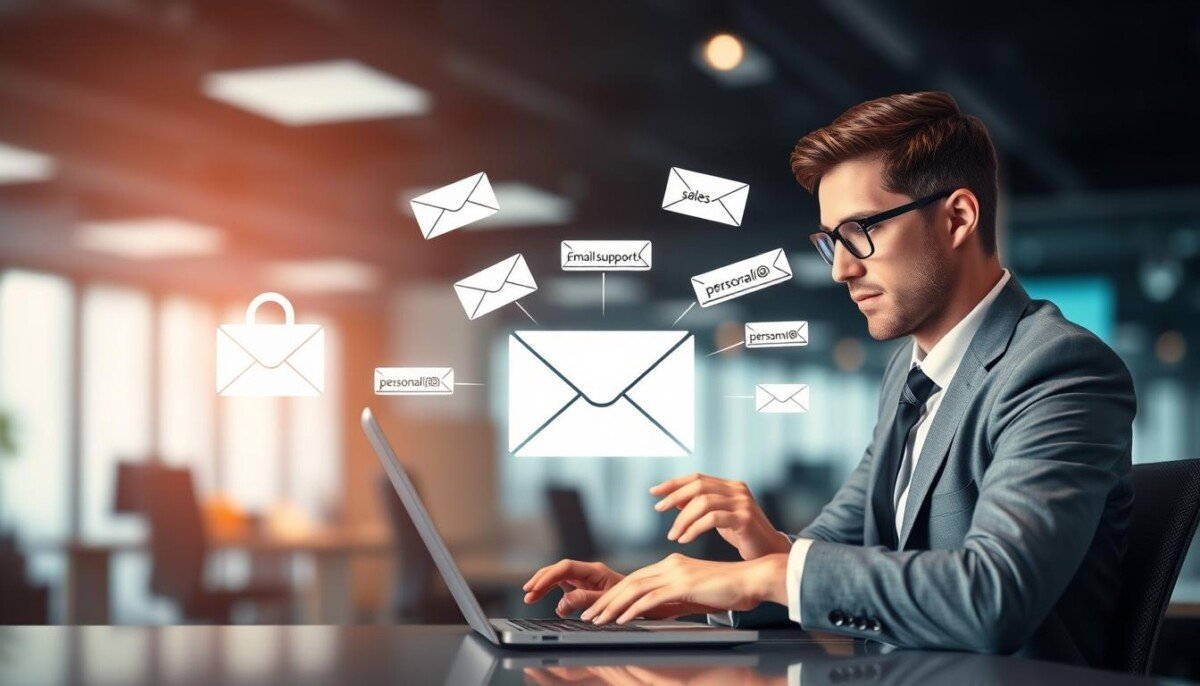
Can a simple alias stop the flow of spam and keep your main account clean? This question matters if you use one address for work, subscriptions, and personal contact.
Smart use of an alias helps you separate messages, reduce tracking, and keep your primary address private.
Proton Mail, founded by CERN scientists in 2014, now pairs well with SimpleLogin to give a secure, practical way to create an email alias and control who can contact you.
With a custom domain you can look professional for business and still block unwanted mail. Most providers let you send from an alias, set filters, and keep a tidy inbox without a heavy setup.
Use this approach when you sign up on a website, handle client contact, or manage subscriptions. It shields your primary address, improves privacy, and makes it easier to spot breaches or leaks.
Key Takeaways
- Aliases let you separate messages and protect your primary email account.
- Proton Mail and SimpleLogin make alias setup secure and simple.
- Use a custom domain for a professional address and better control.
- Filters and send-from settings keep your main inbox organized.
- Try recommended tools for setup and management: recommended tools.
Understanding Email Aliases Explained
An alias acts like a mask for your primary account. It lets you receive messages without revealing your real address.
How it works: when someone sends mail to an alias, that message forwards to your main inbox. You keep one login and still manage multiple identities from a single account.
Using aliases different from your primary address helps you track which website leaked your contact. For example, assign a unique alias to a newsletter and watch for unwanted messages sent to that name.
- An email alias is a secondary address tied to your main account for simpler account management.
- Incoming messages to an alias appear in your primary inbox, which keeps things organized.
- Many providers let you send from a distinct address and link it to your domain for a professional name.
Tip: Configure alias behavior in your account settings so messages land where you expect and your communication stays consistent. For help with notification issues, see Facebook notification troubleshooting.
Core Benefits for Privacy and Security

Shield your primary address with a simple alias strategy and keep sensitive contact details private. Use a distinct address for each website you join so trackers and bad actors cannot map your main account to other activity.
If an alias is ever exposed, you can turn it off without touching your primary email account. That makes recovery easier and limits the blast radius of a breach.
Reducing Unwanted Spam
A unique alias for newsletters and sign-ups reduces spam in your inbox. When one address attracts junk, disable it and stop the flow to your main mail.
- Protects primary email: the alias acts as a buffer against phishing and malicious messages.
- Tracks leaks: distinct addresses show which website shared your contact information.
- Business use: role-based addresses on your domain improve trust and internal security.
- Settings control: filter messages to aliases to keep folders tidy and threats isolated.
Methods for Creating Unique Aliases

Create flexible addresses with tools that match how you use the web. You can set up short-term or long-term aliases to protect your main account and stop spam.
Using Browser Extensions
Browser tools like Proton Pass generate a randomized email address as you sign up on a website.
That alias forwards to your inbox, so you keep one login while the site never sees your real address.
Leveraging Dedicated Aliasing Tools
Services such as SimpleLogin let you manage many aliases from one dashboard.
You can create permanent or disposable addresses, route mail to folders, and change settings without touching your main account.
Configuring Custom Domains
Using a custom domain gives a professional touch for business purposes.
Point aliases at your domain, then send emails from those addresses to keep branding consistent across websites and subscriptions.
Organizing Your Inbox with Subaddressing

Subaddressing lets you add a plus-tag to your address (for example: yourname+shop@domain.com) so messages from a specific website land where you expect.
That label becomes a simple rule for sorting. You see which sites send newsletters, offers, or transactional mail at a glance.
Implementing Filter Rules for Better Sorting
Set a filter in your account settings to catch messages sent to a tagged address and move them into a named folder.
- Quick setup: create a filter for yourname+news@domain.com and route those messages to a “News” folder.
- Stay focused: subscription mail skips your main inbox so you only handle critical items.
- Track leaks: unique tags show which website shared your contact when spam appears.
- Scale easily: create tags for projects, vendors, or clients to keep work and personal mail separate.
Using this approach, you can create email filters in minutes and keep your inbox tidy without extra accounts.
Managing Multiple Identities for Work and Personal Use
Keep work and personal messaging tidy by assigning a clear alias for each role you juggle.
Many businesses use role-based addresses like sales@company.com so a team can read and reply from one shared account. You can do the same for your work and personal contact to keep threads separate.
Give each address a purpose. Use one for client outreach, one for subscriptions, and one for networking. That way you know which website or contact sent a message.
- Keep professional mail easy to find with a dedicated name for business contacts.
- Use a separate address for subscription services to limit noise in your main inbox.
- Manage multiple accounts from one dashboard to save time and reduce mistakes.
For more on setup, see what is an email alias. If you struggle to change contact details on social platforms, this guide on how to update my contact on Facebook may help.
Potential Limitations and Security Considerations
Masked addresses give you flexibility, but they still rely on the protection of your main login. Guard that primary account with a strong password and multi-factor steps.
Plan limits matter. Mailbox.org, for example, lets you create up to 25 addresses on its standard plan. Other providers set different caps that affect how many identities you can run.
Some services block a deleted address for a time to stop someone else from grabbing it. That pause protects your data but can delay reuse for a domain or name you preferred.
Sending from a secondary name is not always allowed. Check your provider if you need to send emails from an alias rather than just receive mail.
- Review your account settings often to spot unwanted messages and tweak filters.
- Remember: all aliases deliver to the same inbox, so protect the main account first.
- Choose a reputable provider that prioritizes privacy and security.
| Provider | Max Addresses | Send From Alias |
|---|---|---|
| Mailbox.org | 25 (standard plan) | Depends on settings |
| Proton Mail | Varies by plan | Yes (with paid plan) |
| SimpleLogin | Many (service-based) | Forward only |
| Generic Provider | Limited by plan | Often restricted |
For a deeper look at trade-offs and security, read the security pros and cons.
Conclusion
Give each online role its own address and you’ll spot leaks and reduce inbox noise fast. Using email aliases is a simple way to cut spam and keep your main email safe when you sign up on any website.
Set a clear alias for business, subscriptions, and personal contacts so you can block or disable a name if it starts to attract junk mail. This keeps your account tidy and improves day-to-day security.
Pick a trustworthy provider and use subaddressing or dedicated tools to manage addresses from one place. That combination improves privacy, keeps branding neat if you use a custom domain, and makes handling emails easier.
Start now: create a few aliases, assign them purpose, and watch your inbox get cleaner and safer.



