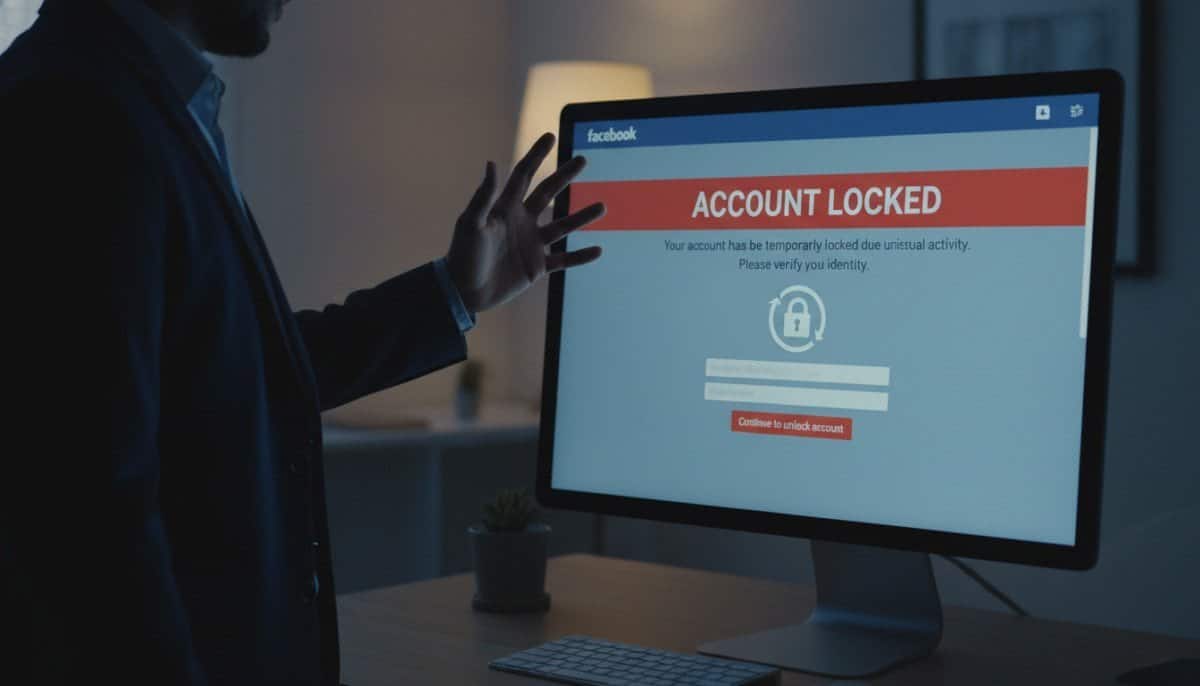
Have you ever been blocked mid-login and wondered if your profile was under siege? We get how alarming that feels. When a platform senses unusual behavior, it may restrict your profile to protect your information.
Stay calm. Our guide walks you through practical steps to regain access, what verification you might need, and how to use email or phone recovery options safely.
We explain why profiles get frozen, why real name and accurate details matter, and the simple security steps — like one strong password and device checks — that reduce risk. If you need a step-by-step recovery path, see our forgot password guide.
Key Takeaways
- The platform may block access after detecting unusual behavior to protect your information.
- Remain calm and follow the official verification steps to restore access.
- Have your email or phone ready; codes are often sent there for identity checks.
- Use one strong password and watch for logins from unfamiliar devices.
- Recovery can take minutes or days depending on verification needs.
Understanding Why Your Facebook Account Locked for Suspicious Activity
We often see lockouts triggered by clear, preventable events. Many start with multiple failed login attempts or repeated wrong passwords. These measures stop intruders and protect your personal information.
Common Triggers for Security Lockouts
Common causes include rule violations like posting offensive content or using automated tools that mimic human activity. Repeated failed login attempts, strange locations, or VPN use can also prompt a hold.
- Policy enforcement after content breaches.
- Multiple incorrect passwords or rapid login attempts.
- New devices or an unusual login from another location.
- Use of bots or automation tied to your profile.
Recognizing Phishing Attempts and Fake Alerts
Scammers send fake messages and emails to steal credentials. Never share your password or details with unknown links. If you suspect a phishing scam, report it to phish@fb.com or use official report forms.
Tip: Check recent login attempts and active sessions to spot unknown access. If you need a password reset, follow our recommended recovery steps at forgot password guide.
Immediate Steps to Recover Your Access

Start recovery by attempting a normal login on the service homepage with your email or username and password. If the sign-in fails, don’t panic; take the recovery path below.
- Use the “Forgot My Password” option. Click that link under the login button to begin resetting credentials.
- Enter the email address or the linked phone number so the service can send a verification code.
- When you get the code on your phone or email, enter it exactly as shown to verify your identity.
- After verification, create a new, strong password to secure the facebook account and restore full access.
Every customer should confirm they can receive texts on their registered phone or open mail at the linked email. A simple password update and code check often returns access in a short amount of time.
If issues persist, follow our detailed recovery tips in the facebook account access guide to handle a locked facebook profile safely.
Verifying Your Identity and Security Credentials

We start by verifying identity and confirming which devices have access. This helps the service trust your sign-in and reduces delays in the recovery process.
Using Official Recovery Forms
Complete any official recovery form the service requests. You may need to upload an ID or answer security questions to verify identity.
Tip: Use the email or phone number on your profile so verification codes arrive quickly.
Managing Login Alerts and Active Sessions
Navigate to Settings > Login Activity to review recent devices and login attempts. Log out of any device you don’t recognize immediately.
- Check recent login attempts and sign out unknown devices.
- Enable two-factor authentication to add a second verification step.
- If you suspect malware, run a scan with trusted software like ESET or TrendMicro.
Clearing Browser Cache and Disabling Private Browsing
Clear your browser cache and avoid private or incognito modes during verification. These steps help the service recognize your device and prevent false security flags.
If you fell for phishing scams, change password settings immediately and report the incident. For additional recovery options, see our locked pinterest account recovery guide.
| Step | Action | Why it helps |
|---|---|---|
| 1 | Complete recovery form | Confirms identity and starts verification |
| 2 | Review Login Activity | Stops unauthorized devices and sessions |
| 3 | Scan with ESET or TrendMicro | Removes malware that can steal credentials |
| 4 | Clear cache & disable private mode | Helps the service recognize your device |
| 5 | Change password & enable two-factor authentication | Restores control and prevents repeat issues |
Strengthening Your Account Against Future Threats

Next, we outline concrete security steps that cut the chance of unauthorized logins. These changes take minutes but pay off with long-term protection.
Implementing Two-Factor Authentication
Two-factor authentication is the most effective way to protect a facebook account from outsiders. We recommend app-based codes like Google Authenticator or Authy rather than SMS when possible.
Consider adding a physical security key as an extra layer. Use reliable password managers to generate and store complex passwords, and change password credentials regularly.
- Keep your email and phone details updated so verification codes arrive.
- Use your real name and accurate information to avoid automated holds.
- Run a full scan with trusted software if a device seems compromised.
- Review your privacy and login settings to limit who sees personal data and recent activity.
By following these short steps, customers create a robust defense around their account. If you still can’t sign in, see our guide on facebook won’t let me in my for next steps and recovery options.
Maintaining Long-Term Digital Security on Social Media
We recommend small, regular checks of recent logins and connected devices to spot unauthorized access early.
Keep recovery email and phone details current so verification codes reach you fast. Update privacy and login settings periodically and use strong, unique passwords stored in a manager.
If you ever lose access, follow the official recovery process and verify identity through secure channels. Report any unusual messages or sign-in behavior to help the service improve security.
Want extra guidance on privacy? Read how to protect your privacy on social media, or see steps to take when sign-in fails.



