Can your device really suffer permanent damage from sitting in the sun?
Smartphones work best within specific thermal limits to keep parts safe and lasting longer.
Exposure to direct sunlight can turn metal and glass into a mini oven. This raises internal temps and speeds battery wear. Learn clear steps to manage environment and usage to protect your phone.
If you wonder what counts as dangerous, note that temps above normal operating ranges risk hardware harm. Acting fast when your phone shows signs of overheating helps avoid lasting damage.
Our guide gives practical tips to prevent phone overheating by changing simple habits and settings. For more details and fixes, see this smartphone overheating guide.
Key Takeaways
- Keep your phone within safe temperature ranges to protect components.
- Avoid direct sunlight and hot cars; they can raise internal temps fast.
- High temps speed battery wear and may cause permanent damage.
- Take quick action when overheating starts to limit harm.
- Follow simple, practical tips to prevent phone overheating daily.
Understanding Safe Temperature Ranges for Your Device
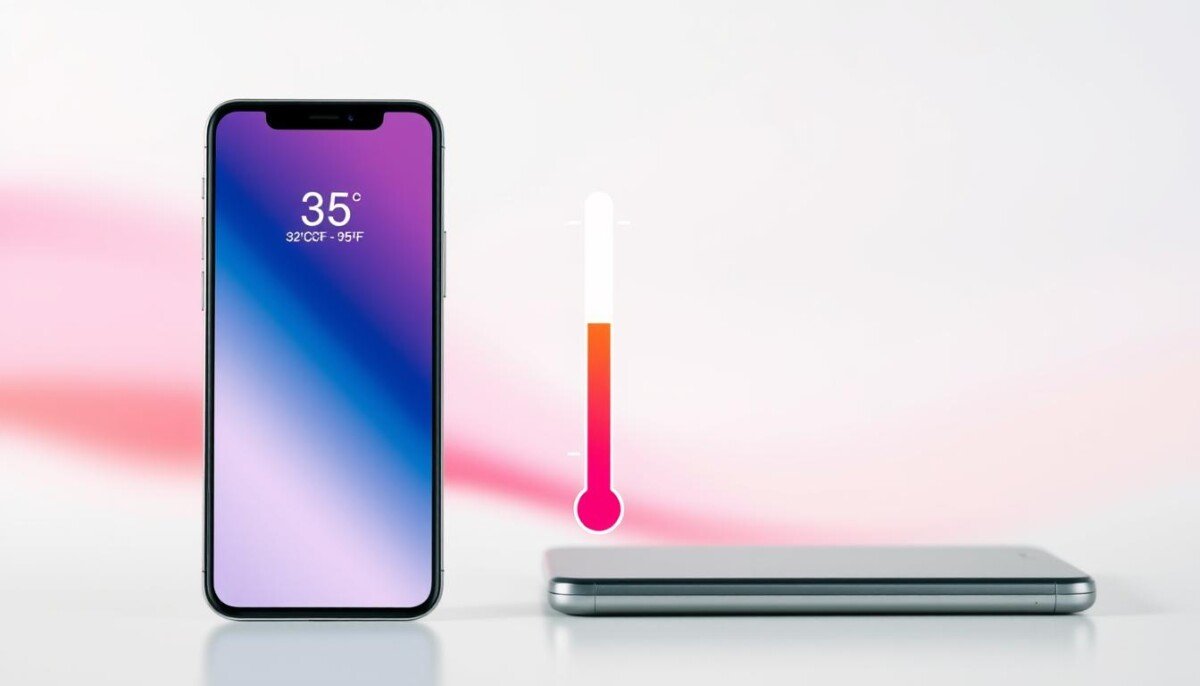
Most manufacturers design phones to run safely within a clear temperature band. The usual operating range is 32°F to 95°F (0°C to 35°C). Keep your environment inside that span to avoid stress on internal parts.
When phones operate outside this window, components face extra wear. High heat speeds lithium-ion battery degradation and can reduce lifespan. Monitor your phone if it feels warm; that is often the first sign of strain.
Modern phones include thermal management to move heat away from chips during normal tasks. If your unit keeps exceeding safe limits, systems may force a shutdown to protect hardware. That step prevents permanent failure but signals a real problem.
Practical tip: Keep the device in moderate places and avoid leaving it in hot vehicles or direct sunlight. Doing so protects delicate glass and metal and helps maintain stable performance.
- Safe range: 32°F–95°F (0°C–35°C).
- Watch for warmth: act early to limit damage.
Why Your Phone Gets Hot During Daily Use
Intense app activity and long screen time place steady strain on the phone processor and produce extra heat. Streaming HD video or playing graphically rich games forces the chip to run near full capacity.
Background apps can also drive overheating. Many apps keep data and tasks alive, using CPU cycles and draining the battery in the background.
A weak cell signal makes the modem work harder. When the device hunts for reception during travel, the antenna consumes more power and the phone gets hot quickly.
Simple checks to reduce load
- Close unused apps and restrict background refresh to lower processor use.
- Limit long streaming sessions and heavy gaming to cut sustained processing time.
- Run malware scans and remove suspicious apps that cause hidden processes.
Tip: Keep software current and remove unnecessary apps to improve performance and protect the battery life.
How Hot Is Too Hot for a Phone
A clear threshold exists when internal temperature triggers built-in warnings and limits.
If your device exceeds the manufacturer’s recommended ceiling of 95°F, expect an on-screen alert and reduced operation. This safeguard prevents immediate failure but signals real issues with heat management.
If the phone gets hot to the touch, treat it as a thermal event. Repeated phone overheating can cause severe battery degradation and lasting damage to internal parts.
When the phone processor reaches critical levels, systems throttle speed to protect hardware. Throttling lowers peak performance and slows processing during intense tasks like 4K recording.
- Concern: device gets hot while idle — this often means battery or software faults.
- Risk: frequent overheating reduces lifespan and may permanently damage phone components.
- Action: stop using the device and let it cool when warnings appear.
Monitor patterns. If your phones get hot often, address underlying causes to protect hardware and daily use.
Immediate Steps to Cool Down an Overheating Device
A few simple moves will bring down internal temps and protect sensitive components. Act quickly when the phone gets warm to limit battery wear and avoid lasting damage.
Start with the basics. Remove the protective case so the frame can shed heat. That small step often makes the biggest difference.
Removing Protective Cases
Take the case off right away. Cases trap heat and slow cooling. This gives the battery and chips space to breathe.
Utilizing Airflow
Place the phone in shade and point a fan toward it. Airflow and cool air from AC speed temperature drop.
Lower screen brightness and close unused apps to cut power draw. Stop charging until the unit cools; a faulty charger can add excess heat.
Avoiding Extreme Temperature Swings
Never use a freezer or ice to cool the device. Rapid swings cause condensation and can damage internal circuits.
Move away from direct sunlight and stay in shaded spots. Keep usage minimal until the phone cools to protect the phone battery long term.
| Step | Effect | When to Use |
|---|---|---|
| Remove case | Improves heat dissipation | Immediately when the phone gets warm |
| Increase airflow | Speeds cooling with fan or AC | During outdoor or indoor heat events |
| Lower brightness & close apps | Reduces processor load and battery power | While the device is cooling |
| Avoid extreme cooling | Prevents condensation and circuit damage | Always; never use freezers or ice |
The Role of Software and Background Processes
Unmanaged apps and outdated software can make your device run inefficiently and warm up.
Old software can force apps to use extra CPU cycles. That raises the phone processor workload and consumes more power.
Close unused apps and limit background refresh. Turning on airplane mode during poor signal stops constant searching and lowers processing.
Managing Background Apps and Updates
Keep apps current and scan for malware.
- Check for system and app updates to fix bugs that cause excess processing.
- Use a trusted security app to detect malware that runs hidden processes.
- Lower brightness and disable needless sync to cut power draw and reduce heat.
| Action | Why it helps | When to use |
|---|---|---|
| Update software | Fixes bugs that cause excess processing | Weekly or when updates appear |
| Close background apps | Reduces CPU and battery load | During heavy use or when device runs warm |
| Run malware scan | Removes hidden tasks that heat the device | If phone running odd or hot without clear cause |
| Enable airplane mode | Stops constant signal search and saves power | In low reception or when cooling is needed |
Result: Small software fixes mean steadier performance, less strain on the battery, and fewer overheating events.
Best Practices for Charging Your Smartphone Safely
Charge with certified gear to keep current steady and the battery safe. Always use an MFi-certified or OEM-approved charger and cable to ensure regulated power during charging. This lowers the risk of irregular voltage that can cause phone overheating and battery damage.
Place your device on a hard, flat surface while charging. Soft beds and pillows trap heat and prevent cooling. If you stream or play games during charging, pause heavy use to prevent extra processing and added heat.
Remove the case when using a fast charger. Cases can block heat dissipation and make the battery run warmer. Also, clean the charging port regularly to remove lint and debris that cause poor electrical contact and extra power draw.
If the device gets warm during charging, stop and check settings for power-hungry apps. Run a malware scan if battery drain looks abnormal; malicious software can keep the processor busy and raise temperatures.
Simple steps like using approved chargers, keeping the case off, clearing the port, and reviewing background apps will help prevent phone overheating and keep phone battery health strong. For more detailed charging tips, see this charging tips.
| Practice | Why it helps | When to use |
|---|---|---|
| Use certified charger | Stable power, less risk of overheating | Always |
| Charge on hard surface | Better heat dissipation | Whenever charging |
| Remove case | Allows heat to escape | Fast charging or if device feels warm |
| Clean port | Prevents poor contact and extra power draw | Monthly or if charging issues occur |
Environmental Factors and Physical Protection
Parked in sunlight, a phone can become much warmer than the surrounding air in minutes. That spike can stress the battery and other parts.
Keep phone in shade or inside a bag when outdoors to limit sun exposure. If the device feels warm, move it to a cool, hard surface so heat can dissipate from the frame.
Use an anti-glare screen protector to avoid raising screen brightness in bright light. Lower brightness when possible to reduce power draw and extra heat.
- Store a high-quality charger in a cool place; ambient heat can reduce charging efficiency.
- Use a heat-dissipating case if you are often in warm environments.
- Avoid hot surfaces like radiators or stove tops that transfer heat directly into the device.
| Risk | Easy fix | When to act |
|---|---|---|
| Direct sunlight on dash | Move phone to shade or bag | Immediately when outdoors |
| High screen brightness | Apply anti-glare protector and lower brightness | In bright sunlight |
| Warm charger storage | Keep charger in cool, ventilated spot | Always |
Being mindful of the environment preserves battery health and keeps device temperature in safe ranges. For tips on what to do if your phone gets hot, see why your phone gets hot.
Conclusion
Simple daily habits cut overheating risk and keep performance steady.
Close unused apps, keep software current, and avoid direct sun on the screen. These small moves reduce power draw and limit phone overheating.
Use a certified charger and remove the case during heavy use or charging. If your device still gets warm, scan for malware or hardware issues that may drain the battery.
Follow these practical steps and tips to protect battery life and performance during streaming or games. They help prevent phone overheat and keep your device reliable for work and daily use.



