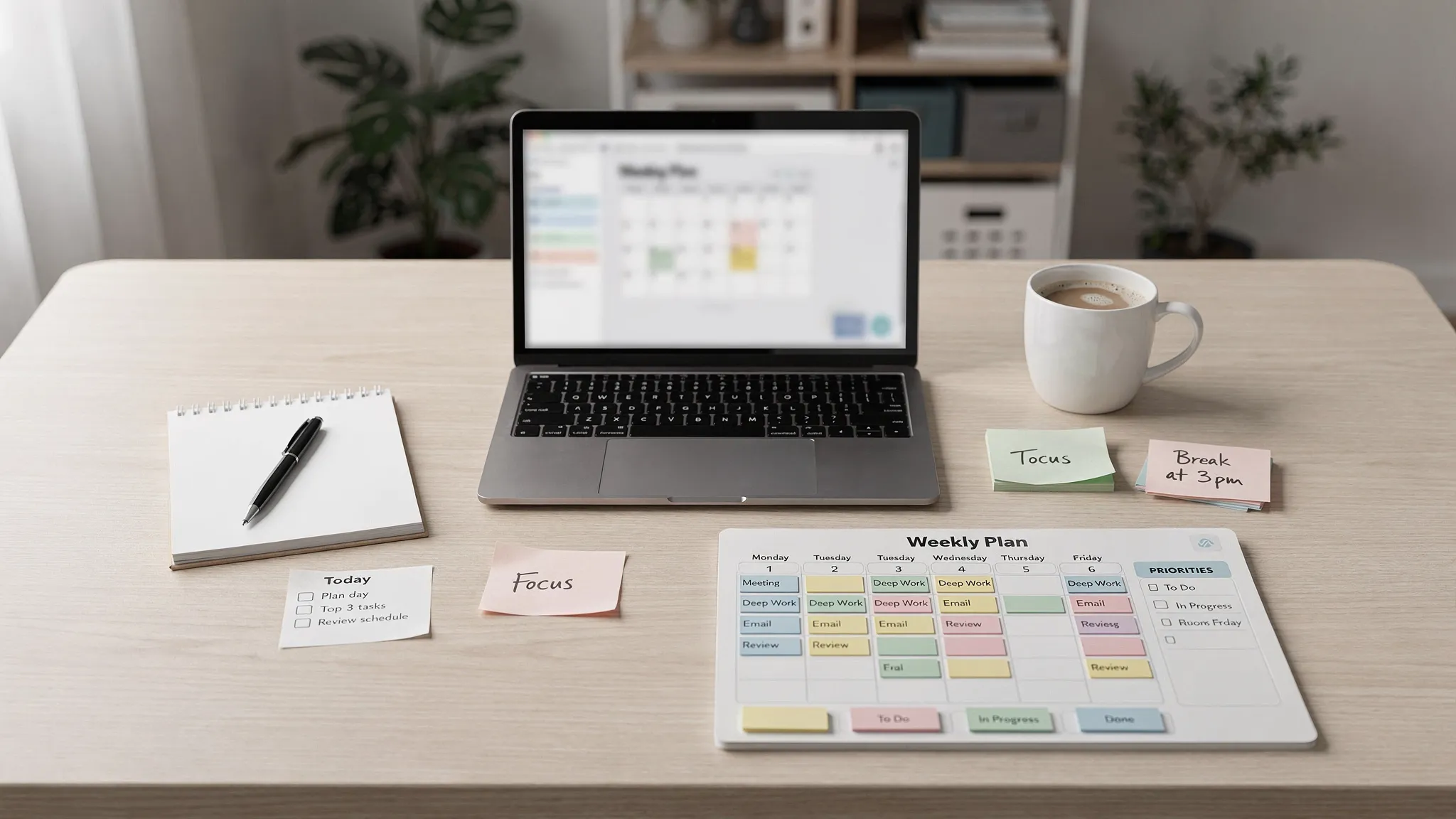
A weekly workflow is not a prettier to-do list. It is a repeatable system for deciding what matters, when it will happen, how progress will be tracked, and what gets delayed when reality changes.
The problem is that many weekly plans are built on optimism. You write down 28 tasks, squeeze them around meetings, ignore follow-ups, and then wonder why Friday feels unfinished. A weekly workflow that actually works does the opposite. It protects capacity first, then assigns work to realistic blocks of time.
Below is a practical framework you can use whether you manage client projects, content production, operations, schoolwork, or a mixed workload across multiple tools.
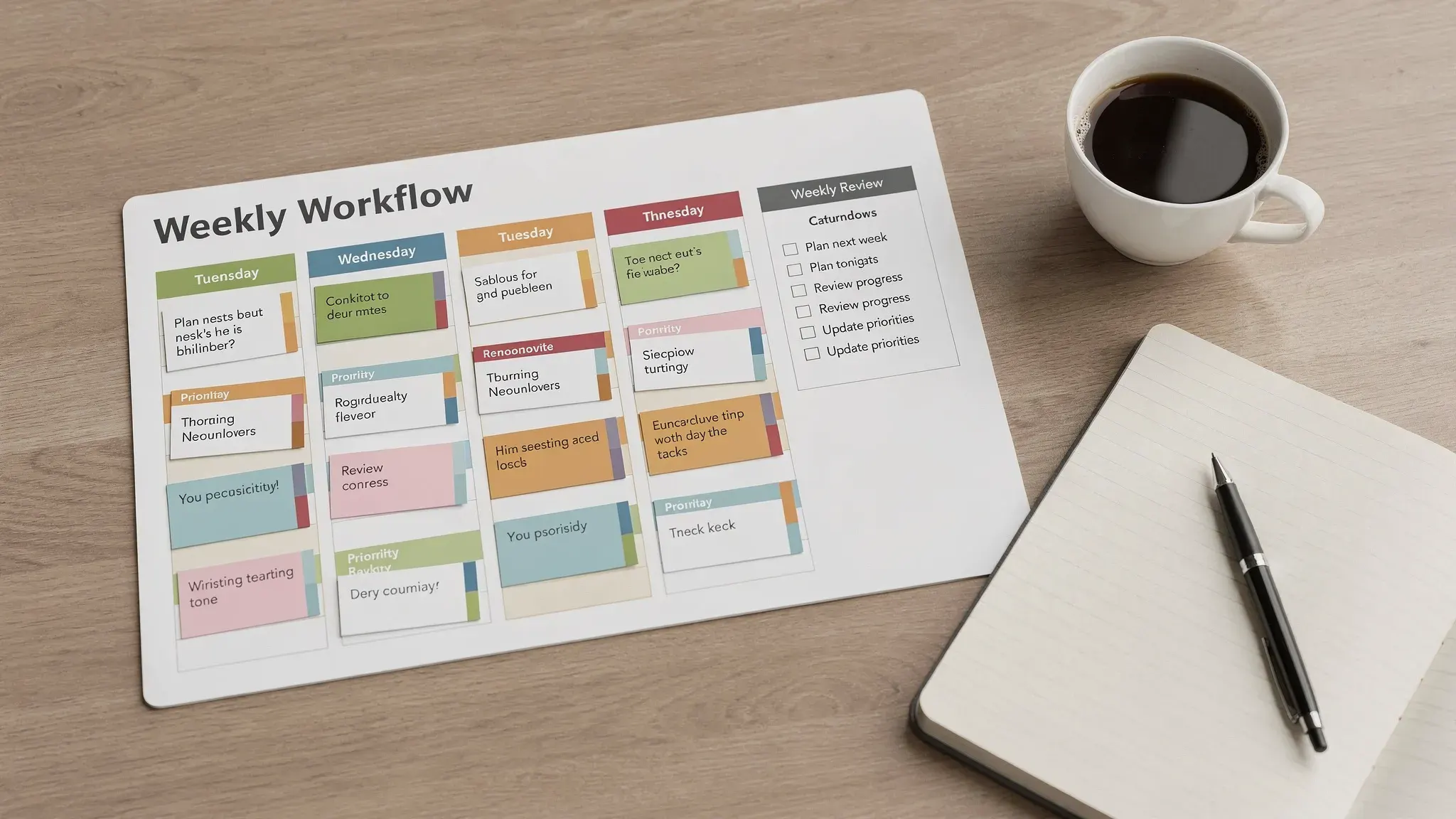
What a Weekly Workflow Should Actually Do
A good weekly workflow answers five questions before the week gets chaotic:
- What are the most important outcomes this week?
- What tasks support those outcomes?
- When will the work happen?
- What needs communication, delegation, or automation?
- How will you know the week worked?
That last question matters. A workflow is not successful because every task got done. It is successful when the right work moved forward, urgent work was handled without destroying focus, and unfinished tasks were reviewed instead of forgotten.
Think of your weekly workflow as a simple loop: capture, prioritize, schedule, execute, review, improve. If one part is missing, the whole system becomes fragile.
Why Most Weekly Workflows Fall Apart
The most common failure is treating a weekly workflow like a task dump. A long list feels productive for about five minutes, but it does not show priority, effort, dependencies, or available time.
Another issue is calendar denial. If your week already has 18 hours of meetings, two deadlines, and family commitments, your workflow cannot assume 30 hours of deep work. The plan needs to reflect real capacity, not ideal capacity.
Tool overload also breaks weekly planning. Many people spread tasks across email, Slack, Google Docs, Notion, ClickUp, Asana, sticky notes, and memory. The more places work can hide, the less reliable the system becomes.
Finally, many workflows have no review habit. Without a weekly reset, unfinished work rolls forward automatically, low-value tasks linger for months, and priorities become whatever shouted loudest that day.
The 6-Part Weekly Workflow Framework
You do not need a complicated productivity stack. You need each part of the workflow to have a job.
| Workflow layer | Purpose | Tool examples | Weekly output |
|---|---|---|---|
| Capture inbox | Collect every task, request, and idea in one place | Todoist, Notion, ClickUp, Asana, Google Tasks | One trusted list |
| Priority filter | Separate important outcomes from noise | Eisenhower matrix, labels, custom fields | Top 3 to 5 outcomes |
| Calendar blocks | Reserve time for execution | Google Calendar, Outlook, Akiflow, Sunsama | A realistic weekly schedule |
| Task board | Track status and ownership | Trello, Asana, ClickUp, Airtable | Clear next actions |
| Communication rules | Reduce interruptions and status confusion | Slack, Teams, email templates | Fewer avoidable pings |
| Review metrics | Learn what worked and what broke | Toggl Track, Clockify, spreadsheets | One improvement for next week |
If you are still deciding which platform fits your style, start with a broad comparison like our online tools list for task management before committing to a system.
Step 1: Create a Single Weekly Command Center
Your weekly command center is the one place you trust to show what matters. It can be a Notion dashboard, a ClickUp list, an Asana project, a Trello board, or a simple spreadsheet. The tool matters less than consistency.
The goal is to stop using your inbox, chat app, and memory as task managers. When a request arrives, it should be captured in the command center or intentionally rejected.
At minimum, each task should include enough information to make action obvious later.
| Field | Why it matters |
|---|---|
| Task name | Makes the work easy to identify |
| Outcome | Connects the task to a weekly goal |
| Due date | Prevents vague urgency |
| Estimate | Helps you plan capacity honestly |
| Status | Shows whether work is not started, active, blocked, or done |
| Next action | Removes friction when it is time to begin |
| Owner | Clarifies who is responsible |
The most important field is often the estimate. If you never estimate effort, you will overload the week by default. A task that says “update website” is vague. A task that says “update pricing page copy, 90 minutes” can be scheduled.
Step 2: Run a Weekly Reset Before the Week Begins
A weekly reset is a short planning session, usually 30 to 45 minutes, that turns loose work into a plan. Friday afternoon works well if you want Monday to start clean. Sunday evening works for personal planning. Monday morning can work too, but it is more vulnerable to interruptions.
During the reset, review every place work might be hiding: inbox, calendar, project tools, notes, chat mentions, meeting notes, and recurring responsibilities. Move anything actionable into your command center.
Then clean the system. Mark completed tasks done, delete tasks that no longer matter, update blocked items, and clarify vague requests. The goal is not perfection. The goal is to begin the week with fewer unknowns.
If your workflow includes customer data, HR records, payment details, or client files, include a privacy and access check in your reset. Teams that need formal governance support can work with privacy and governance consulting services to strengthen data protection, compliance, and risk management practices.
Step 3: Choose Weekly Outcomes Before Tasks
Tasks are not equal. Some move projects forward, some maintain operations, and some are just administrative noise. If you start with tasks, everything competes for attention. If you start with outcomes, the week gets a clear direction.
Choose three primary outcomes for the week. These should be results, not activities. “Write three landing page sections” is stronger than “work on marketing.” “Send final proposal to client” is stronger than “review proposal.”
A simple priority filter helps:
| Question | Keep it if the answer is yes |
|---|---|
| Does this support a deadline, revenue, customer experience, or strategic goal? | Yes |
| Will delaying it create risk or rework? | Yes |
| Is someone waiting on this to move forward? | Yes |
| Can it be finished or meaningfully advanced this week? | Yes |
| Is it only on the list because it feels easy? | Usually no |
After you choose the outcomes, assign supporting tasks. This keeps your weekly workflow outcome-driven instead of activity-driven.
Step 4: Time-Block the Week Realistically
Once priorities are clear, put them on the calendar. This is where weekly planning becomes real.
Start with fixed commitments: meetings, appointments, deadlines, travel, and recurring obligations. Then block deep work for your top outcomes. After that, add admin windows for email, approvals, reporting, and quick follow-ups.
Do not schedule every minute. Leave white space for overruns, unexpected requests, and recovery. If your calendar has no buffer, your workflow will break the first time something takes longer than expected.
A useful weekly structure might look like this:
| Day | Best use | Example blocks |
|---|---|---|
| Monday | Planning and high-priority execution | Weekly review, deep work, team alignment |
| Tuesday | Focused production | Writing, analysis, design, development |
| Wednesday | Collaboration and decisions | Client calls, reviews, approvals |
| Thursday | Completion and follow-through | Finish deliverables, QA, documentation |
| Friday | Cleanup and reset | Reporting, admin, weekly review, next-week setup |
If meetings regularly crowd out important work, use dedicated focus blocks. Our guide on creating Focus Time in Google Calendar shows how to make protected work periods visible. If your meetings need setup or follow-up time, pair your workflow with automatic prep-time blocking or Calendly buffer times.
Step 5: Build a Daily Operating Rhythm
A weekly workflow only works if it connects to your daily behavior. Otherwise, Monday’s plan becomes Friday’s guilt list.
Use a short daily rhythm:
- Start the day by choosing the top one to three tasks that support the weekly outcomes.
- Check your calendar and confirm that each priority has a realistic work block.
- Review messages during planned windows instead of reacting all day.
- End the day by updating task status and choosing tomorrow’s first action.
The shutdown habit is especially powerful. When you close loops at the end of the day, you reduce the mental load of trying to remember what comes next. You also make the next morning easier because your first action is already defined.
This does not need to be rigid. If urgent work appears, update the plan instead of abandoning it. A practical workflow is flexible, but not invisible.
Step 6: Automate Repetitive Work, Not Judgment
Automation can make a weekly workflow easier, but only after the process is clear. Automating a messy workflow usually creates faster confusion.
Good candidates for automation include recurring task creation, status updates, meeting reminders, report exports, intake forms, and handoff notifications. Poor candidates include priority decisions, sensitive approvals, or anything that needs context you have not documented.
For example, a content team might create recurring weekly tasks for keyword research, drafting, editing, publishing, and performance review. A support team might automate ticket routing based on category. A project manager might use recurring reminders for stakeholder updates.
If your workflow depends on databases, approvals, or structured handoffs, our guide to Airtable automations for database management can help you think through triggers, actions, testing, and documentation.
Step 7: Track What Worked and Improve One Thing
A weekly workflow should get better over time. The best way to do that is to track a few simple signals.
| Metric | What it tells you | How to use it |
|---|---|---|
| Planned vs. completed tasks | Whether your plan matched capacity | Reduce commitments or improve estimates |
| Focus hours completed | Whether important work had protected time | Add or defend deep work blocks |
| Meeting hours | Whether collaboration is crowding out execution | Consolidate or remove low-value meetings |
| Carryover tasks | Whether tasks are too vague or too large | Break work into smaller next actions |
| Blocked items | Whether dependencies are slowing progress | Escalate, delegate, or clarify ownership |
| Energy level | Whether the schedule is sustainable | Move demanding work to better times |
Time tracking can be useful here, especially if you bill clients, manage a team, or feel unsure where the week goes. You can use a lightweight approach or a dedicated tool. For a more structured method, see our guide on ClickUp time tracking for busy hour analysis.
The key is to change only one thing at a time. If you try to rebuild your entire workflow every Friday, you will never know what actually improved the system.
A Weekly Workflow Template You Can Copy
Here is a simple version you can adapt immediately:
| Time | Workflow action | Goal |
|---|---|---|
| Friday afternoon | Review completed work and open loops | Close the current week cleanly |
| Friday afternoon | Select next week’s top 3 outcomes | Start with priorities, not tasks |
| Monday morning | Confirm schedule and adjust for reality | Protect focus blocks before interruptions begin |
| Daily morning | Choose the day’s top 1 to 3 tasks | Connect daily action to weekly outcomes |
| Daily afternoon | Process messages and quick admin | Prevent communication from taking over the day |
| Daily shutdown | Update statuses and define tomorrow’s first action | Reduce context switching |
| Next Friday | Review metrics and improve one bottleneck | Make the workflow stronger over time |
If you want an even simpler version, use three lists: This Week, Today, and Waiting On. That structure is enough for many solo workers and small teams.
Common Mistakes to Avoid
The biggest mistake is planning at full capacity. If you have 25 available work hours, do not schedule 25 hours of tasks. Plan for about 60 to 70 percent of your real capacity and leave the rest for communication, unexpected work, and recovery.
Another mistake is letting recurring meetings survive without review. A weekly workflow should make meeting load visible. If a recurring meeting does not produce decisions, alignment, or progress, shorten it, replace it with an async update, or remove it.
Avoid using too many priority labels. If everything is “high priority,” nothing is. A simple system with High, Medium, Low, and Waiting is usually enough.
Do not skip the review because the week was messy. Messy weeks are exactly when the review is most valuable. They reveal where your system needs more buffer, clearer ownership, or better intake rules.
Frequently Asked Questions
How long should weekly planning take? Most individuals can plan a week in 30 to 45 minutes. Teams may need 45 to 60 minutes, especially if dependencies, handoffs, and shared deadlines are involved.
What is the best tool for a weekly workflow? The best tool is the one you will consistently update. Notion is flexible, ClickUp and Asana are strong for structured project tracking, Trello is simple for visual boards, and Google Calendar or Outlook is essential for time blocking.
Should I plan every hour of the week? No. Plan your most important work, fixed commitments, admin windows, and buffers. Leave unscheduled space so the workflow can absorb changes without collapsing.
How many weekly priorities should I choose? Three major outcomes is a good default. If your work is operational, you may also need a few maintenance tasks, but the main priorities should remain limited and visible.
How do I handle urgent tasks that appear midweek? Add them to your command center, compare them against existing priorities, and intentionally move something else if needed. The goal is not to avoid change. The goal is to make trade-offs visible.
What should I do if I keep carrying tasks over? Check whether the tasks are too large, too vague, or not truly important. Break them into smaller next actions, schedule them into real calendar blocks, or remove them from the active workflow.
Make Your Weekly Workflow Easier to Maintain
A workflow that works is simple enough to repeat and clear enough to trust. Start with one command center, three weekly outcomes, realistic time blocks, and a short review habit. Then improve one bottleneck each week.
If you want tool-specific help, explore more productivity tutorials and software comparisons on Online Tool Guides. The right tools can support your system, but the real advantage comes from building a weekly rhythm you can actually follow.



