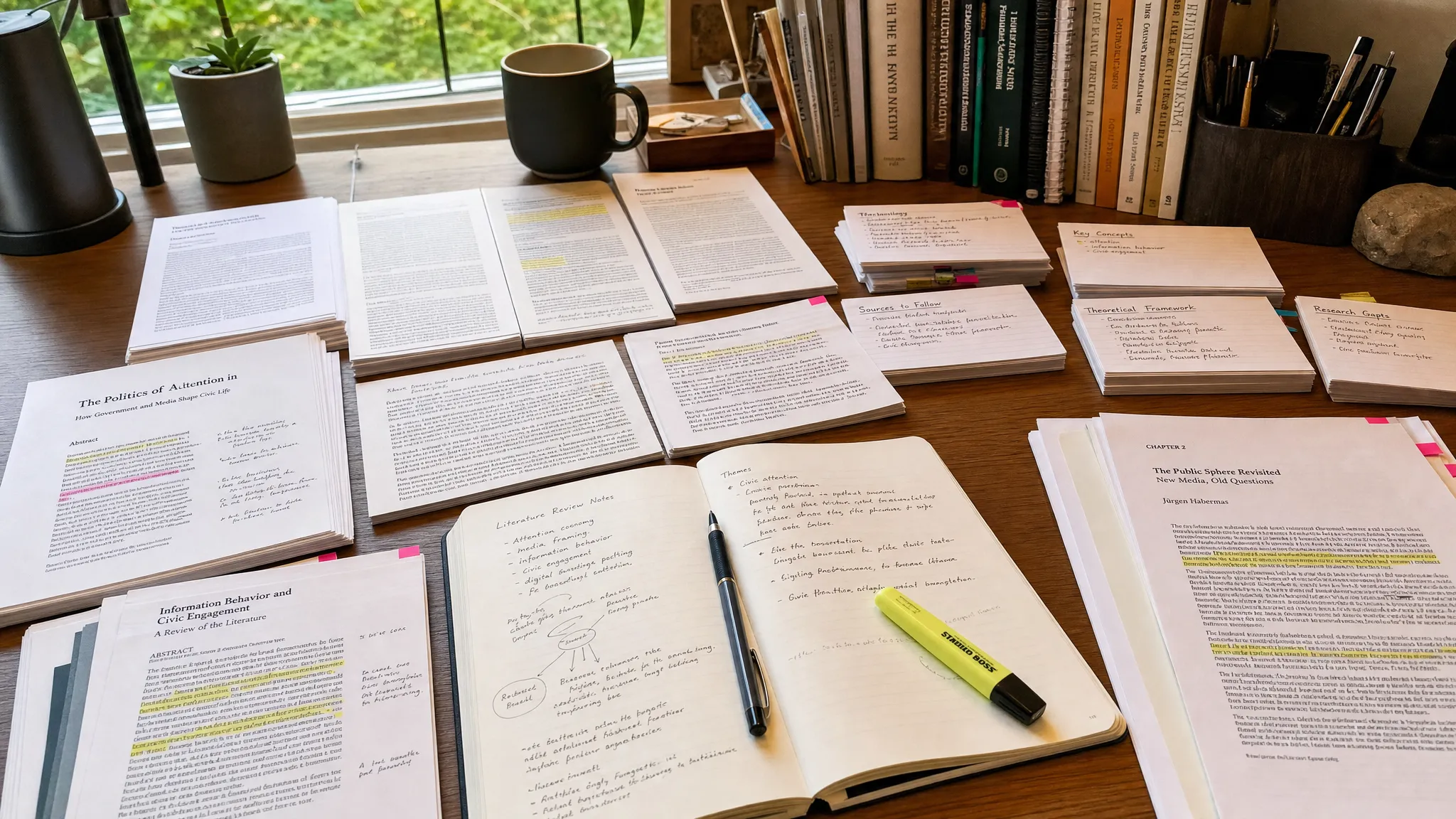
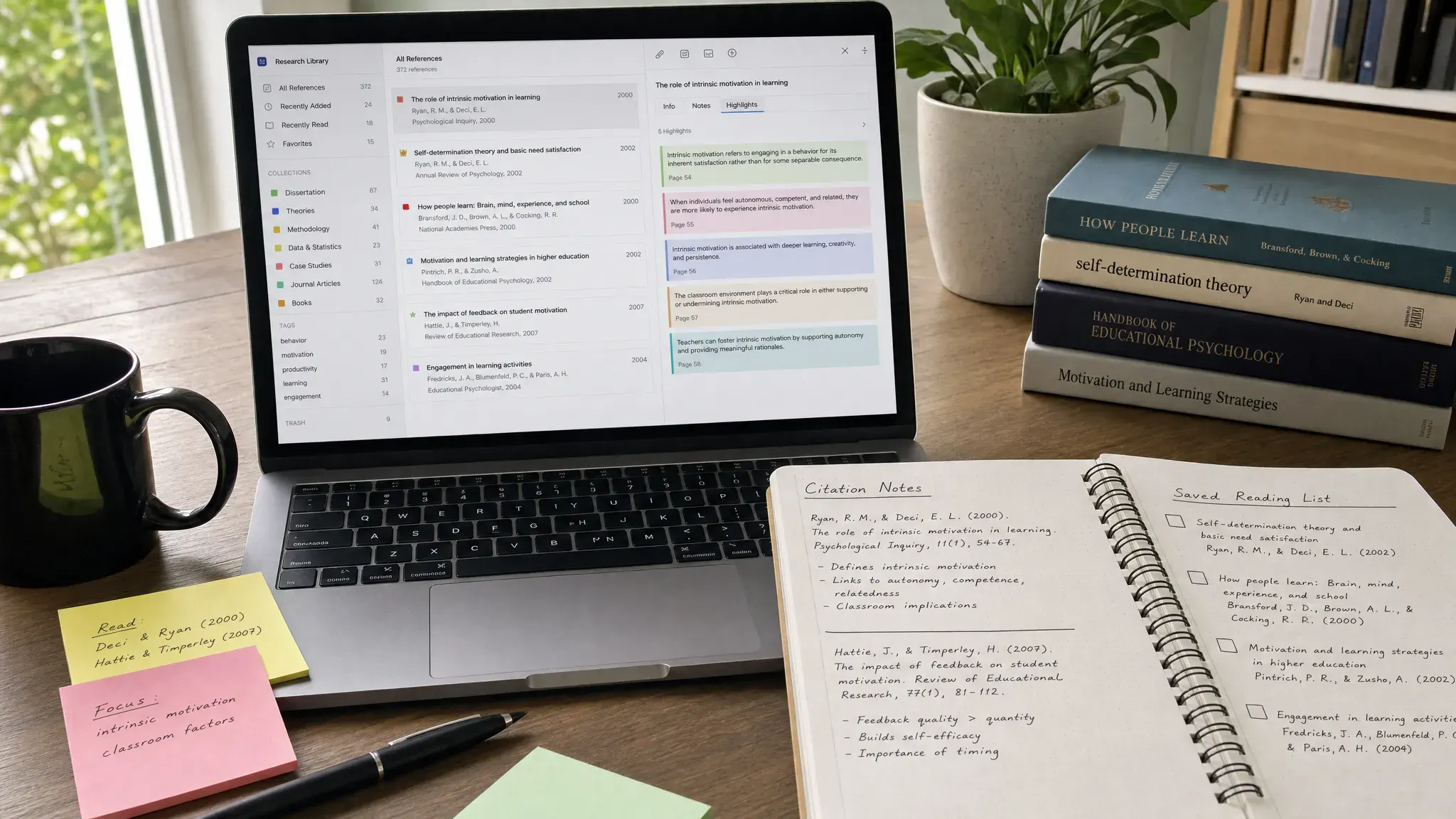
A good bookmark manager does more than save links. For researchers, students, writers, analysts, and serious readers, it becomes a searchable knowledge library where sources, highlights, notes, tags, and citations stay organized long after the browser tab is closed.
The problem is that most people still treat bookmarking like digital junk storage. They save a promising article, forget which folder it went into, open 40 tabs during a research session, then start over the next day. The best bookmark managers solve that by helping you capture useful pages quickly, organize them by project, retrieve them with search, and build a reading workflow that supports real work.
Below is a practical comparison of the best bookmark managers for research and reading in 2026, including tools for academic citations, long-form reading, team annotation, open-source privacy, and simple link archiving.
What makes a bookmark manager good for research and reading?
A basic browser bookmark folder is fine for a handful of links. It breaks down when you need to collect sources across several projects, remember why a source mattered, or return to an article months later.
For research and reading, look for features that reduce friction at three moments: saving, processing, and finding.
- Fast capture from browser extensions, mobile share sheets, and email forwarding
- Tags, folders, collections, or databases for project-based organization
- Full-text search, not just title and URL search
- Highlighting and annotation for active reading
- Offline access or permanent page copies for important sources
- Export options so you are not locked into one app
- Citation support if you work with academic papers or formal references
- Cross-device sync for moving between desktop, tablet, and phone
You do not need every feature. The right tool depends on whether your main task is academic research, article reading, content planning, product comparison, or building a personal knowledge base.
Quick comparison: best bookmark managers by use case
| Tool | Best for | Strengths | Watch out for |
|---|---|---|---|
| Raindrop.io | All-purpose bookmark organization | Collections, tags, previews, search, clean interface | Advanced archiving features may require a paid plan |
| Zotero | Academic research and citations | Browser capture, metadata, PDFs, citations, bibliographies | Less ideal as a casual read-it-later app |
| Readwise Reader | Serious reading and highlighting | Articles, PDFs, newsletters, RSS, highlights, note exports | Best value if you actively review highlights |
| Instapaper | Minimalist long-form reading | Clean reading mode, folders, highlights, offline reading | Less powerful for complex research databases |
| Diigo | Group research and web annotation | Web highlights, sticky notes, groups, education use cases | Interface can feel less modern than newer apps |
| Notion Web Clipper | Custom research databases | Flexible properties, project dashboards, team docs | Requires setup to stay organized |
| Evernote Web Clipper | Rich clipping and note storage | Full-page clips, simplified articles, screenshots, notebooks | Can become cluttered without strict notebook rules |
| Wallabag | Open-source read-it-later | Self-hosting option, article extraction, privacy control | Setup is more technical if self-hosted |
| Pinboard | Fast, durable link archiving | Minimal interface, tags, API-friendly, low distraction | Not built for visual reading or annotation |
Raindrop.io: best overall bookmark manager for most users
Raindrop.io is the best starting point for most people who want one bookmark manager for research, reading, and general web organization. It combines a polished interface with practical organization tools, including collections, nested collections, tags, previews, and browser extensions.
The biggest advantage is that Raindrop.io feels natural for both casual saving and structured research. You can create a collection for a writing project, a client, a course, or a buying decision, then add tags that describe source type, priority, or status. For example, a content marketer might use tags like statistics, competitor, case-study, and quote-candidate.
Raindrop.io is also useful when you want to keep browser tabs under control. Instead of leaving everything open, save a page to a collection with a short note, then close the tab. If browser clutter is a recurring problem, pair this with a session-saving workflow like our guide on saving and restoring browser sessions for deep work.
Best fit: researchers, writers, creators, students, and professionals who want a clean, flexible bookmark hub without building a custom system from scratch.
Zotero: best bookmark manager for academic research
Zotero is more than a bookmark manager. It is a reference manager built for academic and professional research. If your work involves journal articles, PDFs, books, citations, footnotes, or bibliographies, Zotero is the strongest choice on this list.
Its browser connector can capture metadata from academic databases, news sites, library catalogs, and many ordinary web pages. Zotero then stores the item in a library where you can attach PDFs, add notes, tag sources, and generate citations in common styles. This makes it especially valuable for students, academics, policy researchers, journalists, and anyone writing source-heavy reports.
Zotero is not as visually polished as Raindrop.io for everyday link browsing, and it is not primarily designed for casual reading queues. But for source integrity, it is hard to beat. The key benefit is that Zotero captures not just the URL, but the structured information around the source.
Best fit: academic papers, literature reviews, formal reports, thesis work, white papers, and citation-heavy writing.
Readwise Reader: best for active reading and highlights
Readwise Reader is built for people who do not just save content, but actually read, highlight, and revisit it. It supports articles, PDFs, newsletters, RSS feeds, and other reading sources, then connects highlights with the broader Readwise system.
Reader stands out because it treats reading as a workflow. You can save an article, read it in a distraction-light interface, highlight important passages, tag items, and later send insights to tools like Notion, Obsidian, or other knowledge management apps. If your research style depends on extracting ideas from long-form content, this is a major advantage.
It is especially useful for creators and analysts who collect insights across newsletters, blog posts, PDFs, and reports. Instead of having one app for RSS, one for articles, and one for notes, Reader can become the central inbox for reading.
Best fit: knowledge workers, content creators, analysts, newsletter readers, and anyone who wants highlights to flow into a note-taking system.
Instapaper: best minimalist read-it-later app
Instapaper remains a strong choice for readers who want a calm, simple place to save articles. It strips away clutter, gives you a clean reading view, and makes it easy to build a queue of articles for later.
Compared with Readwise Reader or Raindrop.io, Instapaper is less focused on complex research organization. That is not necessarily a weakness. If your main goal is to stop opening dozens of tabs and read saved articles in a focused environment, Instapaper does the job well.
Use folders sparingly. A simple setup such as To Read, Research, Reference, and Finished is often enough. If you create too many folders, you risk recreating the same clutter that made browser bookmarks hard to use.
Best fit: long-form reading, offline reading, distraction-free article queues, and readers who prefer simplicity over advanced databases.
Diigo: best for collaborative annotation
Diigo is a long-running tool for bookmarking, web annotation, highlighting, and group research. It is particularly useful in education, team research, and collaborative knowledge gathering because users can annotate web pages and share collections with groups.
The main reason to choose Diigo is its annotation-first approach. If a team needs to highlight the same web page, leave notes, and discuss sources, Diigo is more useful than a simple bookmarking folder. Teachers, researchers, and distributed teams can use it to collect reading materials and add context directly to sources.
The interface may feel more traditional than newer tools, but the feature set remains relevant for structured research. If you value collaborative markup more than visual polish, Diigo deserves a look.
Best fit: classrooms, research groups, team reading lists, training libraries, and shared source annotation.
Notion Web Clipper: best if you already use Notion
Notion Web Clipper is not the most powerful standalone bookmark manager, but it is excellent if your research already lives in Notion. Instead of saving links in a separate app, you can clip pages directly into a research database and add custom properties such as topic, status, author, project, credibility, and next action.
The real power comes from database design. A simple Notion research database can include fields for source type, summary, quote bank, reading status, and publication date. You can then create filtered views for each project, article, or client.
The downside is that Notion requires more intentional setup. If you clip everything into one generic table without tags or properties, your database will become messy quickly. For people who enjoy building custom workflows, though, Notion can be more flexible than a traditional bookmark app.
Best fit: Notion users, content planners, students building research dashboards, and teams that already manage projects in Notion.
Evernote Web Clipper: best for saving full pages and screenshots
Evernote Web Clipper is useful when you want to capture more than a link. It can save full pages, simplified articles, screenshots, and selected page sections into notebooks. For visual research, product research, and reference libraries, that richer clipping can be valuable.
This matters when web pages change or disappear. Saving a clean clip gives you more context than a bare URL. For example, if you are comparing software tools, appliances, books, or wellness products, a full-page clip can preserve key details for later review. If your reading list includes product research, you might save detailed vendor pages such as compression and red light therapy recovery devices, then tag them by use case, specifications, warranty, and evidence level.
Evernote works best when paired with a clear notebook structure. Avoid creating dozens of overlapping notebooks. Use broad notebooks for projects or areas, then rely on tags and search for detail.
Best fit: visual research, web page clipping, screenshots, product comparisons, and users already invested in Evernote.
Wallabag: best open-source read-it-later option
Wallabag is a strong option for readers who prefer open-source tools and more control over their data. It saves web articles for later, extracts readable text, supports tagging, and can be self-hosted if you want to manage your own environment.
The biggest benefit is ownership. Many read-it-later apps have changed direction, been acquired, or shut down over the years. If long-term control matters to you, an open-source tool with export options is worth considering.
Wallabag is not as plug-and-play as the most polished commercial apps, especially if you choose the self-hosted route. But for privacy-conscious users and technical readers, it offers a dependable alternative to closed platforms.
Best fit: open-source users, privacy-conscious readers, developers, and people who want more control over saved content.
Pinboard: best no-frills bookmark archive
Pinboard is the opposite of a glossy visual bookmarking app. It is fast, text-based, tag-driven, and designed for people who want durable link storage without distractions.
Pinboard is especially appealing to power users who value speed and simplicity. You save links, add tags, search later, and move on. It is also useful for people who like lightweight tools with APIs and minimal interface changes.
Do not choose Pinboard if you want a beautiful reading interface, rich annotations, or a modern visual library. Choose it if you want a sturdy bookmarking database that gets out of the way.
Best fit: developers, researchers with large link archives, minimalists, and users who prefer tags over folders.
A note on Pocket and Omnivore in 2026
For years, Pocket appeared in almost every list of the best bookmark managers and read-it-later apps. That changed after Mozilla shut down Pocket in 2025. Omnivore was also a favorite among open-source reading fans, but it is no longer a safe default recommendation for new users.
The lesson is simple: choose tools with export options. Your bookmark library can become a valuable research asset, so you should be able to download your data in a usable format. Before committing to any tool, check whether it supports exports, backups, and migration.
How to choose the right bookmark manager
The best bookmark manager is the one that matches your actual workflow, not the one with the longest feature list.
| If your main goal is… | Choose… | Why |
|---|---|---|
| Organizing many types of links | Raindrop.io | Flexible collections, tags, previews, and search |
| Managing academic citations | Zotero | Strong metadata, PDF, citation, and bibliography tools |
| Reading and reviewing highlights | Readwise Reader | Built for active reading and knowledge workflows |
| Saving articles for quiet reading | Instapaper | Simple, clean, low-distraction reading queue |
| Annotating sources with a group | Diigo | Shared highlighting and comments |
| Building a custom research database | Notion Web Clipper | Flexible fields, views, and project dashboards |
| Capturing full web pages | Evernote Web Clipper | Rich clips, screenshots, notebooks, and tags |
| Keeping control of your reading app | Wallabag | Open-source and self-hosting options |
| Maintaining a fast link archive | Pinboard | Minimal, tag-based, durable bookmarking |
If you are unsure, start with Raindrop.io for general bookmarks and Zotero for academic sources. That combination covers most research workflows without forcing every saved item into one system.
A simple workflow for research and reading
A bookmark manager only works if you use it consistently. The goal is not to save more links. The goal is to save better links and make them easier to use later.
Start with a small set of tags or statuses. For example, you might use unread, read, cite, quote, compare, and archive. These tags describe what you need to do with the item, not just what the item is about.
During research, capture quickly but add one line of context. A note like useful statistics on remote work trends is far more helpful than a saved URL with no explanation. When you return weeks later, that note tells you why the source mattered.
Set a weekly review. Delete weak sources, promote strong sources into your notes, and archive anything that no longer matters. This is where a bookmark manager becomes part of digital workflow optimization rather than another inbox.
If your main issue is tab overload, use a tool like OneTab or a session manager alongside your bookmark app. Our OneTab workflow for reducing browser memory and distractions explains how to collapse tab chaos without losing your place.
Common mistakes to avoid
The first mistake is saving everything. A bookmark library full of low-quality links is just another cluttered inbox. Be selective, especially when researching broad topics.
The second mistake is overbuilding your system. You do not need 30 tags, 12 folders, and a complex status process on day one. Start simple, then add structure only when you repeatedly need it.
The third mistake is confusing bookmarks with notes. A bookmark points to a source. A note captures your thinking about that source. For serious research, the two should work together. Tools like Zotero, Readwise Reader, Notion, and Evernote blur the line, but you still need a habit of summarizing what you learn.
The fourth mistake is ignoring exports. If a tool does not let you export your data, think carefully before putting years of research into it.
Frequently Asked Questions
What is the best bookmark manager overall? Raindrop.io is the best overall choice for most users because it balances ease of use, organization, visual previews, tagging, and cross-device access. Zotero is better if your work depends on academic citations.
What is the best bookmark manager for students? Zotero is best for academic sources, PDFs, and bibliographies. Students who also read many web articles may want to pair Zotero with Raindrop.io, Instapaper, or Readwise Reader.
Is a read-it-later app the same as a bookmark manager? Not exactly. A read-it-later app focuses on saving articles for reading, often in a clean reading view. A bookmark manager is broader and may include tags, collections, search, screenshots, source notes, and long-term archiving.
Should I still use Pocket in 2026? No. Pocket was shut down in 2025, so new users should choose an active alternative such as Instapaper, Readwise Reader, Raindrop.io, or Wallabag.
Which bookmark manager is best for privacy? Wallabag is a strong option if you want open-source software and the possibility of self-hosting. Pinboard also appeals to users who want a minimal bookmarking service without a heavy social or recommendation layer.
How many bookmark folders should I create? Keep folders broad and use tags for detail. For many people, project folders plus a few action tags such as unread, cite, compare, and archive are easier to maintain than a deep folder tree.
Build a cleaner research stack
The best bookmark managers help you turn scattered links into a usable research system. If you want one flexible tool, start with Raindrop.io. If citations matter, use Zotero. If reading and highlights are central to your workflow, try Readwise Reader or Instapaper. If privacy and control matter most, consider Wallabag or Pinboard.
For a stronger productivity setup, combine your bookmark manager with a tab management routine, a note-taking app, and a weekly review habit. You can also explore our guides to the best AI productivity tools and our broader online tools list to keep improving your digital workflow.



