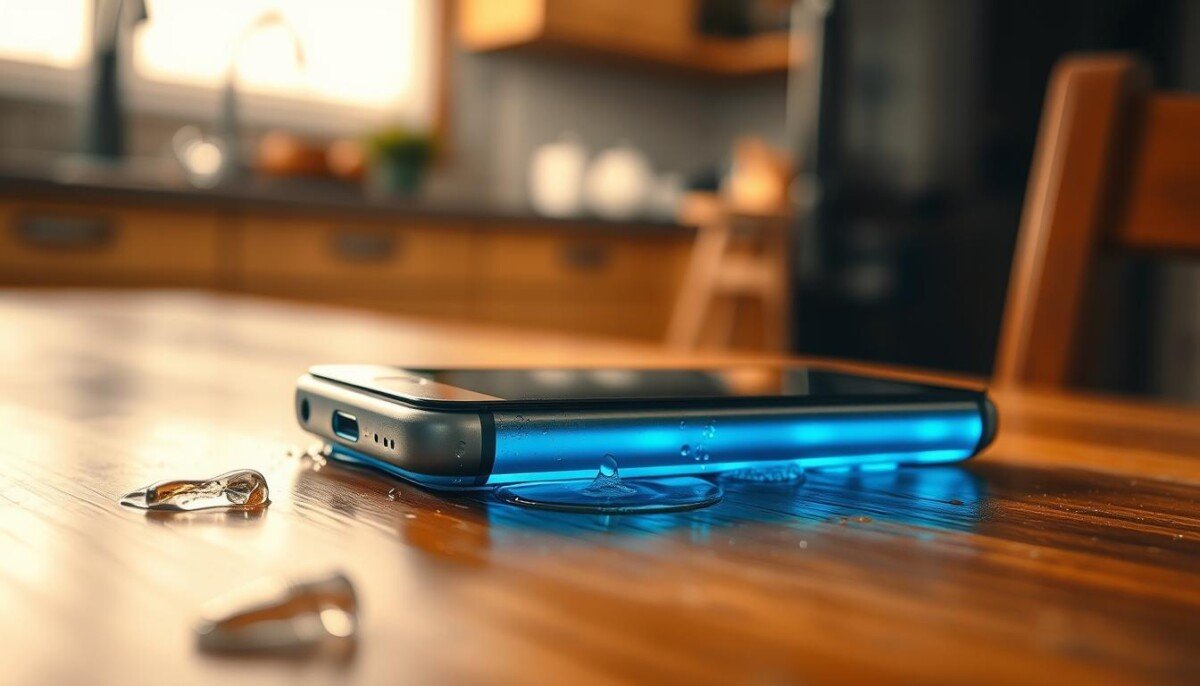
Did that quick spill make your device feel oddly warm and leave you wondering if it’s still safe?
When an electronic device feels warm after contact with liquid, it often signals internal shorts on the logic board. You must act fast because leaving it powered on raises the risk of permanent hardware failure.
This short guide explains why components and circuitry heat up when exposed to moisture. It shows the key steps to protect your data and reduce the chance of lasting harm.
We will walk through the science in plain terms and give clear first steps you can take right now. For a deeper look at overheating signs and fixes, see this troubleshooting guide at smartphone overheating causes and fixes.
Key Takeaways
- Warm device after moisture often means electrical shorts; power it down if safe.
- Keeping the unit on raises the chance of permanent hardware failure.
- Simple first steps can protect your data and limit internal harm.
- Understanding how liquid affects circuitry helps you act with confidence.
- Seek expert service if heat or odd behavior continues after basic fixes.
Immediate Steps to Take After Water Exposure
Quick, calm action in the first minutes improves your chances of saving the device.
Powering Down Safely
Turn the phone off immediately to stop current creating new circuit paths. If the unit is wet and safe to touch, power it down right away.
Do not plug the charger in. Leaving the battery connected raises the risk of short circuits and corrosion.
Removing External Components
Remove the protective case and let air circulate around the device. Take out the SIM tray and SIM card within the first few hours to cut corrosion risk.
- If you can remove the battery, do so to reduce electrical stress on parts.
- Use 90%+ isopropyl alcohol to clean visible corrosion on connectors and boards; lower-strength rubbing alcohol often contains too much water.
- If you are confident with repairs, consult the iFixit guide for the iPhone 6 to disassemble components safely.
If in doubt, seek phone repair help. Professional technicians advise that fast action within the first hours is the best chance to save a soaked device.
Why Your Phone Hot After Water Damage Is a Warning Sign
Unexplained warmth in an electronic device can mean hidden shorts or trapped moisture inside. This is a key sign that internal circuits are not operating normally and that corrosion may be starting.
Summer spikes in liquid incidents matter. According to 2023 Asurion claims data, more liquid repairs happen between June and August. Even if the surface looks dry, moisture can hide under the case or behind the SIM tray and sim card.
A phone that seems fine right after exposure can fail within days. Look for subtle signs: odd heat, erratic behavior, or reduced battery life within the first hours or days. Moisture trapped inside will corrode components and turn a minor spill into permanent damage.
Skip DIY myths like rice. Starchy grains often add debris and rarely solve internal corrosion. If you see persistent warmth, get professional help—especially for an iPhone—or back up data and seek an expert promptly.
The Science Behind Delayed Internal Corrosion

Minerals left behind by spilled liquid can turn tiny traces of moisture into electrical bridges inside your device.
Residues act as unwanted conductors. When a unit suffers water damage, dissolved salts and minerals coat traces and connectors. Over time those films let current jump where it should not.
The Role of Mineral Deposits
Mineral deposits speed up corrosion and eat into the logic board and screen connector. This weakens solder joints and metal contacts in small, hard-to-see ways.
Even if your iPhone seems to work, trapped moisture keeps reacting with metal parts for several days. That slow change creates microscopic cracks that disrupt signals and cause overheating.
- Minerals form conductive paths.
- Corrosion grows over time inside sealed spaces.
- Visible function can hide internal loss of reliability.
| Stage | What Forms | Likely Signs (within days) |
|---|---|---|
| Immediate | Mineral films on contacts | Odd warmth, unstable charging |
| Short term | Early corrosion on connectors | Flicker on screen, audio glitches |
| Later | Cracked traces and eaten solder | Random failures, permanent faults |
Common Symptoms of Hidden Moisture Damage

Small faults often tell you a lot. Small visual glitches, odd audio, and charging quirks are common signs that moisture reached internal parts of your device.
Display and Visual Glitches
Look for screen flicker or vertical lines. These often mean moisture has contacted the display connector and needs a professional repair.
Also check the Liquid Damage Indicator in the SIM slot or battery compartment; it will turn red or maroon on exposure.
Audio and Speaker Distortion
Muffled sound or static points to corrosion near the audio chip or speaker grill. If voices sound thin or distorted, have the unit inspected.
Battery and Charging Irregularities
Rapid drain, unexpected shutdowns, or overheating can mean corrosion is disrupting voltage control. Slow charging or port errors often come from mineral buildup on charging pins.
Why Popular DIY Drying Methods Often Fail

Quick fixes can feel useful, but many common tricks miss the real problem.
Rice rarely solves internal moisture. Starchy grains do absorb some surface wetness, yet they shed dust and tiny particles that can lodge in connectors and ports.
Blow dryers and direct sun seem tempting. They risk overheating seals and forcing liquid deeper into sensitive components.
Silica gel packets work much better. They pull moisture from small gaps and reduce the time liquid stays near metal parts. Use many packets around the device in a sealed bag for best results.
Professional phone repair technicians use controlled drying, ultrasonic cleaning, and safe solvents to remove corrosion. These methods target residues that DIY drying leaves behind.
- Rice can add starch and dust to parts.
- Heat or sun can melt seals and push liquid inward.
- Silica gel speeds drying and limits corrosion risk.
- Experts clean and inspect components rather than just waiting.
If the unit still shows odd warmth or erratic behavior, back up your files and consider a trained phone repair service. For detailed steps on safe recovery and professional options, see this guide on how to fix a water-damaged phone: repair steps and advice.
When to Seek Professional Repair Services
If your device shows persistent glitches or odd behavior, bring it in for expert repair right away.
Seek service immediately if you see screen glitches, sudden battery drain, slow charging, or camera fog. These are clear signs the internals need cleaning and testing.
Do not wait for full failure. A trained technician can ultrasonically wash the logic board to remove mineral deposits and active corrosion. That step often prevents permanent faults.
- If the SIM card tray or sim shows exposure, get a checkup to protect data and connections.
- Aloha Phone Repair by TCA Wireless at 94-144 Farrington Hwy, Suite 112, Waipahu, HI 96797, offers expert water repair and testing.
- Professional service is the only reliable way to clean and test internal parts and restore charging and screen function.
Act in time. Early repair gives you the best chance to save the device and avoid costlier fixes later.
Conclusion
Quick steps now make the difference between a repairable unit and a total loss.
Turn the device off and remove the SIM card immediately to cut the risk of internal shorts and data loss.
Avoid DIY myths like putting it in rice. Those tricks often add debris and do not stop corrosion.
Trust trained technicians to clean and test the logic board. Professional service gives the best chance to restore function and protect data.
Watch for signs such as odd heat, screen flicker, or fast battery drain. For local repair guidance and Honolulu-specific tips, see our local repair guide.



