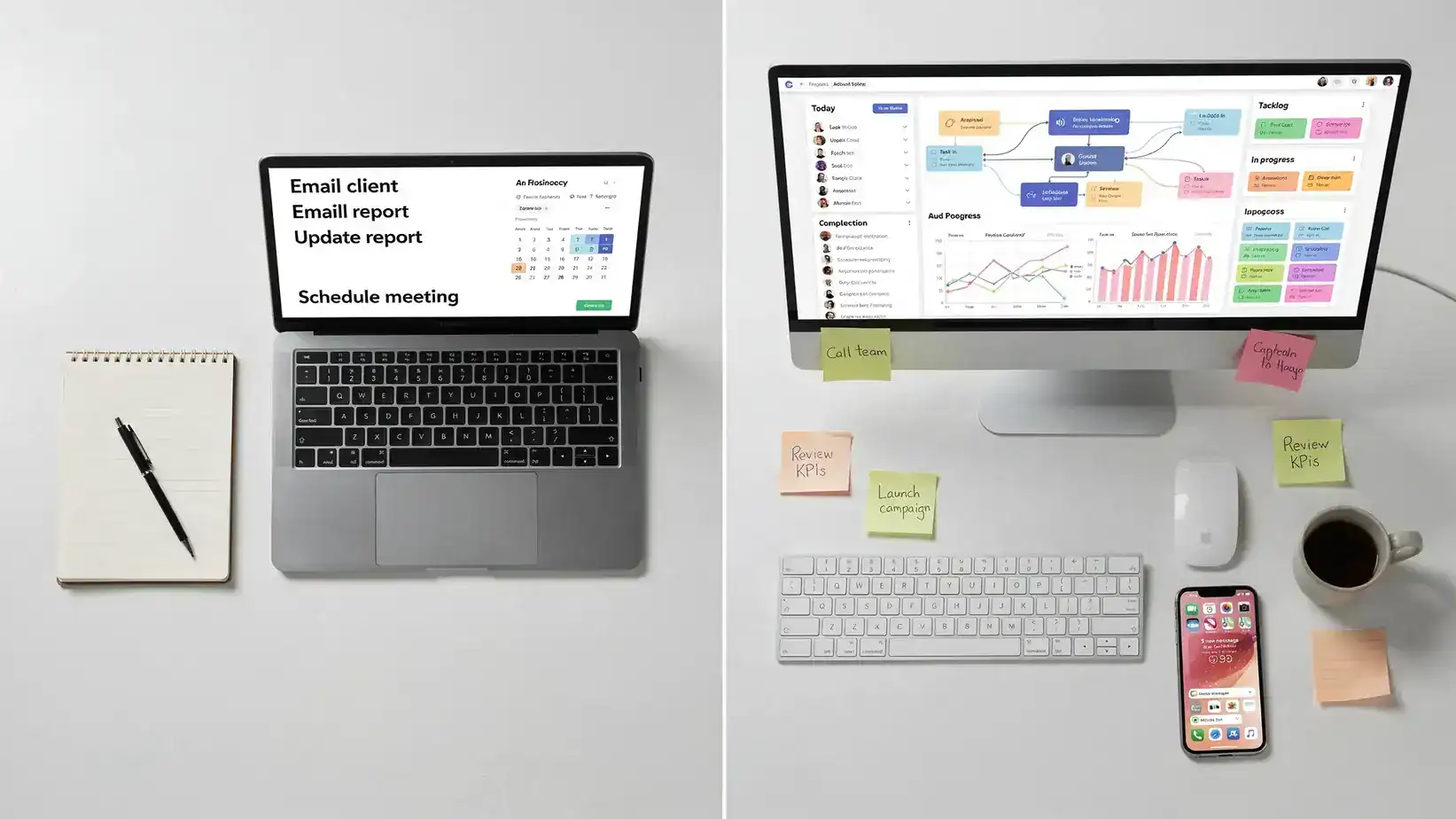
Choosing between free vs paid productivity tools is rarely about whether a tool is “good.” It is about whether the paid version removes enough friction, risk, or wasted time to justify the cost.
Free plans are better than ever. You can manage tasks, track time, schedule meetings, store files, write drafts, and collaborate with a small team without paying a dollar. At the same time, paid plans often unlock the features that turn a collection of apps into a reliable workflow, such as automation, reporting, permissions, integrations, and priority support.
The real question is simple: does the tool help you work better often enough to pay for itself? This guide breaks down where free tools are enough, where paid productivity tools are worth it, and how to make the decision without getting pulled into subscription overload.
The Real Difference Between Free and Paid Productivity Tools
A free productivity tool usually helps you perform a task. A paid productivity tool usually helps you perform that task consistently, at scale, with fewer manual steps and less risk.
That distinction matters because productivity problems are often not caused by missing apps. They are caused by unclear priorities, too many notifications, broken handoffs, poor scheduling, and scattered information. Microsoft’s Work Trend Index reported that many workers struggle with insufficient uninterrupted focus time, which is exactly the kind of problem a tool can either solve or make worse if implemented poorly.
So before comparing pricing pages, ask what you are actually buying. Are you paying for storage? Better collaboration? More automation? Fewer mistakes? Faster reporting? Stronger security? If the answer is unclear, the free plan may be the smarter starting point.
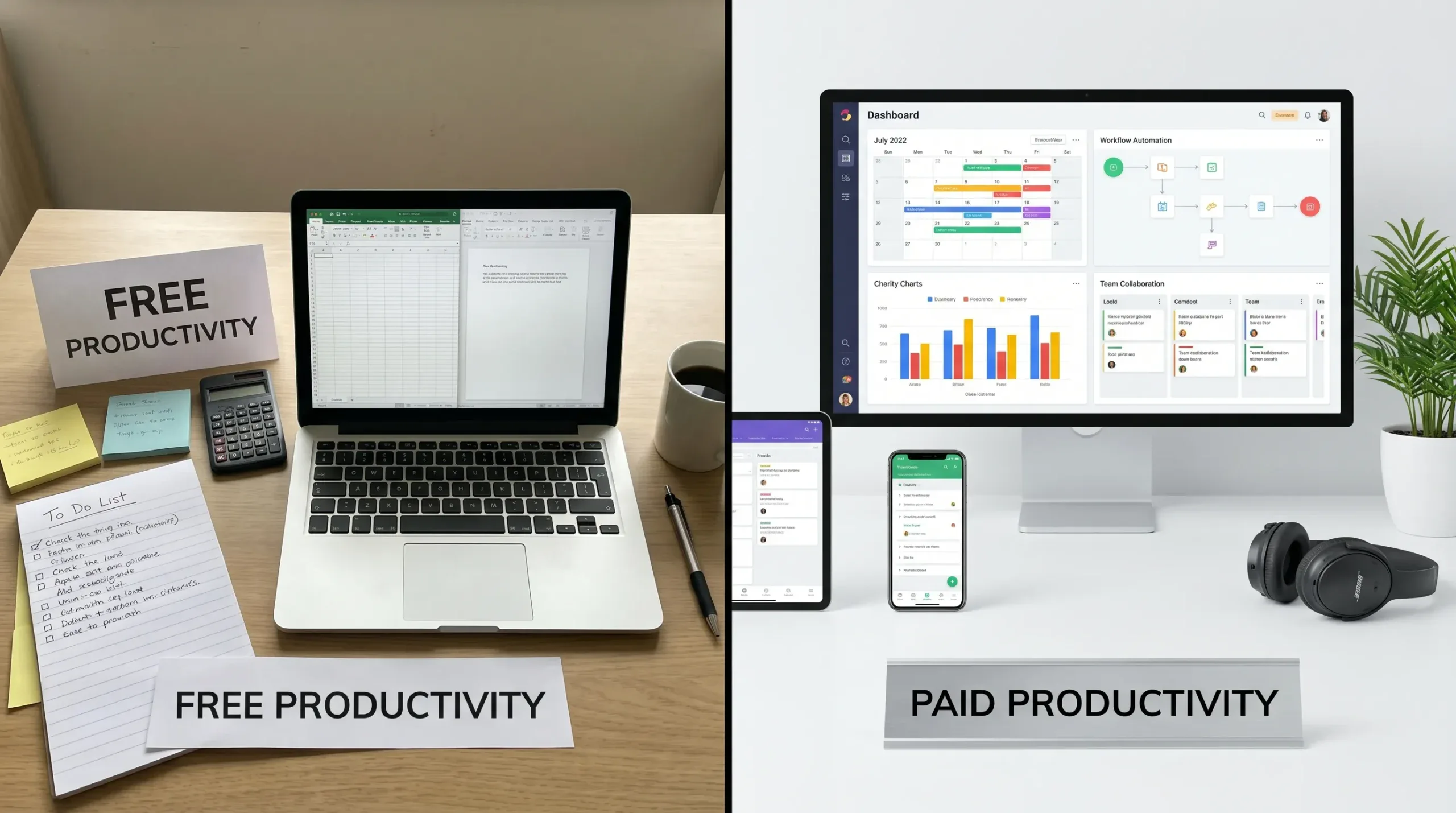
Free vs Paid Productivity Tools: Quick Comparison
| Factor | Free tools are usually enough when | Paid tools are worth it when |
|---|---|---|
| Users | You work alone or with one small, informal group | Multiple teammates need shared views, permissions, and accountability |
| Task complexity | Tasks are simple, short, and low-risk | Projects involve dependencies, approvals, deadlines, and handoffs |
| Automation | You can handle manual updates without much time loss | Repetitive work causes delays or errors |
| Reporting | You only need basic visibility | You need dashboards, exports, time reports, or executive summaries |
| Integrations | Copying information manually is acceptable | Data needs to move reliably between apps |
| Security | You manage non-sensitive personal work | Client, employee, financial, or regulated data is involved |
| Support | Occasional bugs are not urgent | Downtime affects clients, revenue, or team operations |
The best choice is not always “free first” or “paid is better.” The best choice is the one that fits the importance of the workflow.
When Free Productivity Tools Are Enough
Free tools are ideal when you are still building your process. If you do not yet know how you want to manage tasks, meetings, notes, or files, paying for advanced features too early can lock you into the wrong workflow.
For individuals, students, creators, and early-stage freelancers, free plans often provide enough functionality to stay organized. A simple task board, calendar, notes app, file storage account, and timer can cover most daily needs. The key is consistency, not complexity.
Free tools also work well for low-stakes tasks. If you are planning a personal project, collecting ideas, drafting content, or organizing a short-term event, you may not need advanced permission settings, audit logs, or multi-step automations.
They are also useful for testing habits. For example, if you are exploring time blocking, start with a free calendar workflow before buying a premium planning app. Our guide on creating Focus Time blocks in Google Calendar is a good example of how much you can do with built-in calendar features before paying for specialized software.
A free tool is usually the right choice when the main barrier is personal discipline. If the issue is that tasks are not being reviewed, emails are not being processed, or meetings are not being prepared for, a paid plan will not magically fix that. Build the routine first, then upgrade when the routine becomes constrained by the tool.
When Paid Productivity Tools Are Worth It
Paid productivity tools become worth it when the cost of not upgrading is higher than the subscription.
That usually happens in four situations: collaboration, automation, reporting, and risk management.
Paid tools are worth it for team accountability
Once more than a few people depend on the same workflow, free tools can become messy. Tasks get duplicated. People lose track of ownership. Managers ask for updates in chat because dashboards are incomplete. Files live in too many places.
Paid project management tools often justify their cost when they create a single source of truth. Features like custom fields, workload views, guest permissions, recurring tasks, dependencies, and approval workflows are not just “nice to have.” They reduce confusion.
For example, a solo user may be fine with a basic task list. A team managing client deliverables may need structured fields, deadlines, status reporting, and automations. If you use ClickUp, our guide to ClickUp custom fields for advanced project tracking shows how structured metadata can turn tasks into useful operational data.
Paid tools are worth it when automation removes repeated work
Automation is one of the clearest reasons to pay. If a tool saves you from doing the same manual action every day, the upgrade can pay for itself quickly.
Think about recurring task assignments, meeting reminders, lead routing, report exports, and status updates. These are small tasks individually, but they create hidden drag when repeated across a week or team.
This matters even more for customer-facing businesses. A retail operation coordinating inventory, promotions, seasonal campaigns, customer support, and delivery timelines, such as an online sportswear shop like Fabbrica Ski Sises, has less room for missed handoffs than someone managing a personal checklist. In that context, paid scheduling, project tracking, and automation tools can protect revenue and customer experience.
Paid tools are worth it for reporting and decision-making
Free tools often help you do the work. Paid tools often help you understand the work.
If you need to know where time goes, which projects are over capacity, which campaigns are delayed, or which clients are consuming the most resources, reporting features become valuable. Time tracking is a classic example. A free timer may be enough for personal awareness, but paid reporting can be essential for billing, utilization, forecasting, and profitability.
If this is your bottleneck, compare your options with our guide to time tracking applications or learn how to analyze busy hours with ClickUp time tracking.
Paid tools are worth it when security and admin controls matter
Free plans are often limited when it comes to permissions, user management, device controls, compliance features, and recovery options. For casual personal use, that may not matter. For teams handling client files, passwords, contracts, financial data, or employee information, it matters a lot.
Paid plans may include features like single sign-on, admin consoles, role-based access, advanced sharing controls, version history, audit logs, and stronger support. Those features are not exciting, but they reduce operational risk.
If losing access, leaking a file, or mismanaging user permissions would create serious consequences, a paid plan may be a practical business expense rather than a productivity luxury.
What Is Worth Paying For by Tool Category?
Different productivity categories have different upgrade triggers. Some tools offer generous free plans. Others become limited quickly once you use them for serious work.
| Category | Free is usually fine for | Paid is usually worth it for |
|---|---|---|
| Task management tools | Personal lists, simple Kanban boards, small projects | Dependencies, permissions, automations, custom fields, portfolio views |
| Calendar and scheduling tools | Basic events, personal time blocking, simple reminders | Booking pages, buffer times, round-robin scheduling, paid appointments, reminders |
| Time tracking tools | Personal awareness and simple timers | Billable rates, approvals, exports, team reporting, client profitability |
| Notes and knowledge bases | Personal notes, drafts, lightweight documentation | Team wikis, permissions, version history, templates, advanced search |
| AI productivity tools | Occasional brainstorming, summaries, quick drafts | High-volume writing, repeatable workflows, team collaboration, advanced integrations |
| Cloud storage services | Personal files and simple sharing | Large storage needs, admin controls, secure sharing, recovery, compliance |
| Communication tools | Small groups and informal chats | Search history, workflow integrations, compliance controls, external collaboration |
| Automation tools | A few basic app connections | Multi-step workflows, filters, error handling, higher task volume |
Scheduling tools are a good example. If you only schedule a few calls a month, a free calendar link may be enough. If you run client calls all week, paid scheduling features like buffers, reminders, routing, and availability rules can protect your day. For a practical example, see our tutorial on setting buffer times in Calendly.
AI tools are another category where the answer depends heavily on usage. A free AI assistant may be enough for brainstorming or rewriting. Paid AI productivity tools become more compelling when they support repeatable business workflows, longer context, better collaboration, or integrations with the apps you already use. If you are comparing options, start with our guide to the best AI productivity tools.
A Simple ROI Formula for Paid Productivity Tools
A paid tool is worth it when the measurable value is higher than the total cost. That sounds obvious, but most people skip the measurement step.
Use this simple formula:
Monthly value = time saved + errors avoided + revenue protected + better decisions - subscription cost
Here is a practical example. Suppose a scheduling tool costs $15 per month and saves you one hour per week by eliminating back-and-forth emails. If your time is worth $40 per hour, that tool creates about $160 in monthly time value before subtracting the subscription. Even if the exact number is imperfect, the decision is clear.
Now compare that with a $20 monthly app that you open twice a month because it has a nicer interface than your free notes app. That upgrade may feel good, but the ROI is weak.
The more people use the tool, the more important this calculation becomes. A $12 monthly seat may seem cheap, but 20 users make that a meaningful recurring expense. Paid tools should earn their place in your workflow.
Hidden Costs of Free Tools
Free tools are not always truly free. They can create costs in less obvious ways.
The first hidden cost is fragmentation. If your notes are in one app, tasks in another, files in another, and deadlines in someone’s inbox, the team loses time searching and reconciling information.
The second hidden cost is manual work. Free plans often limit automation, integrations, history, or exports. That can lead to copy-paste work, inconsistent updates, and avoidable mistakes.
The third hidden cost is lack of support. If a free tool fails during a critical workflow, you may have limited options for help. For personal use, that may be acceptable. For client work, it can be risky.
The fourth hidden cost is unclear data ownership or privacy tradeoffs. Not every free tool has the same business model. Before storing sensitive work in any free platform, review its privacy settings, export options, and account recovery process.
Hidden Costs of Paid Tools
Paid tools also have traps. The biggest one is paying for features you do not use.
Many teams upgrade because a tool promises automation, analytics, AI, or advanced dashboards. Then the team continues using it like a basic checklist. In that case, the paid plan becomes shelfware.
Another hidden cost is tool overlap. One app handles tasks, another handles docs, another handles whiteboards, another handles goals, and another handles reporting. Each tool may be good, but together they create a confusing system.
Annual contracts can also become expensive if you commit too early. A discount is only valuable if you are confident the tool will stay in your workflow. If you are still testing, monthly billing may be safer despite the higher per-month price.
Finally, paid tools require change management. Team members need onboarding, naming conventions, templates, and clear rules. Without those, the tool becomes another place where work gets lost.
How to Decide Before You Upgrade
Before paying for a productivity tool, answer these questions honestly:
- What specific problem does the paid plan solve?
- How often does that problem happen?
- How many people are affected by it?
- What is the cost of the problem in time, money, stress, or missed opportunities?
- Which paid feature directly solves it?
- Can we test the feature before committing annually?
- What tool will this replace or consolidate?
If you cannot connect the paid feature to a recurring problem, wait. If you can connect it to a clear bottleneck, run a short pilot.
The 14-Day Upgrade Test
A short test is better than a long debate. Pick one workflow, one tool, and one measurable outcome. Do not test five apps at the same time.
| Day range | What to do | What to measure |
|---|---|---|
| Days 1-2 | Define the workflow and success metric | Current time spent, error rate, missed deadlines, or manual steps |
| Days 3-5 | Set up the paid feature with a small group | Setup effort, user confusion, missing integrations |
| Days 6-11 | Use the tool in real work | Time saved, adoption rate, task completion, fewer interruptions |
| Days 12-14 | Review results and decide | ROI, team feedback, replacement potential, long-term fit |
The goal is not to decide whether the tool is impressive. The goal is to decide whether it improves your workflow enough to justify paying for it.
For example, if you are testing automation, measure how many manual steps disappear. If you are testing a time tracker, measure whether reports become accurate enough to support billing or staffing decisions. If you are testing a task management upgrade, measure whether fewer updates happen in chat because the project board is finally trusted.
What I Would Pay For First
If you are building a lean productivity stack, pay for the tools that protect your highest-value work first.
For many professionals, that means a reliable calendar or scheduling tool, a project management tool that your team actually uses, secure cloud storage, and a password manager. After that, consider paid time tracking, automation, AI writing, and analytics tools based on your workflow.
Do not pay first for cosmetic upgrades. A nicer interface can be worth it if it improves adoption, but it should not be the main reason to subscribe. Pay for reduced friction, better visibility, stronger security, and fewer repeated steps.
A good rule: upgrade the system before you upgrade the interface.
Free vs Paid Productivity Tools: Final Verdict
Free productivity tools are absolutely worth using. They are best for learning your workflow, managing personal tasks, testing habits, and handling simple projects.
Paid productivity tools are worth it when they solve a repeated, measurable problem. The strongest reasons to upgrade are team collaboration, automation, reporting, security, support, and scale.
If you are unsure, stay free until you hit a clear limit. Once that limit costs more than the subscription, upgrade with a defined test and a measurable outcome. That approach keeps your tool stack useful, affordable, and focused on real productivity instead of software collecting.
Frequently Asked Questions
Are free productivity tools enough for most people? Yes, free productivity tools are enough for many individuals, students, freelancers, and small personal projects. They work best when tasks are simple, collaboration is limited, and advanced reporting or automation is not required.
What paid productivity features are usually worth it? The most valuable paid features are automation, team permissions, advanced reporting, integrations, security controls, larger storage limits, and priority support. These features are worth paying for when they remove repeated work or reduce operational risk.
Should I pay for an AI productivity tool? Pay for an AI productivity tool if you use it frequently for repeatable work such as writing, summarizing, research, planning, or automation. If you only use AI occasionally for brainstorming, a free plan may be enough.
How many productivity tools should I use? Use as few as possible while still covering your core workflows. Most people need a task manager, calendar, notes or docs system, storage tool, and communication app. Add specialized tools only when they solve a clear problem.
Is it better to choose monthly or annual billing? Monthly billing is better while testing a tool. Annual billing can make sense after the tool has proven its value, your team has adopted it, and you are confident it will remain part of your workflow.
Build a Smarter Productivity Stack
The best productivity stack is not the biggest one. It is the one that helps you plan, focus, collaborate, and deliver with less friction.
If you are still comparing options, explore more Online Tool Guides resources, including our online tools examples and our in-depth reviews of task management, automation, AI, scheduling, and workflow optimization tools. Start free, measure the bottleneck, then pay only when the upgrade earns its place.



