
Is your tablet getting uncomfortably warm and slowing your work down?
A device that feels hot to the touch can stop you from using it when you need it most. Prolonged exposure to high heat can cause permanent battery damage, turning precision glass and metal into an expensive paperweight.
Understanding why your tablet warms up is the first step to protecting your investment. Often, heat means internal parts are working too hard or failing to shed thermal energy.
We help you identify root causes of an overheating ipad and share clear steps to reduce risk and restore performance. Follow expert-led advice to keep speed and reliability high and avoid long-term harm.
For a deeper look at common smartphone heat causes and simple remedies, see this practical guide: smartphone overheating causes and fixes.
Key Takeaways
- Heat often signals high CPU load or poor heat dissipation.
- Short-term steps like closing apps and removing the case help immediately.
- Prolonged heat can shorten battery life and harm components.
- Use proper chargers and avoid direct sunlight to lower risk.
- Seek professional service if issues persist despite basic measures.
Understanding Why Your iPad Gets Hot
Your tablet can run hot when external conditions and heavy tasks combine.
iPads work best between 0°C and 35°C. Push past that, and the system limits performance to protect the battery and components.
Unlike laptops, these devices lack internal fans. The metal chassis must passively shed heat. That design keeps things thin but reduces active cooling.
Environmental Factors
Direct sunlight or a hot car can raise internal temperature fast. Heat from the environment forces the device to slow the processor and dim the screen to cope.
Processor Exhaustion
Running intensive apps for long periods loads the processor and draws more power. Background refreshes and long gaming or editing sessions push internal components and create sustained heat.
- Charging with non-standard adapters adds extra strain and heat.
- Continuous app activity and background processes increase power draw.
- No fan means passive cooling can be insufficient during heavy use.
| Cause | How it raises heat | What to watch for |
|---|---|---|
| Direct sunlight | External temperature raises internal temp | Rapid rise above 35°C |
| Heavy apps | Processor runs at high power for long time | Battery drains faster, device warm to touch |
| Charging | Simultaneous charging and use increases load | Warm charging adapter, slower performance |
| Background processes | Constant refresh keeps CPUs active | Unexpected battery use, steady warmth |
Common Symptoms of an Overheating Device

You will usually notice signs before the device reaches dangerous temperatures.
Screen and display changes. The screen may dim by itself as the processor cuts power to lower temperature. This automatic dimming is a reliable early sign that your ipad overheats and the system is protecting itself.
Performance and power issues. The tablet may slow, apps can freeze, and touch response may lag. Rapid battery drain and lowered performance happen when internal components run hot.
- The device may stop charging or charge slowly to avoid adding more heat.
- A clear “cool down” warning means the ipad needs cool air and immediate attention.
- Prolonged heat can cause permanent damage to components and shorten battery life.
Watch these symptoms closely. Early action preserves performance and prevents a bigger problem.
Practical iPad Overheating Fix Solutions
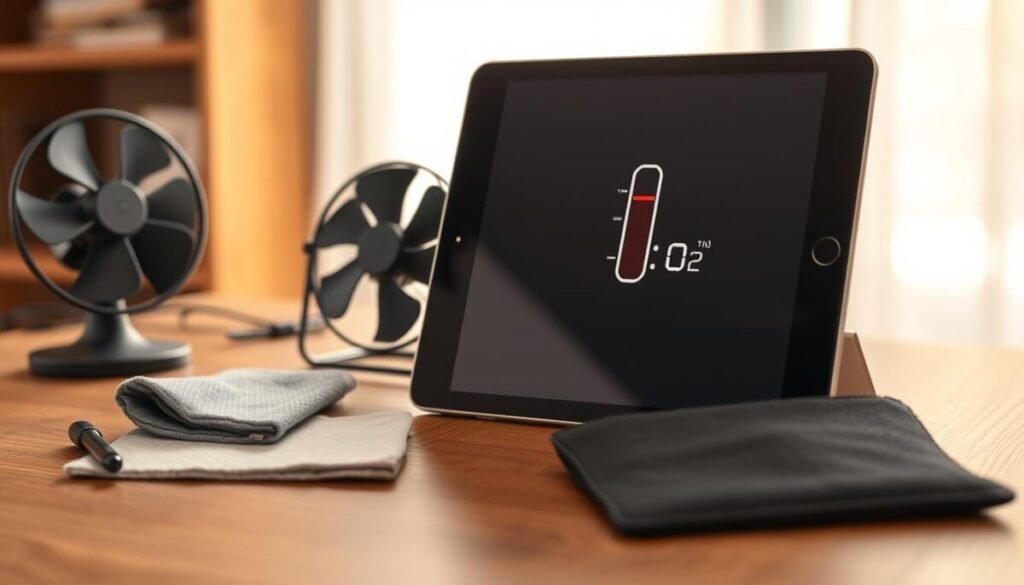
Quick, focused steps can bring your tablet back to normal temperature and performance.
Close resource-intensive apps
Stop heavy apps that push the processor and drain the battery. Close games, video editors, and tabs you no longer use.
Why it helps: Reducing active tasks cuts power draw and lowers internal heat fast.
Manage background processes
Open Settings and turn off Background App Refresh for apps that do not need constant updates.
This prevents apps from using CPU time while idle and saves power during regular use.
Remove protective cases
Many covers trap heat against the metal chassis. If the device gets warm, remove the case to let air circulate.
Also dim the screen brightness and avoid direct sunlight while charging or during heavy usage.
- Close resource-heavy apps to reduce processor load immediately.
- Turn off background refresh to limit unseen power use.
- Remove the case and lower screen brightness to aid cooling.
- Use trusted chargers and inspect cables to avoid extra heat when charging.
For a deeper walkthrough on cooling and prevention, see this practical guide: ipad overheating fix.
Best Practices to Keep Your Device Cool

A few smart settings and the right charger keep performance steady and battery health intact.
Use Apple-certified chargers to charge your device. These chargers meet strict safety limits that reduce wear on the port and lower the risk of battery damage.
Keep screen brightness low when not in direct sunlight. Enabling adaptive brightness or True Tone lets the display adjust automatically and saves power over time.
Quick habits that help
Close background apps and limit intensive tasks during long sessions. That reduces processor load and keeps internal heat down.
Turn off Wi‑Fi and Bluetooth when you do not need them. This prevents constant scanning and eases power draw.
- Choose cases with good ventilation so the chassis can shed heat.
- Install software updates; they often improve power management.
- Take short breaks so components can cool naturally during heavy use.
For official guidance on safe charging and battery care, see Apple’s battery and charging tips.
Conclusion
Keeping your tablet cool protects battery life and preserves long-term performance.
Stay proactive, close unused apps, remove the case when you notice heat, and lower screen brightness during heavy use. These steps help keep your device cool and reduce the risk of damage.
Prioritize Apple-certified chargers and current software updates to manage power and maintain steady performance. Short breaks during long sessions also let internal parts cool naturally.
If heat or persistent overheating issues continue, seek professional help to avoid lasting harm. Follow these habits to keep iPads reliable and running at their best.



