
Have you ever wondered if that viral trick of sliding a burning device into cold storage actually helps—or harms—it?
When summer heat strikes, smartphones often struggle. High temperature plus heavy apps can cause sudden slowdowns, unexpected shutdowns, and faster battery wear. You should act fast, but not with risky shortcuts.
Start by removing any case, closing power-hungry apps, and moving your device out of direct sunlight. Simple steps like lowering screen brightness and pausing charging help performance and extend battery life.
For a quick guide on why overheating happens and safe fixes, see this smartphone overheating guide. Learn the right way to protect your screen, battery, and overall device health this summer.
Key Takeaways
- Do not use extreme cooling methods; they may cause harm.
- Remove the case and close background apps first.
- Pause charging and reduce screen brightness during heat spells.
- Avoid direct sunlight and hot cars to prevent overheating.
- Learn safe cooling steps for better long-term performance.
The Dangers of Using a Phone in Fridge to Cool Down
Putting a hot gadget inside a cold appliance seems quick, but it risks serious damage.
Internal condensation forms fast. When a warm phone meets cold air, moisture can collect inside the screen and on the logic board. That water can ruin circuits in just a few minutes and leave you with a dead device.
The risk of internal condensation
Jamie Farnell of Shropshire Phone Repairs says he has seen a lot of devices fail after owners used a fridge or freezer. Nine out of ten customers admitted trying this trick during summer heat. The rapid shift in temperature makes vapor condense into liquid inside tiny gaps.
Battery damage and thermal runaway
The charity Electrical Safety First warns that overheating can break down a lithium battery’s internal structure. That damage can cause thermal runaway, where a swollen battery can catch fire or even explode. During one June heatwave, Farnell saw an iPad explode after its battery was compromised.
- Putting a phone in a refrigerator or fridge freezer is never safe.
- A few minutes in a freezer can create lasting water damage.
Why Your Smartphone Overheats During Summer
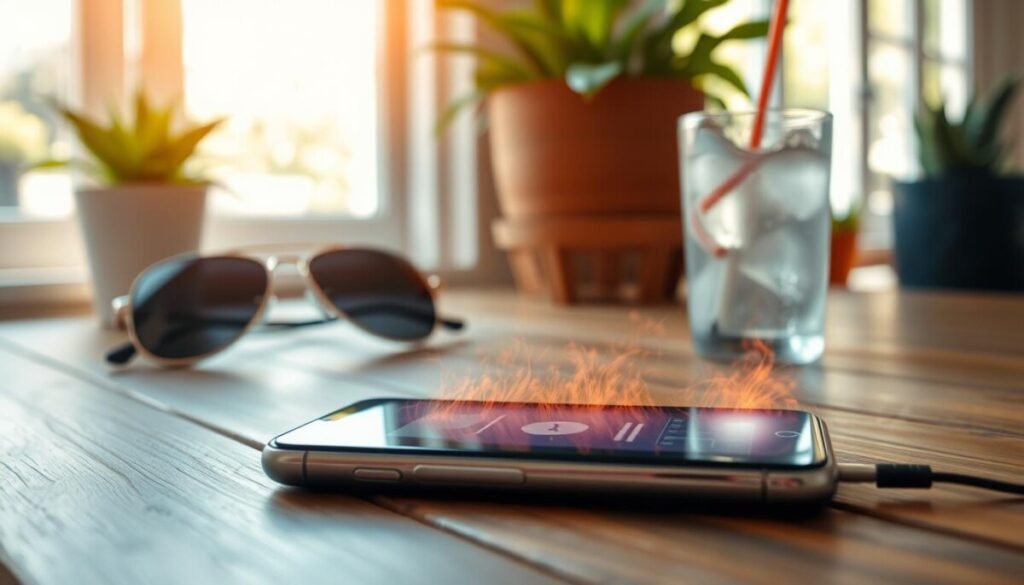
When ambient heat rises, your device’s components must work overtime.
Direct sunlight and high temperature accelerate overheating. Leaving phones in full sunlight or a hot car makes processors and batteries strain. That extra effort raises internal temperature fast and harms performance.
Background apps run without you noticing. Heavy apps, long video calls, and gaming keep processors busy and generate a lot of heat.
A protective case can trap warmth. Removing the case for short stretches helps airflow and lets your smartphone shed heat more easily.
Charging while using your device adds extra stress. Charging raises battery temperature, and combined use can push a device toward dangerous levels.
Keep gadgets in the shade and give them regular breaks. Small habits—closing background tasks, avoiding direct sunlight, and pausing heavy apps—preserve batteries and extend performance over time.
Safe Methods to Lower Device Temperature

When a gadget runs hot, brief downtime and better airflow are the safest fixes.
Remove the protective case first. A case traps heat, so take it off for a few minutes. Place the phone on a flat surface in a shaded room and let air move around it.
Use airflow and shade. Set the unit near a fan or an open window with indirect breeze. Avoid direct sunlight and never use a freezer, fridge freezer, or refrigerator — rapid temperature shifts cause condensation and water damage.
Adjust screen brightness and features. Lower screen brightness and turn on Airplane Mode or disable Bluetooth and GPS. This reduces processor load and cuts heat from background apps.
- Turn off or switch to Airplane Mode for a short time.
- Remove the case and use a fan in a cool room.
- Avoid heavy apps and pause charging until temperature drops.
Managing Battery Health and Background Processes
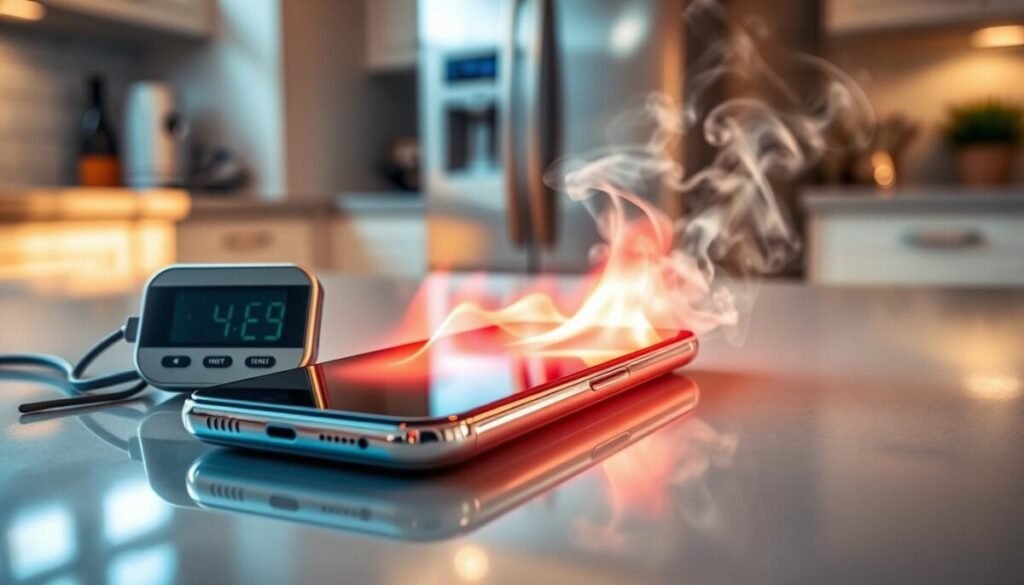
Controlling which apps run in the background can extend battery life and lower device temperature. Take quick steps that cut drain and keep performance steady during hot summer days.
Optimizing app usage
Review background apps regularly. Many services run unseen and sap battery and performance.
Try a CPU Cooler feature or a built-in battery report to spot heavy apps. When an app keeps your device hot, close or uninstall it.
Turn on Airplane Mode when you do not need connectivity for short periods. This drops radio activity and gives the battery a rest.
Keep devices spaced on your desk so they do not heat each other. Update apps often and remove those you no longer use to avoid constant background work.
- Lower screen brightness and pause charging during heat spells.
- Use a fan or shade a room for better airflow around your device.
- Check battery reports and limit background refresh for hungry apps.
Conclusion
A few simple habits can stop overheating and extend your battery’s useful life. Keep your device in shade, close heavy apps, and pause charging during high heat for best results.
Never use a fridge to try to fix this. Sudden cold brings condensation that can ruin circuits and shorten overall life.
Use proven ways and clear tips for summer care. For more guidance on how to handle overheating, see this expert guide.



