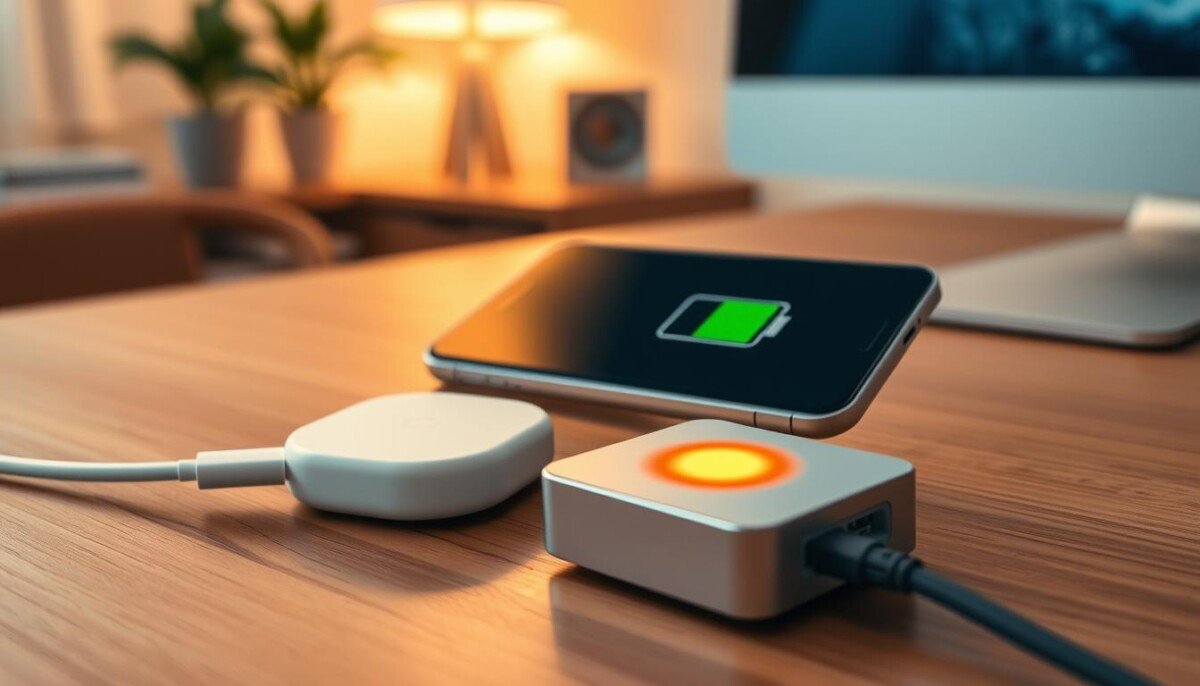
Is your wireless pad warmer than you expect and wondering if that’s normal or a sign of trouble?
Heat can be a normal part of wireless energy transfer when your phone is charging. Many users notice a bit of warmth during faster charging or when the phone and pad are tightly aligned.
Still, you should watch for signs that go beyond typical warmth. If the device feels uncomfortably warm to the touch, shows sudden battery drain, or has unexpected shutdowns, those are red flags that need attention.
Proper setup, a compatible cable and good airflow cut down on excess temperature and improve power delivery. If you suspect a real problem, stop using the unit until it cools and check for visible damage.
For more steps on how to spot overheating causes and fixes, see smartphone overheating causes and fixes.
Key Takeaways
- Some warmth during wireless charging is normal due to energy transfer.
- Feel for unusually high heat, fast battery drain, or shutdowns as warning signs.
- Good alignment, ventilation, and approved cables reduce excess temperature.
- If the pad or phone is very warm to the touch, stop using it and let it cool.
- Follow simple fixes and checks to protect battery life and device performance.
Why Your MagSafe Charger Gets Hot
Heat appears during wireless power transfer because coils exchange energy and not all of it becomes usable charging power.
The basic physics is simple. Electromagnetic fields move energy from the base coil to the phone coil. That motion creates losses that show up as heat.
The Physics of Electromagnetic Transfer
The magnetically coupled coils must align to pass power. Misalignment raises inefficiency and increases warmth.
Energy Conversion and Heat Loss
Not all input electricity turns into battery charge. Some energy is lost as stray currents and friction in components.
- Coil interaction generates heat during normal charging cycles.
- Wireless options are usually less efficient than a direct cable.
- Designs include thermal limits so the unit stays within safe ranges.
| Factor | Effect | Typical Outcome |
|---|---|---|
| Coil alignment | Efficiency change | Better alignment = less heat |
| Conversion loss | Energy → heat | Some power lost as warmth |
| Design limits | Thermal management | Prevents unsafe temperatures |
Understanding Normal Thermal Behavior

A gentle rise in surface temperature while your phone charges is a common result of energy transfer.
Normal magsafe behavior means both the pad and the phone may feel warm during a long charging session through the day. This warmth comes from the battery and coils converting power; it is not the same as dangerous overheating.
Modern chargers include thermal limits and cutoffs to protect the battery and device. Even with a protective case, most designs keep temperature inside safe ranges.
- Expect modest warmth during extended charging—this is a standard byproduct.
- Temperature rises as the battery accepts power; that does not mean imminent damage.
- Use approved cables and keep good airflow to help maintain steady charging performance.
| What to expect | Why it happens | Typical outcome |
|---|---|---|
| Surface warmth | Energy conversion loss | Safe, steady charge rate |
| Mild case warmth | Heat trapped by cover | No long-term damage when within limits |
| Short spikes | High power transfer | Automatic thermal control kicks in |
When a MagSafe Charger Gets Hot Indicates a Problem

Excessive warmth during wireless charging can be more than a nuisance—it can signal a real safety issue.
Warning Signs and Safety Thresholds
If the pad or phone becomes uncomfortable to touch, stop using the unit immediately. That level of temperature is a clear cue to disconnect power and let everything cool.
An iPhone may show a temperature warning and pause charging when the system detects overheating. Repeated stops and restarts during a session also mean the device is hitting built-in safety thresholds.
- Hot touch: uncomfortable surface temperature — stop using the device.
- Temperature warnings: iOS will halt charging to protect the battery.
- Frequent cycling: repeated pause/ resume indicates thermal control kicking in.
- Visible damage: inspect both phone and pad for physical damage before reuse.
| Sign | What it means | Action |
|---|---|---|
| Uncomfortable warmth | Possible overheating | Stop using and cool down |
| System temperature alert | iOS paused charging | Let battery recover; inspect |
| Stops and restarts | Thermal safety threshold reached | Do not continue until fixed |
Environmental Factors That Impact Charging Temperature

When the surrounding air is hot, both the pad and phone struggle to cool down while drawing power.
Charging your phone in a hot car or under direct sunlight can make the device get hot because the ambient temperature prevents effective cooling. This raises the chance of overheating and reduces safety during long charge time.
Environmental heat reduces the charger’s ability to shed heat created by power transfer. Even high-quality chargers and wireless designs have limits when the air is too warm.
- Move to a cooler spot: reduce temperature to improve charging efficiency and lower risk of damage.
- Monitor battery warmth: persistent higher battery temperature speeds chemical aging and shortens lifespan.
- Avoid enclosed hot spaces: cars, sunlit desks, and closed bags trap heat and worsen thermal build-up.
Tip: If your phone feels warmer than usual, pause charging and relocate the setup for better cooling to protect long-term battery health.
How to Optimize Your Charging Setup
Small changes to your setup can cut temperature and boost charging consistency.
Selecting Compatible Cases
Choose a slim, certified case to keep coil distance minimal. Thick or non-certified cases force the pad to work harder and raise heat.
Tip: Use a certified case to protect battery life and ensure safe power delivery.
Improving Coil Alignment
Center your phone on the charging puck every time. Better alignment lowers loss and improves performance.
Remove metal rings or loose accessories that interfere with alignment. Proper positioning is one of the easiest fixes for overheating.
Managing Background App Activity
Close heavy apps and disable background refresh while charging. The phone’s processor can add heat during wireless charging.
Lower screen brightness and switch to Airplane mode for faster charging and less temperature rise. For more on safety steps, follow the official battery safety steps.
- Use a certified case to maintain correct coil distance.
- Align the phone carefully to reduce conversion loss.
- Limit background activity to cut extra heat from the processor.
| Action | Why it helps | Outcome |
|---|---|---|
| Certified case | Keeps coils close | Lower temperature, safer charging |
| Center alignment | Improves efficiency | Less heat, better power transfer |
| Close apps | Reduces CPU load | Cooler battery, faster charge |
Comparing Wireless Efficiency to Wired Alternatives
A direct cable keeps more power headed to the battery and less lost as warmth.
Wired USB-C charging is more efficient than wireless charging. The energy follows a direct path, so the phone stays cooler during power delivery.
MagSafe charger pads trade some efficiency for the ease of alignment and drop-on convenience. That convenience often means higher conversion loss and more surface heat.
If you worry about overheating, plug in a cable. A wired setup reduces wasted energy and cuts temperature rise while charging.
- Wired connection = less energy lost during transfer.
- Wireless models sacrifice some thermal efficiency for ease of use.
- Switching to a cable helps manage device temperature and improves power delivery.
| Method | Efficiency | Typical Heat |
|---|---|---|
| USB-C wired | High | Low surface temperature |
| Magnetic wireless pad | Medium | Moderate warmth during charging |
| Standard wireless coil | Lower | Higher heat and slower delivery |
Conclusion
Minor warmth during wireless charging is normal. A normal magsafe setup may feel warm at times of the day as energy moves and the surface temperature rises. You should expect modest heat but not an uncomfortable touch.
Use certified chargers and keep good airflow to protect battery life and improve power delivery. Proper alignment and light app activity reduce extra heat and help the device charge efficiently.
If you notice severe warmth, odd behaviour, or signs of damage, stop using the unit and inspect it. Prioritize safety to avoid overheating issues and follow the simple fixes listed earlier to keep your battery healthy.



